
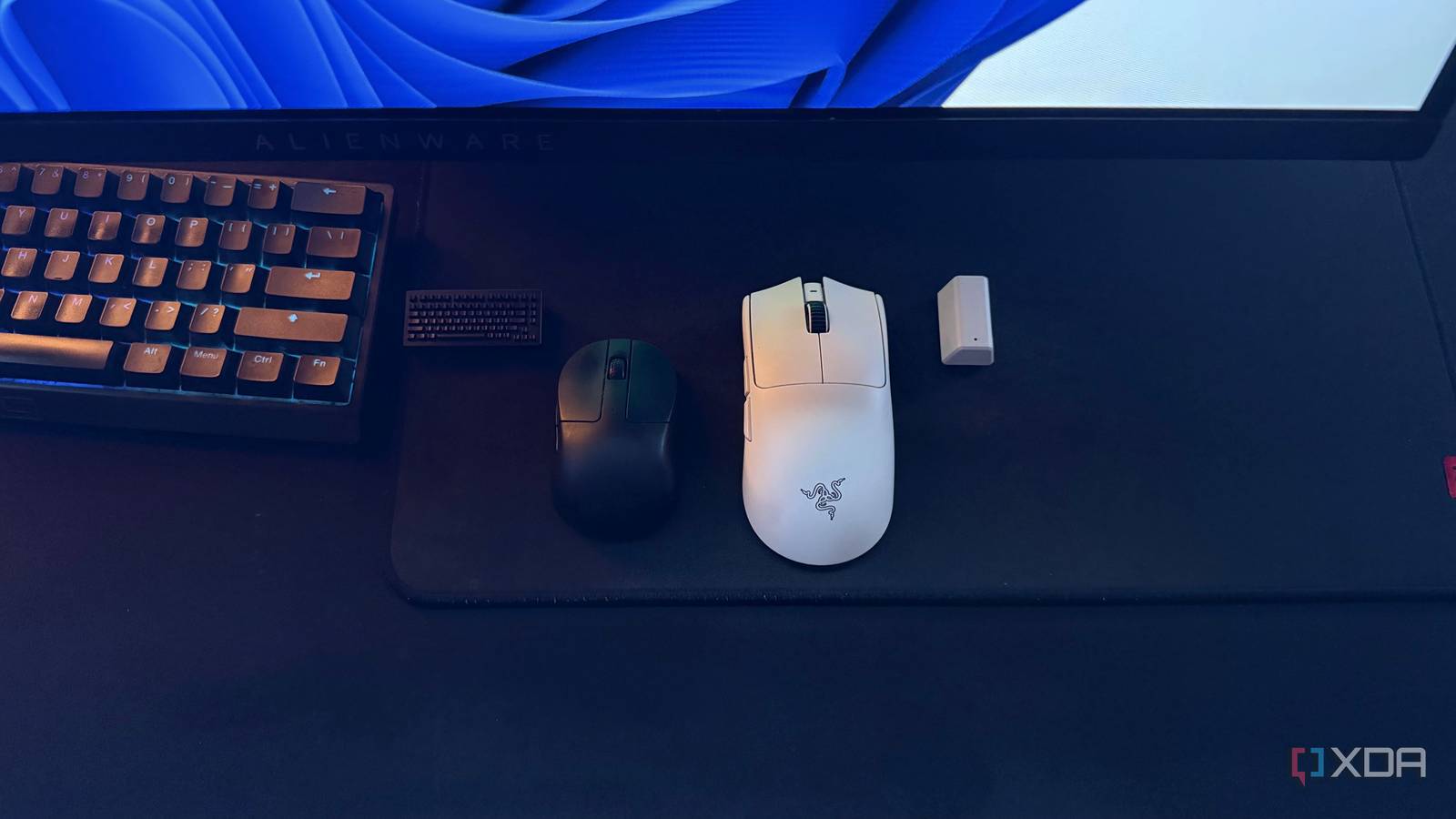
Published Sep 17, 2026, 11:00 AM EDT Hamlin has been in the tech field for over nine years. Since 2017, his work has appeared on MakeUseOf, Android Police, OSXDaily, Beebom, and more. He served as the Senior Editor at Valnet's MakeUseOf for over two years before joining XDA. He uses a high-end gaming rig for desktop use and a MacBook for traveling, but dislikes some of the quirks of macOS. You're more likely to catch him at the gym or on a flight than anywhere else. In recent years, high-polling-rate mice have become extremely common among competitive PC gamers, and that's hardly surprising considering how much aiming matters in first-person shooters. I've always been a competitive gamer myself, which is why I've never really hesitated to splurge on high-end wireless mice. I still remember getting the Razer Hyperpolling wireless dongle for an extra $30 just so I could use 4,000Hz polling with my Viper V2 Pro. Since then, I've always made sure to choose a mouse that supports at least a 4,000Hz polling rate. The Viper V3 Pro I upgraded to later could go all the way to 8,000Hz, whereas the Keychron M4, a fingertip mouse I bought specifically for Valorant, also supports up to 4,000Hz. As much as their responsiveness has helped me aim better and climb the ranks, 8K polling isn't without drawbacks, which is something I experienced firsthand back when I was using the Ryzen 9 5900X. Higher polling rates increase CPU usage That's the last thing you want when your games are already CPU-bound Standard gaming mice typically have a polling rate of 1,000Hz, which means they report their position to your PC up to 1,000 times per second, or once every 1ms. At 4kHz, that interval drops to 0.25ms, and at 8kHz, it's just 0.125ms. Now, from a latency standpoint, that sounds great because your PC is getting updated information from your mouse much more frequently. The downside, however, is that every one of those additional reports still needs to be processed by your CPU. That extra CPU overhead isn't going to make a noticeable difference in most games where your GPU is the limiting factor, but when you're pushing over 200FPS in competitive titles, there's a good chance your CPU is already the bottleneck. That's where a higher polling rate can actually work against you. I know this because I used to run a 5900X paired with an RTX 4090, and I encountered occasional FPS drops and frame-time spikes when moving my mouse at 8kHz in games like Battlefield 2042 and Overwatch 2. The latency gains diminish at higher polling rates That's why I'm now perfectly happy with 4kHz on my Keychron M4 I now mainly use my Keychron M4 for competitive shooters, while my Viper V3 Pro sits in a drawer collecting dust, and that's despite the latter supporting 8kHz. Sure, the fingertip grip is a big factor, but I also don't feel like I'm missing out on much by settling for 4kHz. It's almost like downgrading from a 480Hz monitor to a 360Hz one. The difference is there on paper, but both are already so fast that you're well into diminishing returns. The numbers make that pretty obvious. A 0.25ms interval at 4kHz is already incredibly short, since it's a 75% reduction from the 1ms interval you get at 1kHz. Doubling the polling rate again only brings that down to 0.125ms. That's a difference I simply couldn't notice even while maxing out my 360Hz OLED in Valorant. And considering 8kHz further increases CPU usage and power consumption, it's certainly not worth the trade-off. Even if I switched back to my Viper V3 Pro at some point, I'd probably leave it at 4kHz since 8kHz cuts its rated battery life by almost half. This is much less of an issue on newer CPUs If you have a newer, faster CPU like the 7800X3D or 9700X, you shouldn't have to worry nearly as much about using the 4kHz or 8kHz mode on your mouse. These CPUs are much better at gaming than the 5900X I used to have. In fact, when I upgraded to the 5800X3D later, I tried 8kHz polling again with the Viper V3 Pro for quite a bit and didn't have any problems besides battery life. As long as your CPU has headroom, the additional input processing required for a higher polling rate isn't going to noticeably impact performance. That still doesn't mean that overhead disappears, though. Even if you have something like the 9800X3D, it still has to process all those additional reports, and how much that matters depends on the game you're playing and the frame rates you're targeting. Some games do optimize how they handle higher polling rates. Valorant is a good example, since it used to have an optional Raw Input Buffer setting to improve performance with 8kHz mice, which is now permanently enabled for everyone. But you can't assume every game will handle your mouse as efficiently. Stick to 4kHz if you want to play it safe By now, you're probably concerned that you've been leaving performance on the table by running your mouse at the highest polling rate it supports. But honestly, I wouldn't overthink it if you have a fairly recent CPU and your games are already running smoothly. Still, if you don't want to take chances, dropping to 4kHz is probably the easiest compromise you can make. I'd be impressed if you can tell the difference between 4kHz and 8kHz even on a 360Hz monitor. I'll gladly take that extra battery life and lower CPU overhead for something I don't even notice.
Your expensive gaming mouse could actually be making some games run worse
Full Article
Original Source
Read the full article at Xda-developers →KhanList aggregates and links to publicly available news content. We do not host full articles from third-party sources. Always verify important information with original sources.