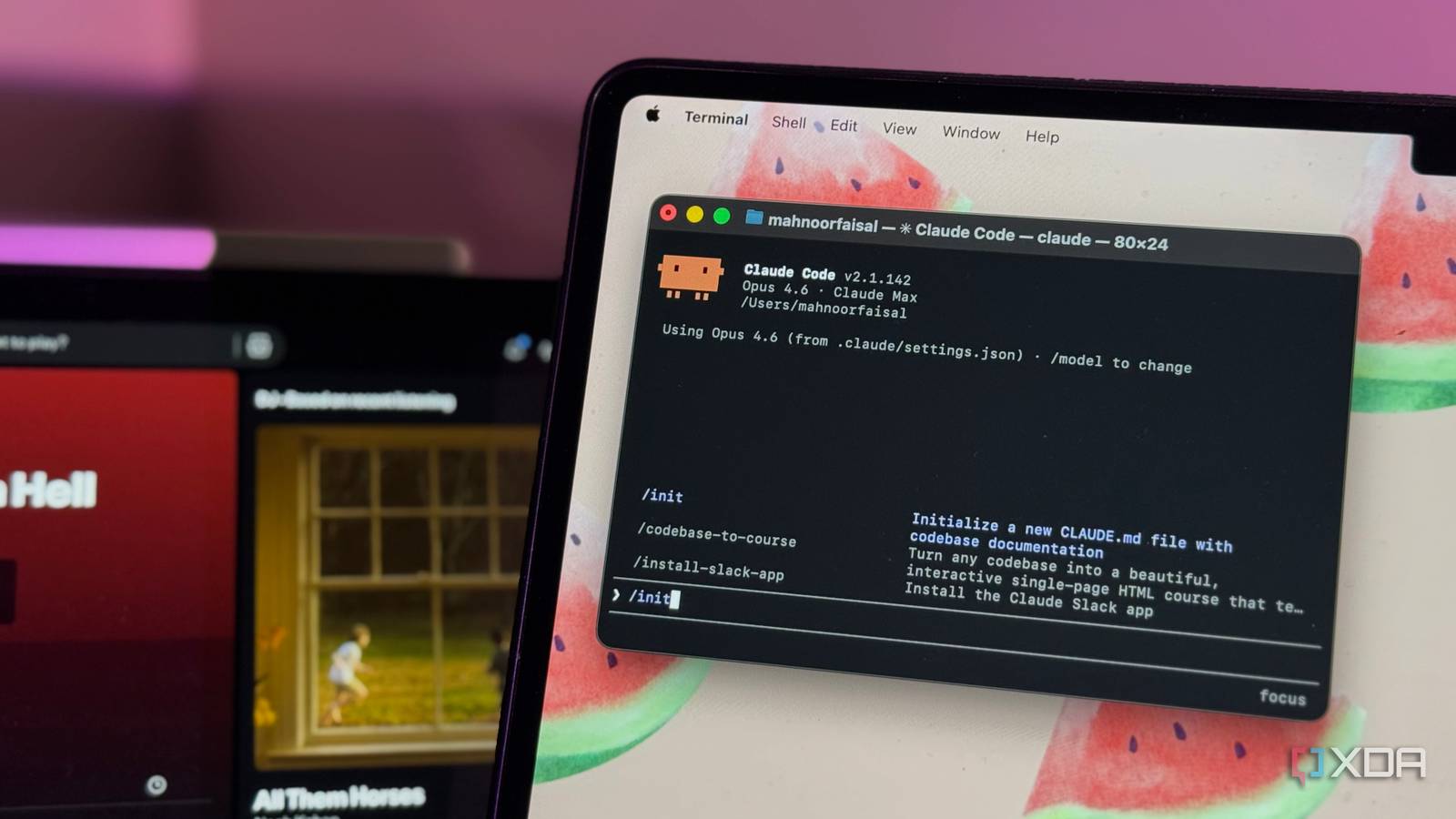
Published Jul 31, 2026, 3:36 PM EDT Mahnoor Faisal is a tech journalist covering AI and productivity tools with bylines at XDA, SlashGear, MakeUseOf, Laptop Mag, and Android Police. She's been writing professionally since she was sixteen, and has since penned hundreds of articles. This includes in-depth coverage of AI tools like NotebookLM to breaking news across the AI space. Her passion for technology started when she received her first iPod Touch (4th generation) on her 8th birthday, and she's been deep in the tech world ever since. Currently pursuing a degree in computer science, Mahnoor brings both a journalist's eye and a technical foundation to her coverage of how AI is reshaping the way we work and learn. YouTube, X, Reddit, your favorite YouTuber, and even me. It feels like everyone and their mother's got a tip, a trick, or a workflow that'll supposedly change how you use AI forever. While a lot of the tips are worth your time, just as many are noise and figuring out which is which can be a challenge in itself. And while I won't sit here and tell you that you should listen to my tips blindly (though you should, just saying), the one source you can certainly trust is the company that builds the thing itself. Claude Code's one of my go-to AI tools, and something I've written a fair bit about is setting it up the way Anthropic's engineers do. Despite all of that, turns out I was writing my CLAUDE.md file "wrong," and there's a good change you are too. A CLAUDE.md file is basically your project's memory Onboarding a teammate who never forgets Before I dive into the setup itself, let's quickly get on the same page about what a CLAUDE.md file is and what it does. As you can tell from the file extension, CLAUDE.md is a markdown configuration file that lives in your project. What's special about it is that Claude reads it at the beginning of every session, before you've typed a single thing and provides Claude with project-specific context. Whatever's within that file becomes context, Claude Code carries into the conversation from the get-go. I like to describe it as onboarding a new teammate who joins with zero knowledge of what you're working on. Without any context, they'll guess at your conventions, run the wrong test command, and put files wherever feels right. So you sit them down and explain how things work: what the project does, how it's structured, which commands to run, the style rules you actually care about. The difference is that with a human, you'd have to repeat some of that over the following weeks. With CLAUDE.md, you write it down once and every future session starts with Claude already knowing it. That's the whole point of this file. You stop re-explaining the same things at the top of every conversation. Instead of telling Claude for the hundredth time that you use pnpm and not npm, or that API handlers live in a specific folder, or that you'd like it to actually run the tests before declaring victory, you put it in the file and move on. It turns Claude Code from a generic assistant into one that's tuned to your specific project. The easiest way to start is /init Let Claude write the first draft A lot of users dive right into writing their CLAUDE.md by hand, opening an empty file and trying to document everything from memory. However, why do that when Claude Code ships with an /init command that does the tedious first pass for you? All you need to do is run the command within your project, and Claude reads through your codebase and generates a starter CLAUDE.md file from what it finds. You'll usually get build commands, test instructions, a rundown of your key directories, and whatever coding conventions it managed to detect, none of which you had to type yourself. That said, do keep in mind that the /init command simply gives you a starting point for the CLAUDE.md file. It's good at capturing the obvious, mechanical stuff it can see in your code, but it can't know the things that live in your head, like why you structure things the way you do, the library you've quietly standardized on, the mistake every new contributor makes. So treat what it hands you as a first draft, and make sure to jump in and remind it. You can also run the command on an existing file to get Claude's suggestions on what to improve. Anthropic recommends structuring your file a certain way Tips right from the team Once you've got a starting file, what you actually put in it (and how you lay it out) is what separates a CLAUDE.md that pulls its weight from one that just sits there. Anthropic breaks this down into a few things worth getting right, and I'll go through them one by one. The thing you'll get sick of fastest during your coding session is re-explaining how your project is laid out. Stuff like constantly explaining where things live, what depends on what, why a certain folder exists. So, drop a short project summary and a high-level directory tree into your CLAUDE.md and Claude gets its bearings the moment a session starts. Beyond the tree, note your main dependencies, the architectural patterns you lean on, and anything you do that isn't the obvious default! The next tip is connecting Claude to your tools. Claude picks up your environment, but it doesn't automatically know which of your scripts and utilities to reach for or how you like them used. If your team has its own tooling for deploying, testing, or generating code, spell it out. Explicitly mention tool names, how they're typically run, and when Claude should actually invoke them. The same goes for MCP servers. Claude acts as an MCP client, so if you've wired up something like a Slack server for your org, a few lines telling Claude how it's meant to be used goes a long way. For instance, you can explicitly instruct Claude to post to a specific channel and limit sending a certain number of messages. Next up, it's best to also define standard workflows and how you want Claude to work within the CLAUDE.md file. A decent default is to have Claude pause and think through a few things before touching anything: whether the task actually needs investigating first, whether it warrants a written plan, what information's still missing, and how the result will be tested. From there you can get specific and document the stuff around it too, like your testing expectations, commit message format, and any sign-off steps. Spelled out once, Claude shapes its work around your actual process instead of improvising one. Less is more with CLAUDE.md Every line has a rent to pay Remember how I mentioned that the CLAUDE.md file is something Claude reads at the beginning of every session? That's exactly what makes it powerful, but it's also the reason you can't just dump everything into it. Since the whole file gets loaded in at the start of every session, every line you add takes up a slice of Claude's context window. This means the longer your CLAUDE.md, the less room there is for everything else. So the instinct to cram everything in on day one (every command, every convention, every edge case you can think of) is one to resist. The better approach is to start small and grow the file from real friction, not imagined problems. Put in the basics like project structure, the commands you lean on, a few core conventions. Only add something when you actually hit the wall it's meant to prevent. If you find yourself typing the same correction for the third time, that's your signal to write it down. If you never run into a particular snag, it doesn't need a line. The best CLAUDE.md files earn their length instead of starting out long! If your file genuinely does get big, with all of it necessary, you don't have to keep everything in one place. You can break the content out into separate markdown files and reference them from your main CLAUDE.md, which keeps things manageable as the project grows. One last thing that belongs here, because it's about what you shouldn't put in the file at all: keep secrets out of it like API keys and credentials. Your CLAUDE.md effectively becomes part of Claude's system prompt, and more to the point, it's usually checked into git for the whole team to see! Delete it every six months Here's the tip that sounds like it undoes everything you just read, and it comes straight from Boris Cherny, the creator of Claude Code. Speaking at Y Combinator's Startup School shortly after Opus 5 shipped, his advice to people using Claude Code was to delete your CLAUDE.md, delete your skills, delete your hooks every six months or so and see what the model does without them. The logic clicks once you think about what a lot of a CLAUDE.md actually is. A good chunk of the rules you accumulate aren't timeless truths about your project; they're patches for things the model of the day got wrong. You told it to stop reaching for the wrong library, or to quit formatting a certain way, or to actually run the tests. These are all essentially corrections for weaknesses in that specific generation of the model. However, models don't really stay still. When a new one lands, a lot of those weaknesses are gone, and the rules you wrote to work around them are now just dead weight. So, instead of babysitting the same file for months, the move is to periodically wipe the slate, let the current model run with less guidance, and see what it can genuinely handle on its own now. Then you add rules back one at a time when you actually watch the model struggle with something. Whatever survives that process is the stuff that's load-bearing, and everything you didn't add back was just costing you context to no end. While a CLAUDE.md file might not seem all that important, it's one of the highest-leverage files in your entire project. That's why I always recommend spending some time upfront setting it up since you'll benefit from it in every coding session that follows.
Your CLAUDE.md is probably wrong, and here's how Anthropic's engineers actually structure theirs
Full Article
Original Source
Read the full article at Xda-developers →KhanList aggregates and links to publicly available news content. We do not host full articles from third-party sources. Always verify important information with original sources.