
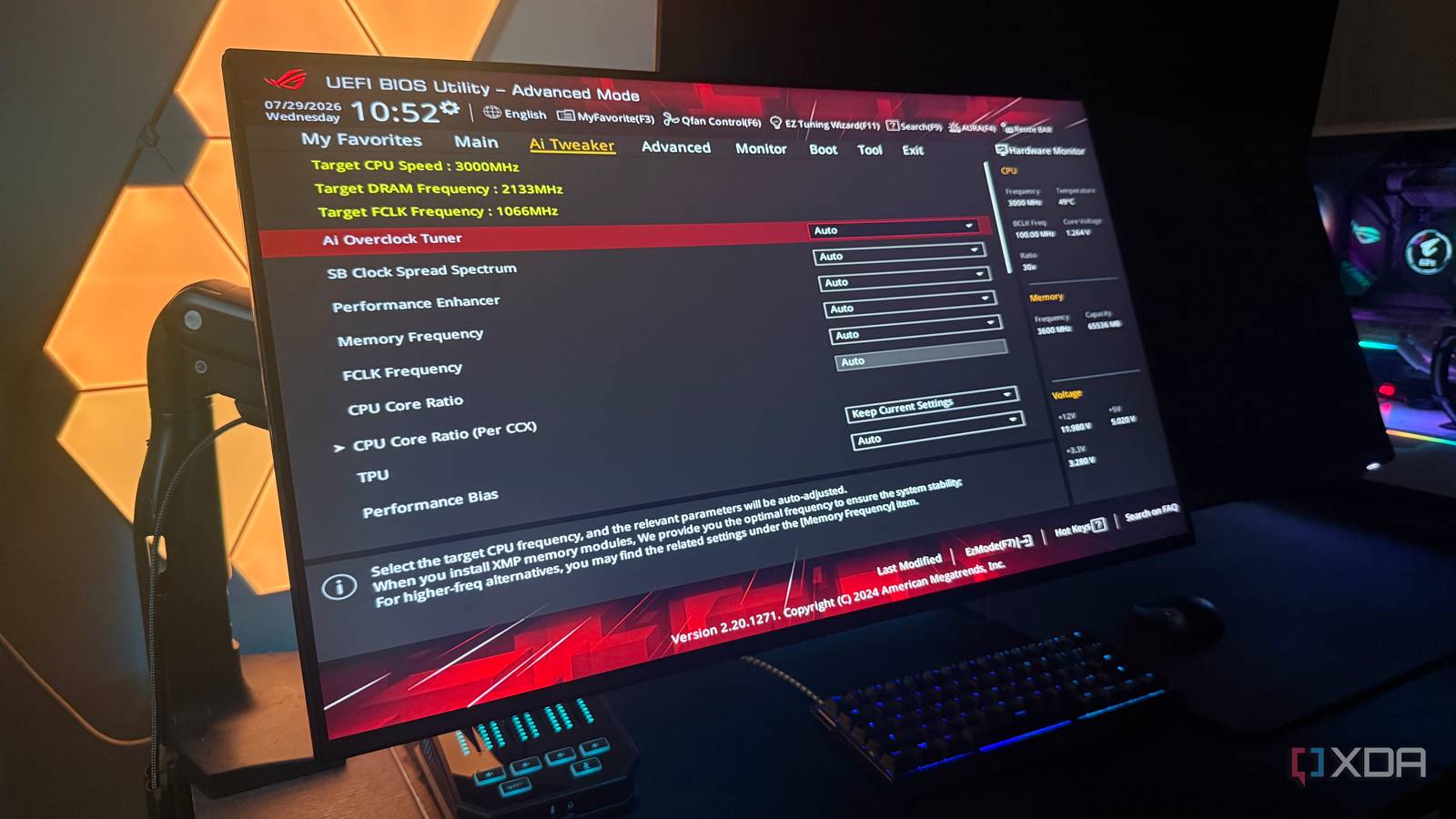
Published Aug 28, 2026, 7:00 AM EDT Hamlin has been in the tech field for over nine years. Since 2017, his work has appeared on MakeUseOf, Android Police, OSXDaily, Beebom, and more. He served as the Senior Editor at Valnet's MakeUseOf for over two years before joining XDA. He uses a high-end gaming rig for desktop use and a MacBook for traveling, but dislikes some of the quirks of macOS. You're more likely to catch him at the gym or on a flight than anywhere else. The first thing most of us do after building a PC is boot into the BIOS and change some settings before we even install Windows. We do that because motherboard manufacturers tend to play it safe with their default settings, which makes sense given how many different hardware configurations they need to support. After all, peak performance can't come at the cost of stability when those default settings serve as a decent starting point for just about everyone. Still, some settings make me wonder why they aren't enabled out of the box. No, I'm not expecting motherboard manufacturers to be aggressive with my CPU's power limits or enable settings that could raise temperatures and power consumption. But if I already paid for hardware that supports a valuable feature, especially one that most of us have been manually turning on for years, I'd rather have my motherboard enable it instead of leaving performance on the table. XMP/EXPO You probably saw this coming, and for good reason This is the most obvious one because we've been manually enabling XMP in the BIOS for as long as high-speed memory kits have been around. I mean, what's the point of splurging on a DDR5-6000 kit only for it to run at slower JEDEC speeds until you enable its XMP or EXPO profile yourself? Almost all of us know by now that you're simply leaving performance on the table by running your RAM below the speed you paid for, which is why it's usually the first setting we change in the BIOS. From a manufacturer's perspective, I do understand why this isn't the default. XMP and EXPO are still overclocking profiles, and there's no guarantee every CPU, motherboard, and memory kit will be stable with a particular profile, even though the RAM manufacturer validated the kit to run at its rated speeds. Still, at this point, there's no reason a modern motherboard shouldn't at least attempt to boot with XMP or EXPO enabled, and if it fails, it could simply fall back to the default JEDEC settings. That would make a lot more sense than making everyone manually enable a profile just to get the performance they paid a premium for. Resizable BAR and Above 4G Decoding Why wouldn't anyone want a free FPS boost in supported games? Resizable BAR is another setting I don't see any reason to leave disabled on a gaming PC, even though it can be hit or miss depending on the title. Normally, your CPU can only access your GPU's frame buffer in small chunks, but ReBAR lets it access the entire frame buffer at once. The FPS gains are usually subtle, and some titles even show performance regressions, which is why Nvidia uses driver profiles to whitelist games that benefit from ReBAR rather than enabling it across the board as AMD does with Smart Access Memory. And that whitelist is exactly why I think Resizable BAR should be enabled in the BIOS by default. If Nvidia's driver isn't going to use it in games where it could hurt performance anyway, there's almost no reason to keep it turned off and miss out on free performance in the games that do benefit. You'll need Above 4G Decoding enabled alongside ReBAR, which is why I've grouped these settings together. This setting lets your PC map your GPU's memory resources above the 4GB address-space boundary, giving ReBAR enough room to make all its VRAM accessible to the CPU. Memory Context Restore Anyone with an AM5 build would appreciate faster boot times If you have an AM5 motherboard, you've probably wondered why your PC takes so long to boot. A lot of that waiting comes down to memory training, which is essential to avoid stability issues. However, you really only need to go through that full training process when your RAM configuration changes or when the motherboard determines that retraining is necessary, such as after a BIOS update. Having your board do it every time you boot adds several seconds to startup, and that's where Memory Context Restore comes in. As the name suggests, this feature lets your motherboard reuse previously trained memory parameters. So if your PC skips the memory training on boot, that's going to significantly cut down boot times. I don't get why this feature is disabled by default. Maybe it made more sense when DDR5 was new and had issues on AM5, but now that the platform has matured, I'm sure most of you wouldn't want your PC to retrain memory from scratch every time. If you haven't enabled it yet, look for it under the memory or overclocking settings in your BIOS. BIOS defaults could use a revamp A decade ago, I wouldn't have had most of these complaints because features like Memory Context Restore and Resizable BAR weren't relevant to PC builders yet. In fact, you wouldn't even find those options in the BIOS. But PC hardware has come a long way since then, and I feel like BIOS defaults should've evolved along with it. At the very least, we shouldn't have to manually enable XMP or EXPO unless the board previously reverted to JEDEC speeds because of stability issues. I get why manufacturers would rather play it safe, but we're at a point where the BIOS should be smart enough to enable features when appropriate and fall back when things aren't working the way they should.
Your BIOS is playing it safe with 3 settings that should've been enabled years ago
Full Article
Original Source
Read the full article at Xda-developers →KhanList aggregates and links to publicly available news content. We do not host full articles from third-party sources. Always verify important information with original sources.