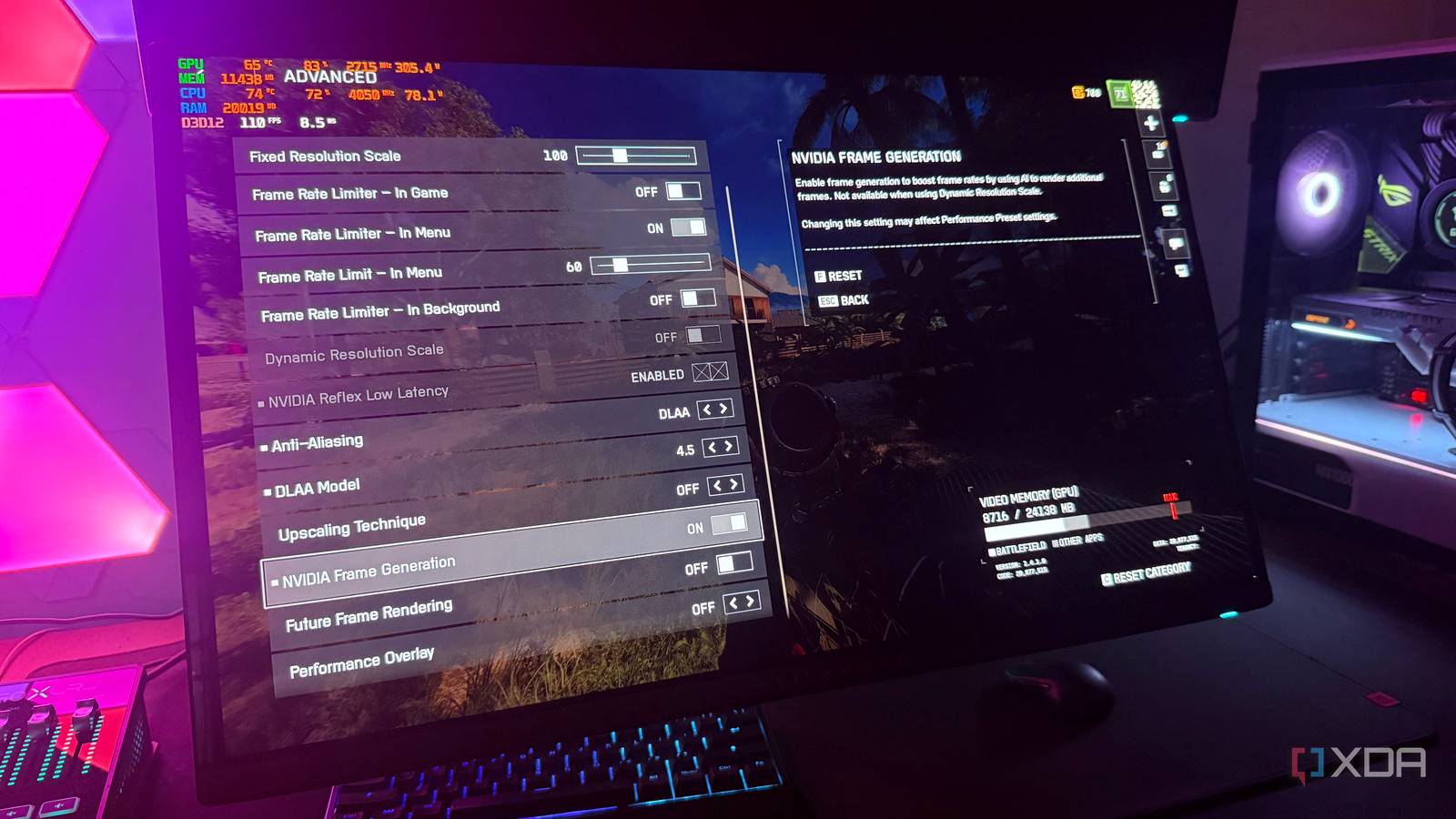
Published Aug 7, 2026, 12:00 PM EDT Hamlin has been in the tech field for over nine years. Since 2017, his work has appeared on MakeUseOf, Android Police, OSXDaily, Beebom, and more. He served as the Senior Editor at Valnet's MakeUseOf for over two years before joining XDA. He uses a high-end gaming rig for desktop use and a MacBook for traveling, but dislikes some of the quirks of macOS. You're more likely to catch him at the gym or on a flight than anywhere else. Multi Frame Generation is arguably the standout feature of the RTX 50-series GPUs. You can use it to significantly boost your frame rates in supported titles, and with Dynamic Multi Frame Generation, you can even set a 6x multiplier to see FPS numbers that would've been unthinkable at 4K. While that makes it seem like the perfect solution for demanding AAA games with ray tracing, you need to look past the FPS counter to get the whole picture. And unfortunately, that's where the feature starts to feel misleading. Now I don't have an RTX 50-series card to use MFG, but I've used standard 2x Frame Generation on my RTX 4090 long enough to learn its weaknesses. If anything, I'd say MFG only amplifies these weaknesses because it relies on even more AI-generated frames alongside traditionally rendered ones. Of course, games do look smoother, but your experience will largely depend on what your starting frame rate is. And if that's not decent, you're probably going to be disappointed, no matter what the FPS counter says. The FPS counter doesn't tell you how the game feels Responsiveness matters just as much as visual smoothness The first thing you need to understand about Frame Generation or Multi Frame Generation is that it doesn't make your game respond like it's running at the frame rate shown in the FPS counter. Even though it's reassuring to see 120FPS on your screen while monitoring using MSI Afterburner, the game's responsiveness is still mostly tied to your base frame rate. So, if you enable MFG when your frame rate is hovering around 30 to 40FPS, you'll still feel like you're playing at a lower frame rate when you move your mouse around. Your inputs will feel slightly off, especially in fast-paced titles. Those AI-generated frames only improve visual smoothness and don't improve responsiveness the way lowering your graphics settings or using DLSS upscaling would. That's why I think you're better off disabling the FPS counter for a while and focusing on how responsive the game actually feels. Ideally, you want your base frame rate to be at least 60FPS so that responsiveness isn't a dealbreaker, at least in slower single-player titles. A lower starting point gives MFG less to work with Fewer rendered frames leave more room for visual artifacts Credit: Nvidia Responsiveness isn't the only drawback of enabling this feature, even though that alone can be a dealbreaker for most gamers. Both Frame Generation and MFG can also introduce visual artifacts, and the extent of this depends on your starting frame rate. To be honest, I barely notice visual artifacts with standard 2x Frame Generation on my 4090, especially since my base FPS is usually solid. But it's a different story if you're gaming at sub-60FPS natively. When you enable MFG, there are already far more AI-generated frames than traditionally rendered ones. And if your base frame rate is low, say 30FPS, the game renders a new frame every 33.3ms instead of 16.7ms at 60FPS, leaving much larger gaps for MFG to fill. As a result, it can struggle to accurately predict what should appear between each rendered frame during fast camera movements or busy scenes, making ghosting, shimmering, and other visual artifacts much easier to spot. MFG shines when you don't use it as a crutch But I still wouldn't touch it in fast-paced shooters, let alone competitive games Credit: Digital Foundry As long as you're getting 60FPS or higher before you enable Multi Frame Generation, I do think it's genuinely worthwhile in slower single-player games where you're focusing on the story. I recently tried Frame Generation in AAA titles like Forza Horizon 6 and 007 First Light, and honestly,responsiveness was a non-issue, especially since I was playing with a controller. But that's also because responsiveness was already in a good place before I enabled the feature. At over 60FPS, I'm using it to build on decent performance, not compensate for poor frame rates. Still, I would never enable it in fast-paced shooters or competitive games because responsiveness matters more than visual smoothness in these scenarios. The extra latency it adds may not matter in story-driven games, but when you're playing competitively online, every millisecond can make a difference. And it's easy to notice when you're trying to hit flick shots or track enemies with your mouse. I'd rather switch DLSS mode to Balanced or Performance than enable MFG because that's a native FPS boost that also improves responsiveness. Even in single-player games, I make sure I max out my native frame rate first before I even bother with Frame Generation. Knowing when to use MFG matters more I don't think anybody should write off MFG without giving it a fair chance. Some of you may have tried it in the wrong kind of games or under the worst possible conditions. Now that you know when the feature works best, you can see why gamers have mixed opinions about it. For some of you, that responsiveness penalty may be hard to notice, but for others, it can be an instant turnoff. It all comes down to your expectations and whether you're treating MFG as a motion smoother rather than expecting it to fix poor performance.
Your 120FPS with Multi Frame Generation can feel worse than native 60FPS — the starting frame rate is why
Full Article
Original Source
Read the full article at Xda-developers →KhanList aggregates and links to publicly available news content. We do not host full articles from third-party sources. Always verify important information with original sources.