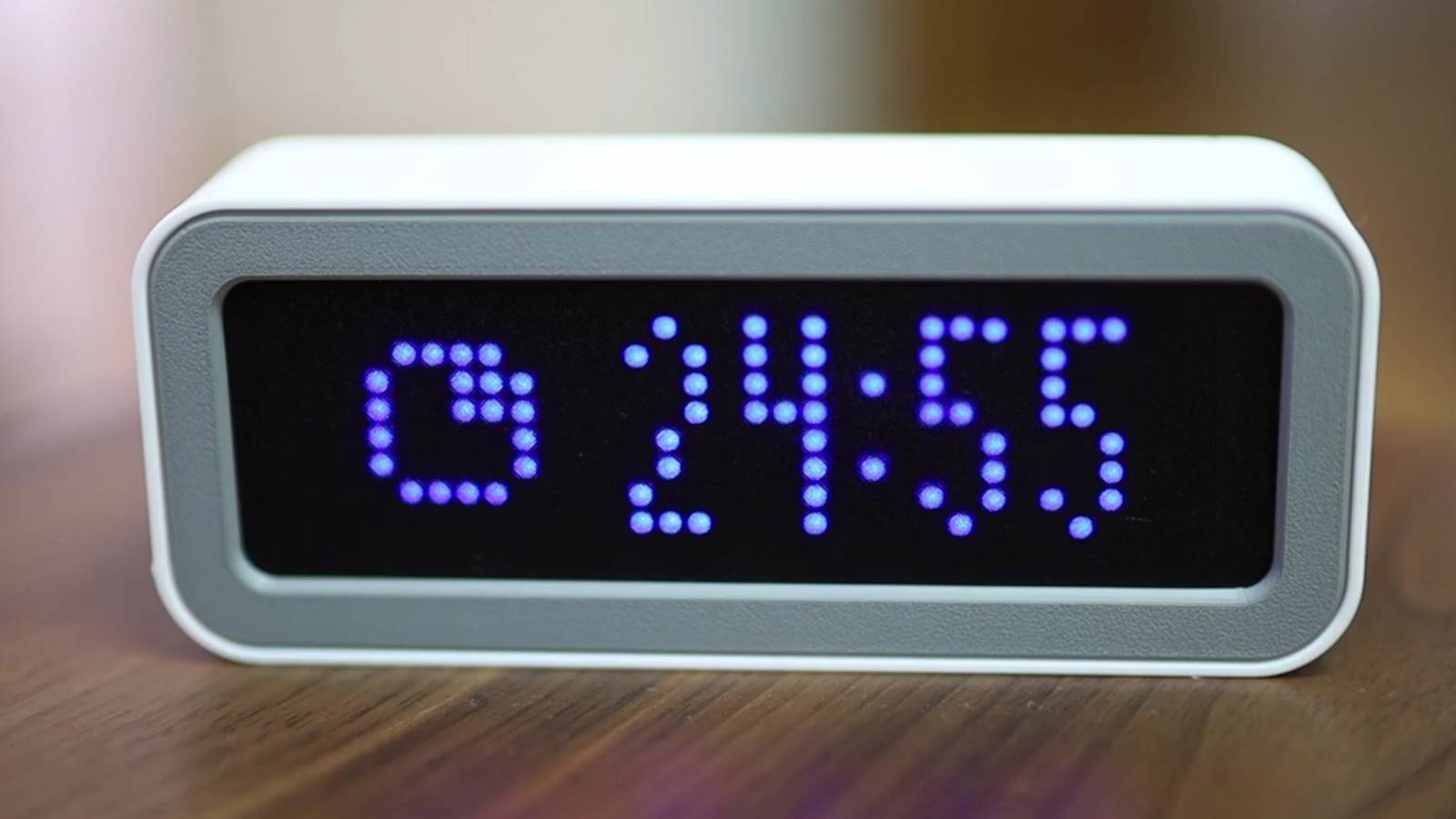
Credit: mfactory_osaka Published May 15, 2026, 8:29 PM EDT Simon is a Computer Science BSc graduate who has been writing about technology since 2014, and using Windows machines since 3.1. After working for an indie game studio and acting as the family's go-to technician for all computer issues, he found his passion for writing and decided to use his skill set to write about all things tech. Since beginning his writing career, he has written for many different publications such as WorldStart, Listverse, and MakeTechEasier. However, after finding his home at MakeUseOf in February 2019, he would eventually move on to its sister site, XDA, to bring the latest and greatest in Windows, Linux, and DIY electronics. Sign in to your XDA account Summary ESPTimeCast is an easy-to-set-up ESP32 clock, featuring a board, LED screen, web installer, and 3D-printable case. New update adds stopwatch and Pomodoro timer, configurable via web UI or Chrome extension. Flash ESPTimeCast in under a minute; full build files and docs are on the project website. Covering really big, ambitious ESP32 projects is always a ton of fun, but we also need to take some time to check out the little things, too. After all, some people may not want to learn how an ESP32 works by creating a full-blown map of their local subway or building a life-size arcade cabinet; some people want something easy and practical. And what better way to get started with a clock? Well, one of the easiest ESP32 clocks to set up just received a new update. It can now act as a stopwatch and a Pomodoro timer, and the best part is that getting the code set up takes under a minute. Related The ESPTimeCast can now act as your Pomodoro timer A nice little productivity booster Over on the ESP32 subreddit, user mfactory_osaka announced the newest version of their project, ESPTimeCast. If this is the first you've heard of it, it's an ESP32-powered clock designed to be as easy to set up as possible. All you need is the board, an LED screen, and a shell to hold them all in (including a 3D-printable one listed on the website). Then, plug it into your PC, use the web installer to flash ESPTimeCast onto your board, and you're ready to go. The new update to ESPTimeCast adds a timer and Pomodoro feature. If you've never heard of it, the Pomodoro Technique is when you work for 25 minutes, then rest for five. The ESPTimeCast version lets you tweak the values to your liking using the web UI or a Chrome extension. If you'd like to see how the ESPTimeCast is made and perhaps build your own, head over to the official website for all of the details. Related 6 projects you can complete in a weekend with the $5 ESP32 The ESP32 is affordable and powerful, and there's a lot you can do with one.
You, too, can make this easy ESP32 clock with Pomodoro timers
Full Article
Original Source
Read the full article at Xda-developers →KhanList aggregates and links to publicly available news content. We do not host full articles from third-party sources. Always verify important information with original sources.