
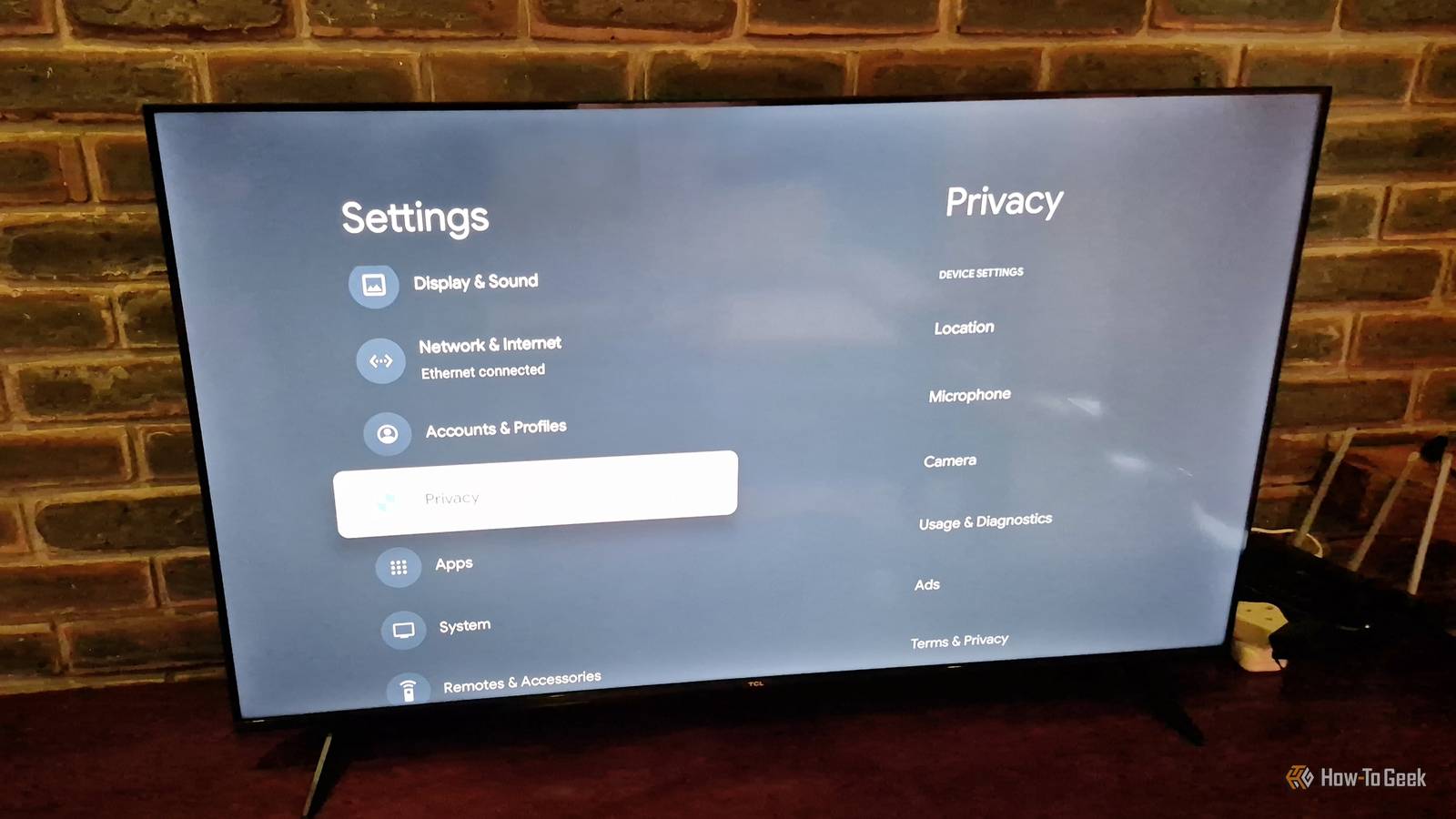
Published Nov 19, 2026, 11:00 AM EST Tyler is an journalist and content contributor at How-To Geek with over three years of experience covering the automotive and tech industries. His work focuses on delivering clear, well-researched, and engaging content that helps readers better understand the vehicles they drive and the technology that they use everyday. Before entering automotive media, he spent five years as an academic editor, developing a strong foundation in research methodology, factual accuracy, and structured analysis. This background informs his journalistic approach today, ensuring that every article balances technical insight with accessibility for a broad audience. It's not really a secret anymore that your smart TV is collecting quite a lot of your personal data. Everything from your streaming habits to your use of voice assistants is logged and sent back to the manufacturer. It's all done to provide you with a more personalized experience, including content suggestions and targeted advertisements, but for a lot of people, that is a pretty heavy price to pay. Thankfully, there is quite a lot you can do to take back control of your data. While some manufacturers make the process a little tricky, you can disable a lot of the tracking that goes on in the background. You can also make sure that your TV's hardware (microphones and cameras) isn't being used maliciously. If you're really fed up, there is also a way to completely disconnect your smart TV and turn it into an offline display. Turn off Active Content Recognition (ACR) Blatantly spying One of the most egregious ways that your smart TV is spying on you is through a "feature" called Active Content Recognition (ACR). It is a piece of tracking technology that, essentially, captures audio samples and screenshots of whatever is on your screen every couple of seconds. This data is sent to your TV's manufacturer and used to track your viewing habits. It captures content you watch through built-in apps, live TV, and any HDMI devices hooked up to your TV. They use this data to build behavioral profiles, which are primarily used for severe targeted advertising. The problem is that different manufacturers use different names for ACR, and the process for turning it off varies depending on what TV you have. Look up how to disable ACR for your TV's manufacturer, and you should get some pretty straightforward instructions, though. Disable personalized advertising Is it really that useful anyway? Honestly, personalized ads have never been something I've found useful. Often, it latches on to really random aspects of my online activity for targeted advertisements, resulting in ads that are less relevant to me. On top of this, I feel like I'm being turned into a commodity to be sold to advertising companies, which leaves a bad taste in my mouth. I turn personalized ads off on just about everything, including my smart TV. Again, finding the option to turn off personalized advertising is a different process depending on who manufactures your TV. Something really useful here is the Network Advertising Initiative. They are a nonprofit focused on making data collection more responsible. They have an extensive list showing how you can access and control your advertising ID on a number of major smart TV platforms. Don't let voice assistants run wild if you don't use them There are concerns your TV is always listening Some smart TV manufacturers have found themselves in hot water, with accusations that they are collecting ambient audio. The accusation goes as far as to claim that your TV could even be listening while in standby mode. The justification for microphones that always listen is that they need to listen for wake words, which are prompts that bring up voice assistants. If it's concerning to you, or you just don't really use voice assistants, you might want to stop your TV from utilizing its microphone at all. There are a couple of things you can do to secure your privacy here. If you don't use voice assistants often, you can pretty easily disable them entirely. You'll also want to disable any voice recognition services. Some TVs also have physical toggles for microphones, meaning that you can also keep them permanently muted. Turn your TV into an offline "dumb TV" The nuclear option While the above tips will definitely limit how much of your information is collected by your smart TV's manufacturer, there will still be some ambient tracking going on as long as your TV is connected to the internet. The absolute best way to stop it is to completely disconnect your smart TV from the internet. Many modern options come with a Basic TV mode that can be selected during setup, which essentially turns it into a standard display. Obviously, this limits your ability to stream content, which is a problem. A solution to this is to use a streaming box or stick. While these also come with some form of tracking, at least they're not collecting information on everything connected to your TV. A particularly good choice here is an Apple TV box, with it being much more privacy focused than a lot of other popular options. Data collection has become the norm Unfortunately, it has become quite normal and very widely accepted that just about every device we have is collecting information about us and our online behavior to sell to advertisers. Many people, however, are waking up to just how intrusive these practices have become and are looking for ways to limit how much information is sent to big companies. Smart TVs are some of the worst culprits. In this context, it has never been more important to take control of your online privacy.
Yes, your smart TV is spying on you. Here's 4 things you can do about it
Full Article
Original Source
Read the full article at Howtogeek →KhanList aggregates and links to publicly available news content. We do not host full articles from third-party sources. Always verify important information with original sources.