
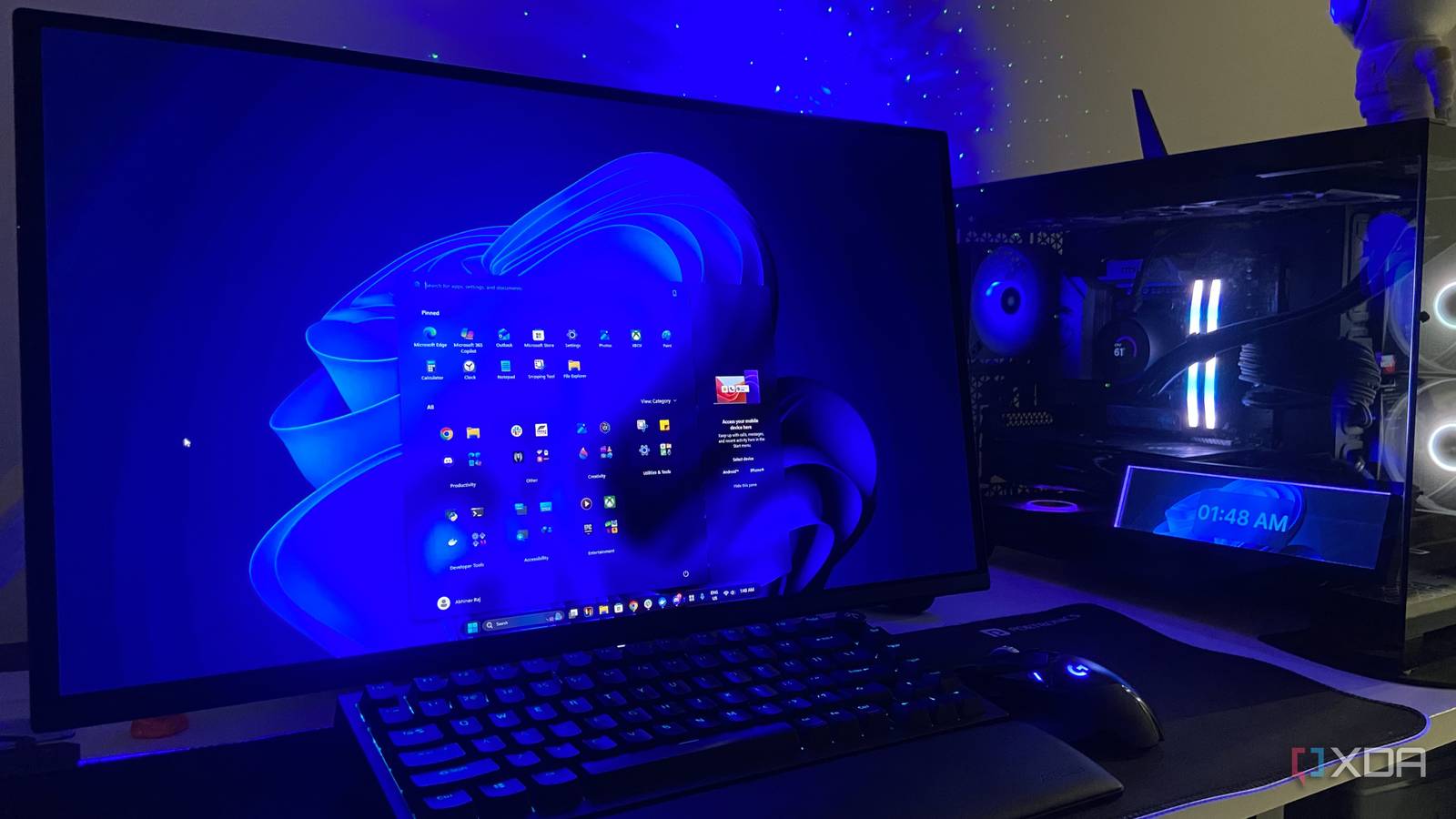
Published Aug 27, 2026, 1:30 PM EDT Abhinav pivoted from a career in banking to pursue his first love in writing. Even while working full-time, he continued contributing as an editor-at-large, a role he has held for more than 7 years. A lifelong tech enthusiast who has built three gaming and productivity powerhouse PCs since 2018, his passion for technology keeps him closely following the semiconductor industry, from NVIDIA and AMD to ARM. His MSc dissertation explored how artificial intelligence will reshape the future of work, reflecting his curiosity about the wider social impact of emerging technologies. Windows 11's native Search isn't great, but you're probably not hearing that for the first time. The complaints around the feature are years old, and the workarounds are dime a dozen. In their latest Release Preview Build, however, it appears that there was finally an attempt from Microsoft to fix a critical annoyance with the native search feature. Search has got a genuine overhaul this year, and at least some parts of it are important (and well overdue). Build 26100.9267 now allows the OS to index the folders a user is most likely to use, instead of relying on the user to manually specify the location for indexing. The update, however, still leaves crucial problems with the functionality largely unaddressed. Microsoft shipped one of the biggest fixes to Search And yet, ended up solving the wrong problem To Microsoft's credit, all the updates shipped thus far in 2026 haven't been purely cosmetic. The June Patch Tuesday update dropped the three-character threshold for triggering Search, so the feature now starts returning results after just two keystrokes. Search is also more forgiving towards typographical errors, dropped letters and partial words for apps, and in my own experiment, keying in "dscrd" still returned Discord as a result without referring to Bing. A new toggle also lets the user decide whether web or store suggestions appear at all. Some of the bigger fixes, however, are still in the pipeline. In the latest Release Preview Build, Windows will learn which folders you actually work in and index them automatically, ascertaining that they appear in searches that come after. It's probably one feature that users will find most useful when it eventually rolls out. That being said, there still remains a crucial aspect where Microsoft has missed the mark, yet again. In an August 2 report, Windows Latest walked through the new auto-indexing setting, but the feature only decides which folders the index covers. It does nothing about the files the index cannot see even inside a folder it is already watching, and that means one of the most persistent issues with Search still stands. The index never made it to the list of fixes You either get too little or too much, and nothing in between From what has been seen so far in the Windows discourse, every fix has so far gone into the query box, and the underlying index that was in need for an overhaul remains mostly as it is. Currently, and also in the Release Preview Build, there are two options to choose from when it comes to Search indexing, which includes Classic and Enhanced modes. Classic indexing covers only a small set of locations, which, by default, include Pictures, Desktop, Documents, and other installed applications. The alternative to this is the Enhanced Mode, which indexes every single partition on the machine, including system files and folders that the average user almost never needs. Additionally, Windows itself states that running this mode may affect battery life and CPU consumption. While fine for desktops, it's unclear what the prolonged impact of running this mode on laptop and other mobile devices would look like coupled with background search indexing processes. There also appears to be no middle ground between the two options, in that, either one indexes too little and adds folders to exclude manually, one at a time, or they index everything and pay for the coverage they never asked for in their results. The most effective solution is to not use Windows Search at all Especially when this alternative exists Evidently, the cleanest fix for a broken index is to stop relying on one, and that has been the community's go-to solution for a long while now. Everything, from voidtools, is a widely preferred alternative because it solves most of the persistent problems associated with Windows Search. It reads straight from the NTFS Master File Table, and builds its own list from that. As the name suggests, it indexes near about everything on the drive and makes it discoverable instantaneously. The problem that it solves is the issue of having to choose from two different search modes. Within the app, there is no default set of folders to fall outside. A file you never added to the Windows index still turns up, but so does the second drive that Search ignores until you go digging through Indexing Options. Although it's lightweight and powerful, many users find Everything's bare interface a little lackluster. In that case, Flow Launcher can sit on top of Everything's engine and provide a tidier, Spotlight-style UI without giving up on the powerful backend. What's worth keeping in mind while choosing an alternative, though, is that some alternatives (such as Command Palette) inherit the same index that powers Windows Search. Windows Search gets better, but not usable Credit where credit's due, Microsoft did a decent job making Search faster, smarter, less bloated and a lot less frustrating by providing some more user control over the results. That being said, until the indexing system gets a real middle ground, the core experience remains compromised, and that's enough incentive for me to continue using the third-party alternative that I've been using. For now, Everything is better than Windows Search. I've cracked that joke a lot of times before, and it's a pun that will continue to stick around until Microsoft overhauls the feature.
Windows Search still can’t find half my files, because Microsoft fixed the wrong part
Full Article
Original Source
Read the full article at Xda-developers →KhanList aggregates and links to publicly available news content. We do not host full articles from third-party sources. Always verify important information with original sources.