
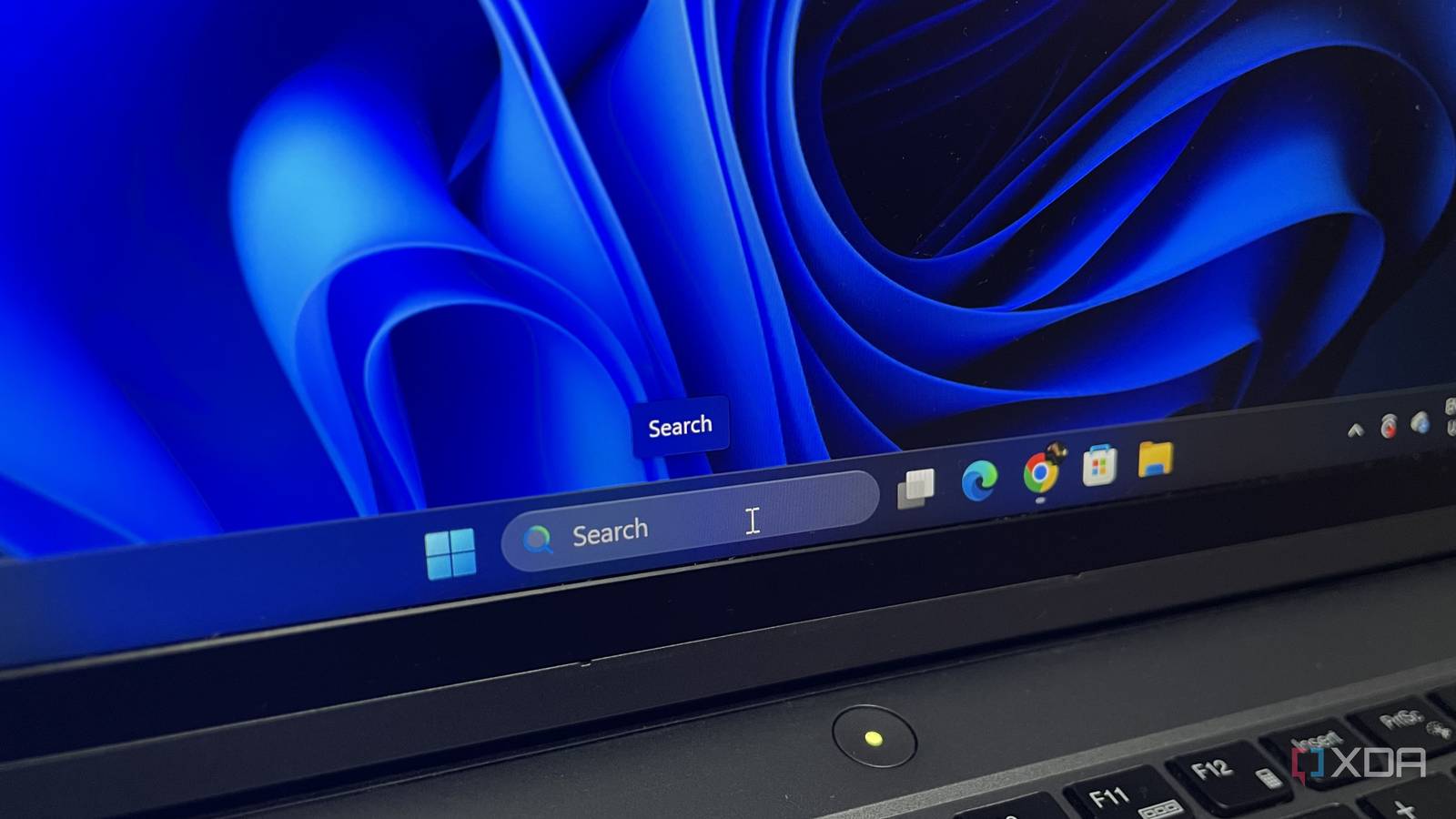
Published Nov 3, 2026, 1:30 PM EST Abhinav pivoted from a career in banking to pursue his first love in writing. Even while working full-time, he continued contributing as an editor-at-large, a role he has held for more than 7 years. A lifelong tech enthusiast who has built three gaming and productivity powerhouse PCs since 2018, his passion for technology keeps him closely following the semiconductor industry, from NVIDIA and AMD to ARM. His MSc dissertation explored how artificial intelligence will reshape the future of work, reflecting his curiosity about the wider social impact of emerging technologies. No one looks at Windows Search and thinks that it would be a great search engine. I'd even go so far to say that most people on Windows 11 don't think of it as one at all, because, after all, it's a box where you expect to type the name of a folder, app, or image you've been looking for and be able to open it right away. And yet, for the longest time, Windows Search had a notorious tendency to pass whatever you typed in to Bing and offer to search the web for a file you already had on your C: drive. In late August, however, Microsoft finally started rolling out a toggle that turns off this pointless quirk for good. I tested it with Sysinternals TCPView after flipping it, and I can finally rest assured knowing that all my searches pull results from my own PC instead of Bing as they're supposed to. Windows Search phoned Microsoft every time I typed something My own files came second, and that's not a great experience I've recently updated to Windows 11 26H2, and I've spoken about how the enablement package has unlocked the right settings and toggles for users. When a toggle to finally turn off web results showed up in Settings, I wanted to know whether it fully stopped Search from talking to Bing or just hid the results. So, to test it, before flipping the switch, I opened Sysinternals TCPView beside the search panel and used a short PowerShell script to tie the WebView2 process drawing the results to SearchHost, which is the process behind Search. As I had expected, fresh connections appeared under that process instantaneously while I was still typing, almost all to Microsoft-owned addresses, including one to the same server range that serves Bing's website on my network. I ran a few keywords that led me to a web search as the best match, with some results offering five more web suggestions, an AI Overview card, and a button to open it all in Edge. That was enough to establish that every one of those results had to travel to Microsoft and back before Search could show it. How I finally turned web search off on Windows Search To their credit, Microsoft has made it really easy to do it Amongst the various deficiencies of Windows Search, the one I would argue hurts the user experience the most is being redirected to a search engine when I search for a file that's already on my drive. It's one of the most frequently cited reasons as to why users moved to third-party alternatives on the OS. As such, I'd say that this "fix" from Microsoft was amongst the most awaited ones, and it is indeed fortunate that it makes it so easy to toggle. The first thing I had to do was to go into Settings and from there, Privacy & Security to access the settings surrounding Search. From there, I had to click Search which took me to a page listing my indexing status, and just below it, a section called "Show suggested search results." Expanding it revealed two toggles, one for Web searches and one for Microsoft Store. I turned off Web searches although, it's nice to see an option that keeps the Microsoft Store suggestions out of my results as well. If you're trying to go through these steps and don't see the option to do so, the first thing to do is to check and update your OS to the latest version. The feature is a part of 26H2, which is now available to every eligible PC running 24H2 or 25H2. Microsoft is rolling it out in stages, though, so there's a chance that even an up-to-date PC might be missing it at the moment. It took one toggle to shut up Bing for good "No results found" never looked better in a search result I ran the same test again with the Web search off with TCPView open beside the search panel. Refreshingly enough, typing didn't spawn a new connection under the Search process. A later run did show a few new connections, though, so the toggle keeps Bing out of your search results rather than taking Search fully offline. Additionally, I also ran a few other search items, including those matching file names on my system and those that had no corresponding file names. Those without corresponding file names returned a rather satisfactory "No results found" (which, I must admit, I'd seen for the first time on Windows Search). Also worth noting that even the Web tab disappeared from the filters at the top. Search is finally becoming what it should've been from day one It only took Microsoft a decade to fix it, but Windows Search feels like it's finally doing what it's intended to do, which is, to search my local files on my PC without offering a detour to the Edge web browser. The fix to this problem has arrived as a singular toggle which will take a few seconds to enable, but my user experience on Windows 11 will benefit from it for as long as I stick to the platform. For those who have been sticking to third-party alternatives for searching for files on the OS, this one feature might make it worth coming back to the native search.
Windows has been sending every Start menu search to Bing for over a decade, and one new toggle fixes it
Full Article
Original Source
Read the full article at Xda-developers →KhanList aggregates and links to publicly available news content. We do not host full articles from third-party sources. Always verify important information with original sources.