
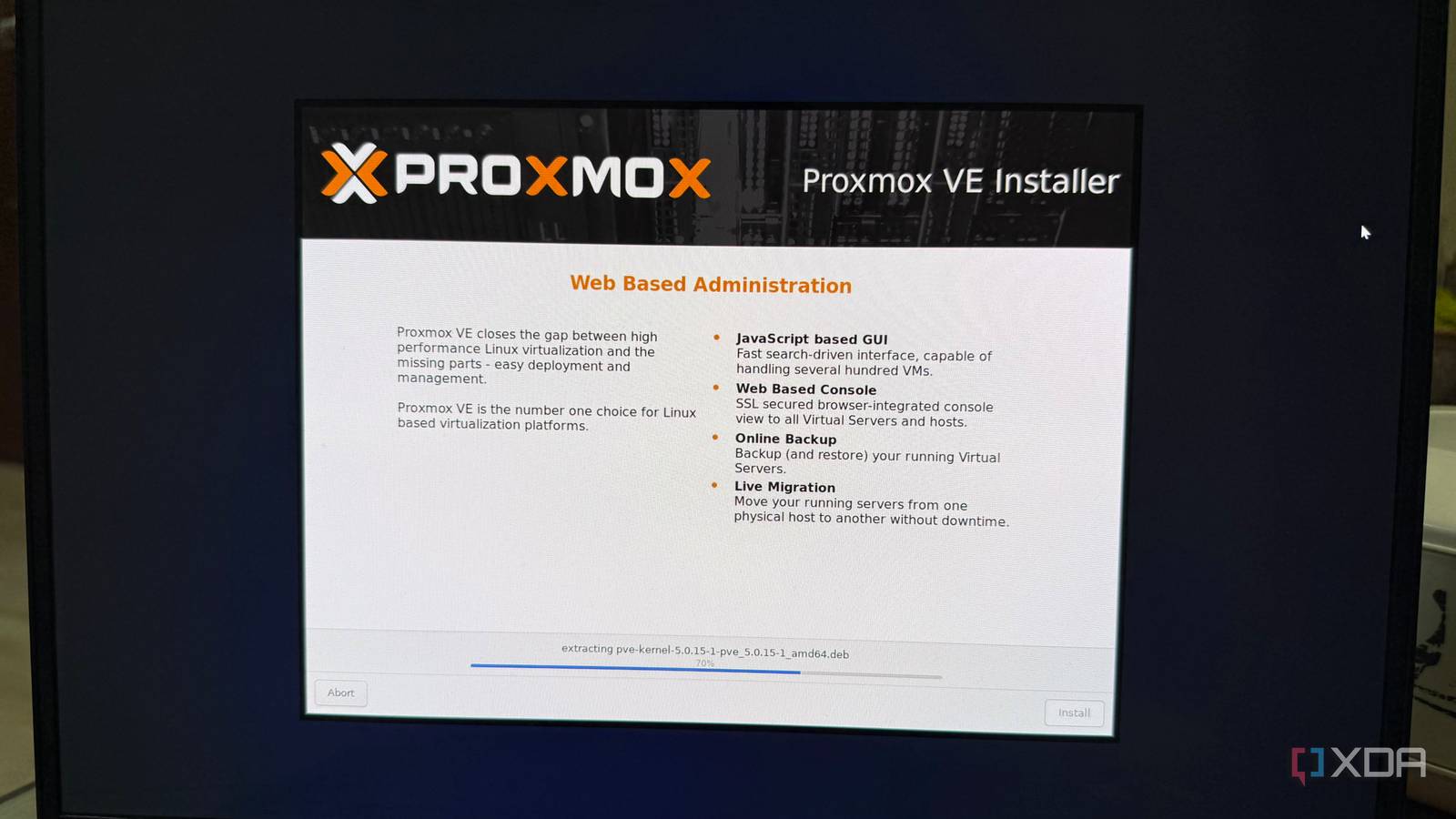
Published Sep 8, 2026, 5:00 PM EDT Beginning his professional journey in the tech industry in 2018, Yash spent over three years as a Software Engineer. After that, he shifted his focus to empowering readers through informative and engaging content on his tech blog – DiGiTAL BiRYANi. He has also published tech articles for MakeTechEasier. He loves to explore new tech gadgets and platforms. When he is not writing, you’ll find him exploring food. He is known as Digital Chef Yash among his readers because of his love for Technology and Food. An old PC can feel useless long before its hardware actually becomes useless. I had one sitting around that I rarely touched. It wasn't that fast anymore, and I wouldn't have trusted it with demanding tasks, but throwing it away felt wasteful. As an extra Windows desktop, I simply didn't have much reason to use it. I would turn it on occasionally, browse the web, open a few files, and then leave it sitting there again. Most of the time, it was doing absolutely nothing. I also didn't want to spend money upgrading an aging machine just to make Windows feel a little better. At the same time, I knew the PC wasn't completely useless. There was still some hardware there that could be put to work. Instead of trying to turn it back into a better desktop, I started looking for a different purpose for it. That's when I came across Proxmox and decided to see what it could do. Proxmox completely changed how I used the PC The old PC got a fresh purpose Proxmox is an open-source platform for running and managing virtual machines and containers on a single computer. In simple terms, it lets you turn a spare PC into a machine that can host different systems and services instead of using it as a regular desktop. I was used to Windows, so installing something completely different felt a little strange at first. But once I got through the initial setup, I found Proxmox easier to work with than I expected. It doesn't give you the usual desktop environment. Instead, you manage most of it through a web interface. That was one of the things I liked most. I could access Proxmox from my main computer, check the PC's status, manage storage, and handle the systems running on it without connecting a monitor and keyboard every time. This also meant I could put the old PC somewhere out of the way and leave it running. I didn't need to interact with it like a normal computer anymore. It could simply sit there and do its job. For me, that was the first major change. I wasn't trying to make the old PC behave like a newer Windows machine. I was using Proxmox to give the hardware a completely different role. Containers are where an old PC gets really interesting Made experimenting much less risky The part I found most useful was being able to run lightweight containers. I didn't need to dedicate a whole virtual machine to every small service I wanted to try. Instead, I could set up a container for a specific app and let it use only the resources it needed. This worked especially well on my older hardware. I could run several small services without constantly worrying about them eating up all the available memory or slowing everything else down. It also kept things nicely separated. If I wanted to remove one service, I could do that without messing with the others. What I liked most was how easy this made trying new things. I could create a container, install something, use it for a while, and remove it if I didn't find it useful. I wasn't committing the entire PC to every idea I had. It is not perfect, though! Proxmox can't fix everything Of course, moving to Proxmox didn't magically make every problem with my old PC disappear. The first thing I had to accept was that older hardware still has limits. If the processor is too weak or the machine doesn't have enough RAM, Proxmox can only do so much. Storage was another thing I had to think about. An old hard drive can become a noticeable weak point, especially if the machine is doing a lot of reading and writing. I also had to pay attention to the PC's power usage. Leaving an older desktop running all day can use more electricity than a newer, more efficient machine. There was also a learning curve. Proxmox isn't as familiar as Windows, and some things took me a little time to understand. Networking, storage, and other settings can feel confusing if you're completely new to this kind of setup. Proxmox made me stop thinking of my old PC as an old PC I used to look at my old PC and see hardware that was slowly becoming irrelevant. After switching to Proxmox, I started seeing it differently. It didn't suddenly become a powerful new machine, but it became far more useful to me. Instead of sitting around waiting for the occasional task, it now has a reason to stay powered on. That made me realize that replacing old hardware isn't always the only answer. Sometimes, the better upgrade is simply changing what you expect the machine to do. If you have an old PC gathering dust, Proxmox might be enough to give it a second life.
Windows has been quietly wasting your old PC's potential, and Proxmox is the upgrade it deserves
Full Article
Original Source
Read the full article at Xda-developers →KhanList aggregates and links to publicly available news content. We do not host full articles from third-party sources. Always verify important information with original sources.