
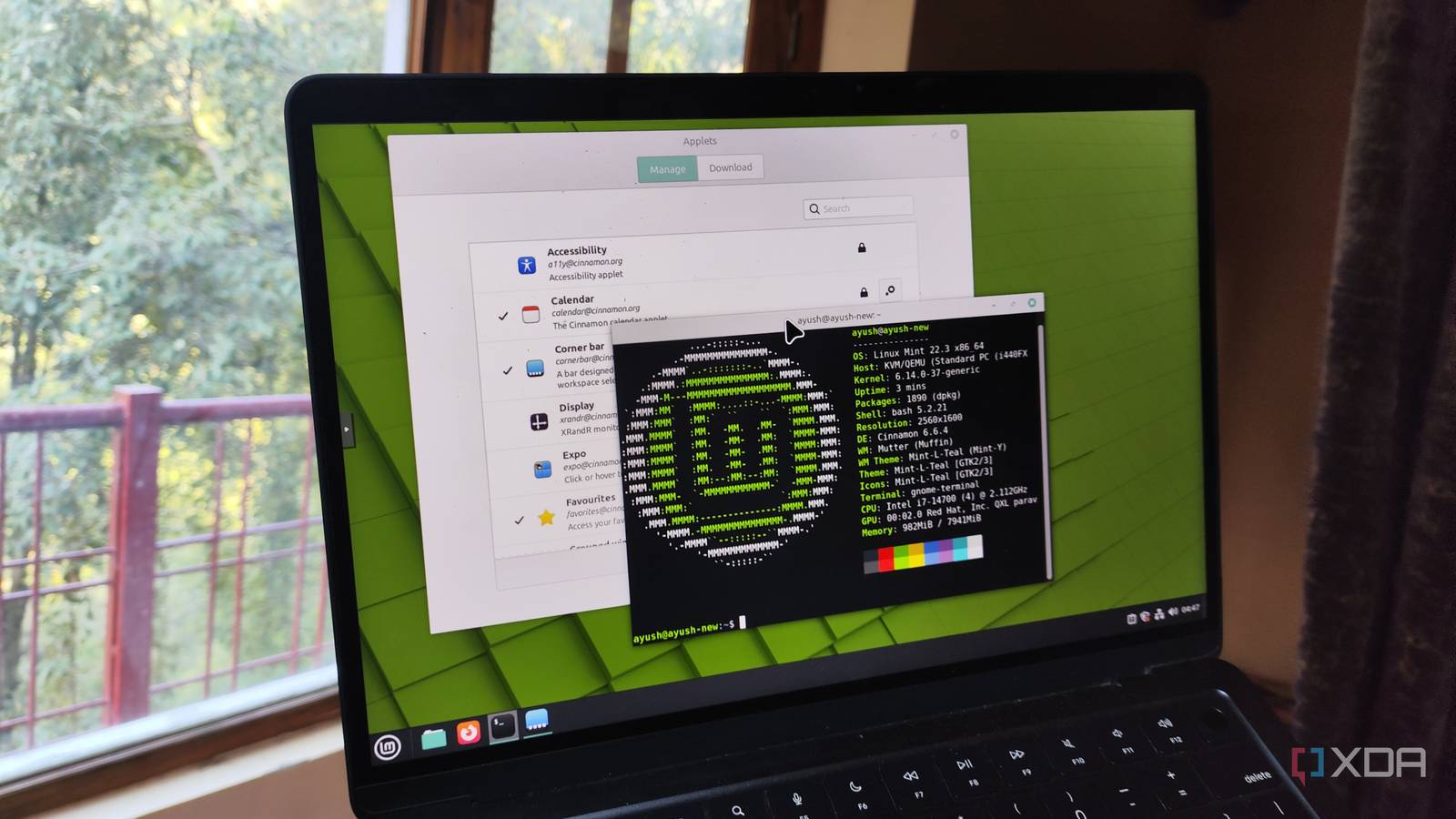
Published Sep 30, 2026, 9:00 AM EDT Simon is a Computer Science BSc graduate who has been writing about technology since 2014, and using Windows machines since 3.1. After working for an indie game studio and acting as the family's go-to technician for all computer issues, he found his passion for writing and decided to use his skill set to write about all things tech. Since beginning his writing career, he has written for many different publications such as WorldStart, Listverse, and MakeTechEasier. However, after finding his home at MakeUseOf in February 2019, he would eventually move on to its sister site, XDA, to bring the latest and greatest in Windows, Linux, and DIY electronics. So, I have this 13-year-old PC. It's not a powerhouse and can't do much for gaming, but it can still browse the web and get my work done just fine. So I don't really want to throw it away; it's still perfectly good as my day-to-day driver. Before I moved to Linux, it ran Windows 10, and it did so just fine. However, with the move toward Windows 11, my old hardware was unable to keep up with the hardware requirements. Fortunately, there was an easy out, and what was meant to be a way to keep my hardware chugging along evolved into a huge appreciation for the world of Linux. Microsoft was abandoning my Windows PC... It was on a time limit, and it would likely have to be replaced once that expired So the problem with having an older PC is that it doesn't have all the flashy new features (well, 'new' in relation to my hardware) that current PCs have. For instance, my PC is locked at TPM 1.2, which means it does not meet the TPM 2.0 requirement that Windows 11 has. But I didn't let that faze me; I just continued using Windows 10. I didn't really like Windows 11 anyway, so I wasn't losing out on much. Then, Windows 10's end-of-service date arrived, and because I use OneDrive, Microsoft let me on the extended support program that would give my PC up to three more years of Windows 10 security updates. Originally, I was content with that; however, I eventually developed a creeping feeling that I was just stalling the inevitable. Sure, I had three years of support now, but once those have been used up, what would I do with my PC then? Was I willing to pay for third-party security support for Windows 10? Not really, no. Ideally, I wanted to keep using my PC as-is without having to pay for my OS. Then the lack of new features got to me. The Windows 10 extended support program only provides security updates. Feature-wise, my PC was eternally locked in October 2025. No new things to try out, no interesting features, and nothing to look forward to; just this for three more years, and then it'd be over. But what if I could have my cake and eat it, too? What if there was an OS that didn't just give up on me after three years, worked on my ancient PC, and was totally free? Well, that's just Linux. So, it was time to give it a try. ...so I stopped making it a Windows PC and moved to Linux Mint No more time limit When I had a look into what Linux distro I could put on my PC, Linux Mint came up a lot. In fact, it was around the time PewDiePie did a video about moving to the distro. So, I decided to give it a try myself. Sure enough, Linux Mint gave me everything I wanted. It looked like Windows, it worked like Windows, and more importantly, it ran like Windows. It didn't thrash my old hardware; it respected it. In fact, the more I used it, the more I realised that my old hardware was running things more smoothly than Windows 10 did. It wasn't perfect, though. Moving from Windows to Linux was a huge shift, and some of Windows' creature comforts prevented me from going all-in on Mint. But every time I retreated to the comfort of Windows 10, I would use it for a day or two before realising that I was just back at square one, and that my PC's countdown until the end of the extended support date was still ticking. So I'd go back to Linux Mint, armed with my grievances from the last time I used it, and work on them. I'd find ways to patch over those comforts Windows gave me, regardless of whether that meant finding a Linux-based way to achieve the same goal, finding a Linux-based alternative, or just flat-out saying "That's gone now, and that's totally fine." As I gelled with Linux, I went back to Windows less often; when I did return, I stayed for less time. Eventually, I just scrubbed Windows off my partitions and went all-in on Linux. Linux Mint is no longer my daily driver, but it was the catalyst for my move I still recommend it as a first-time distro These days, I don't use Linux Mint. I eventually moved onto Fedora KDE, and now I'm on openSUSE Tumbleweed. It's not because Linux Mint was bad, but because I prioritised what other distros were doing over Linux Mint. I really love a rock-solid system, and Fedora's impressive stability was my first port of call before I fell in love with openSUSE's Snapper, which comes pre-initialized when you install the OS. Does this mean I think newcomers to Linux should ditch Mint and go all-in on openSUSE? Not at all. Linux Mint was the staging ground for me; it was an important step that taught me what, exactly, I wanted from a Linux distro. Without it, I wouldn't have had that entry-level step into the world of Linux, and I would very likely still be on Windows 10 today. So, if you want to give your old PC a new life, I highly recommend Linux Mint. Yes, I didn't stick with it forever, and if you find you have problems with Linux Mint, you, too, may use it as a stepping stone for something greater. However, there are people out there who have made a very comfortable home with Linux Mint and have stuck with it for years, and there's nothing to say you won't do the same. At the very least, Linux Mint can act as the training wheels to help you find your footing, learn the basics, and then jet off to something more advanced when you're more confident. Linux Mint is still a fantastic option for an old PC While my 12-year-old PC has moved on to other pastures, I still believe that Linux Mint is, at the very least, a fantastic first stop for anyone who wants to liberate their old hardware from Windows. You may even find your aging hardware prefers how lightweight Linux is, and unlock some extra performance during the move.
Windows abandoned my 12-year-old PC, so I revived it with Linux Mint
Full Article
Original Source
Read the full article at Xda-developers →KhanList aggregates and links to publicly available news content. We do not host full articles from third-party sources. Always verify important information with original sources.