
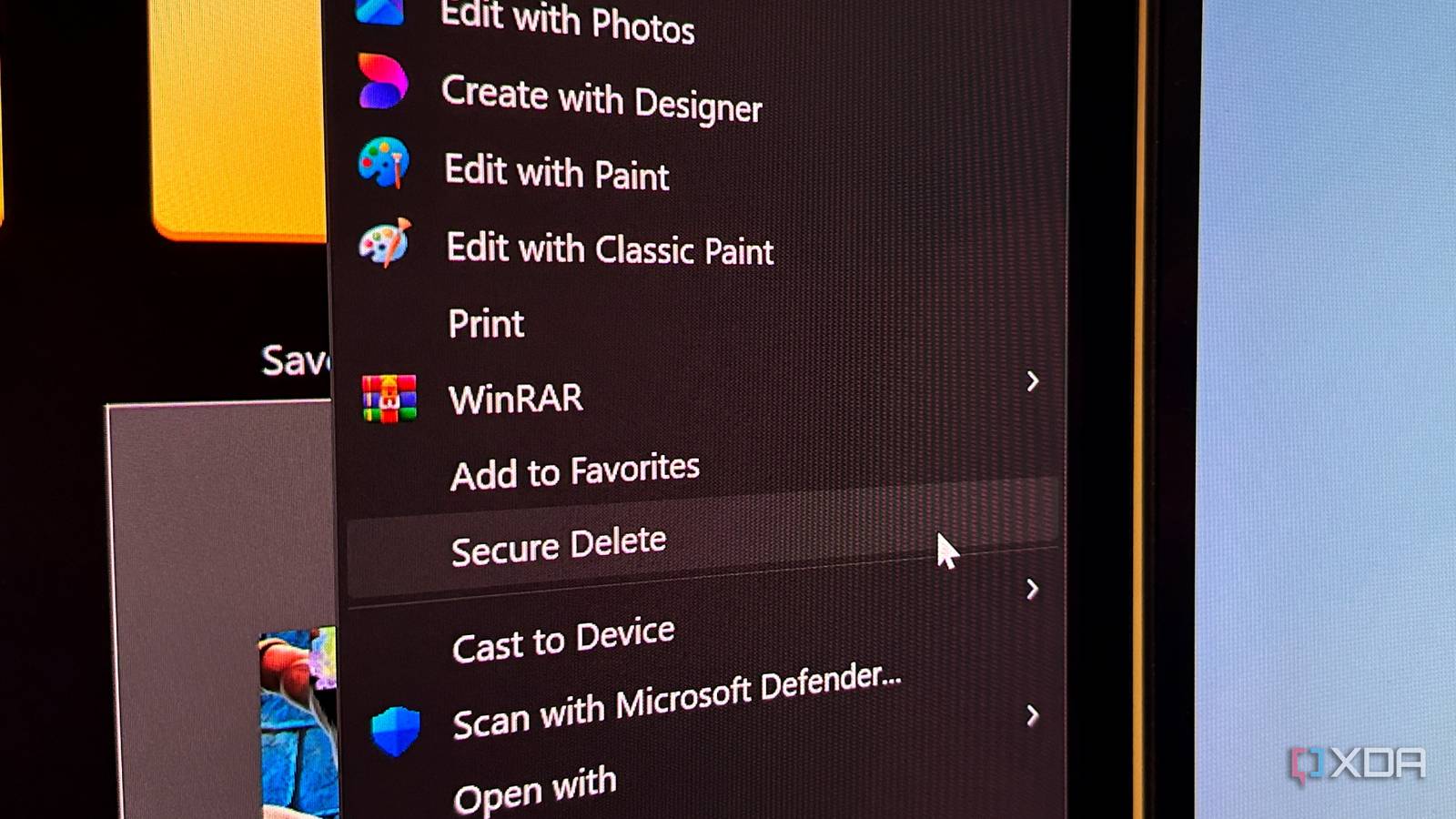
Published Aug 16, 2026, 3:47 AM EDT Simon is a Computer Science BSc graduate who has been writing about technology since 2014, and using Windows machines since 3.1. After working for an indie game studio and acting as the family's go-to technician for all computer issues, he found his passion for writing and decided to use his skill set to write about all things tech. Since beginning his writing career, he has written for many different publications such as WorldStart, Listverse, and MakeTechEasier. However, after finding his home at MakeUseOf in February 2019, he would eventually move on to its sister site, XDA, to bring the latest and greatest in Windows, Linux, and DIY electronics. Sign in to your XDA account Summary Windows 11 context menus are revamped with a simpler design and common actions shown. Press Shift+right-click to bring back more options; Settings lets you toggle, restore legacy items, and reorder. New menus are in the Experimental Windows 11 branch; expected to roll out possibly by year-end, fixing a big pain point. One of the things I really disliked about Windows 11 was its context menus. From day one, I hated how cluttered it could get, and I also disliked how some actions were locked behind the legacy context menu. Fortunately, as part of Microsoft's Windows K2 initiative, the context menu is getting a major revamp, and it's already looking like a huge improvement. They're shaping up nicely PhantomOfEarth showed off these context menus in a new video on their YouTube channel. If that name's familiar, it's because they have an X account where they post what they've found hidden within the latest Windows 11 builds. It's an excellent source if you want to see what Microsoft is cooking up next. This time, they've uploaded a YouTube video detailing everything they've noticed with the new context menus. They're currently part of the Windows 11 Experimental branch, so they're not available for general use just yet, but they're definitely on the way. The new changes include a simpler design, where all the most common actions are on display. The "Show more option" button has been hidden by default, but you can press Shift and right-click to bring it back again. And in the Settings panel, you can tweak what appears in the context menu, including enabling and disabling specific actions, restoring legacy options to the context menu, and arranging the list of actions the way you want it. While this build is still in testing, there's hope that Microsoft can publish it by the end of the year. Regardless, once it's done and released, it'll be another major pain point in Windows 11 fixed.
Windows 11's new context menus are on the way, and they look sleek already
Full Article
Original Source
Read the full article at Xda-developers →KhanList aggregates and links to publicly available news content. We do not host full articles from third-party sources. Always verify important information with original sources.