
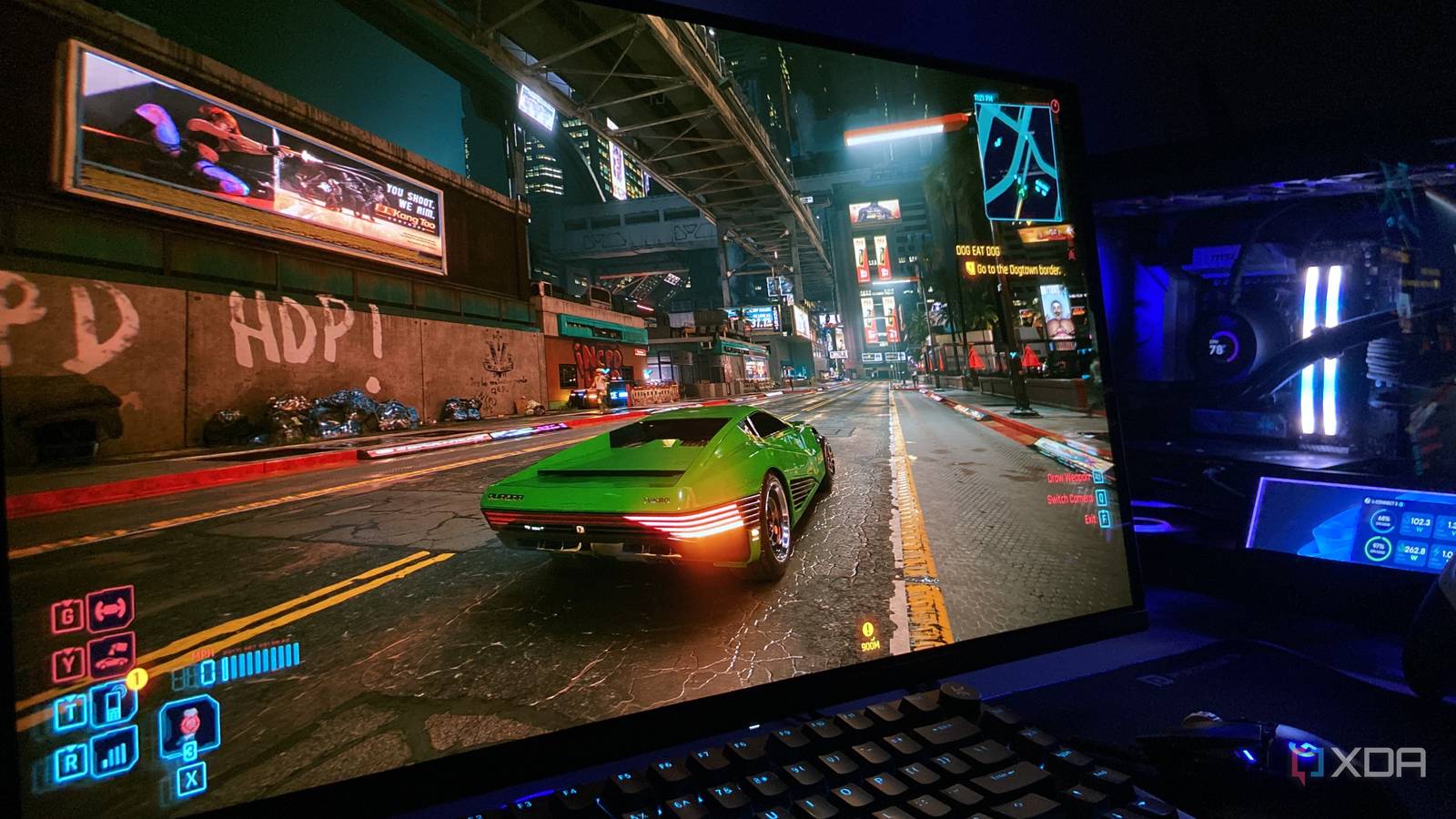
Published Sep 14, 2026, 9:00 AM EDT Abhinav pivoted from a career in banking to pursue his first love in writing. Even while working full-time, he continued contributing as an editor-at-large, a role he has held for more than 7 years. A lifelong tech enthusiast who has built three gaming and productivity powerhouse PCs since 2018, his passion for technology keeps him closely following the semiconductor industry, from NVIDIA and AMD to ARM. His MSc dissertation explored how artificial intelligence will reshape the future of work, reflecting his curiosity about the wider social impact of emerging technologies. Microsoft recently announced that starting October 2026, Windows quality updates will start enabling Memory Integrity on eligible devices, with Virtualization-based Security also enabled wherever necessary. From a security perspective, this change makes a lot of sense. However, every YouTube guide and armchair tech analyst has got gamers panicked about losing performance thanks to this one setting. In the very same blog post that accompanied this announcement, however, Microsoft also added that the users will continue to retain full control over their security, and that the devices that have the setting disabled won't see it automatically enabled after an update. Curious to see exactly what the remaining users who have never touched this feature will stand to lose in terms of gaming performance, I ran synthetic benchmarks and real in-game tests. Here's what I found. A synthetic benchmark test gives no room for an overhead to hide 3DMark's CPU Profile test is where I first looked for the "performance penalty" To investigate whether Memory Integrity imposed a CPU tax, I first went for 3DMark's CPU profile test. I find this test particularly useful in this endeavor as it isolates the processor and runs identically on every pass, so there's no GPU bottleneck to mask an overhead or scene variance to get in the way of the numbers. On my Ryzen 5 7600X, there was no variance to report. Across five of the six thread counts on the 6-core processor, the gap between Memory Integrity on and off stayed well under half a percent, barely distinguishable from run-to-run variance. The only outlier was the 4-thread result, which showed a 2.3% gap, with Memory Integrity off actually running slightly slower. This, of course, could also be chalked up to run variance. 3DMark CPU Profile Score: MI On Score: MI Off Max threads 6,830 6,803 16 threads 6,727 6,714 8 threads 5,822 5,837 4 threads 3,850 3,761 2 threads 2,058 2,053 1 thread 1,051 1,048 Counter-Strike 2 was the ideal candidate to test Bottleneck, bottleneck, where are you? Synthetic benchmarks alone have never been a reliable measure to reflect actual, in-game performance, and that's why it was important to measure what would happen, or rather what would change if Memory Integrity was toggled on and off in actual gameplay conditions. I moved to Counter-Strike 2, which gets as close to providing a real-world test to measure the differences. At 300+ FPS on my machine with a Ryzen 5 7600X coupled with an RTX 4070 Ti Super, CS2 leans on the processor harder than anything else in my game library, so the performance tax has room to show up. To make the run as CPU-dependent as possible, I turned down the resolution from 1440p to 1080p and the preset to low. The data was collected via three 60-second runs through CapFrameX, with both Memory Integrity turned on and off under identical, controlled runs. Counter Strike 2 - 1080p Memory Integrity On Memory Integrity Off Variance Average FPS 398.2 404.8 +1.7% 1% low FPS 167.3 158.6 -5.2% 0.1% low FPS 108.5 113.8 +4.9% GPU load avg (%) 88.7 87.7 - If you look at the data, you'll see that Memory Integrity does appear to have a measurable impact on average performance. However, the effect is fairly small. Regarding 1% and 0.1% lows on this particular title, the verdict is not straightforward, and that's because run-to-run variation here is more pronounced, and to deliver a verdict on frame-time behavior from this would be rather unfair. Regardless, if the delta applies to other similar titles, the prevalent narrative surrounding Memory Integrity costing up to 5–15% performance on similar machines should be approached with heavy scrutiny because, clearly, the story doesn't seem to be that dramatic so far. Data given in the table is the arithmetic mean of three runs per condition. Cyberpunk 2077 finally unmasked the Memory Integrity tax The performance hit is unmistakably real, but hardly catastrophic There was a pretty straightforward benchmarking challenge involved in Counter Strike 2, which is why this test was necessary. CD Projekt Red's title comes with a built-in benchmark, so the data is deterministic. It runs an identical scene with every pass and takes care of the run-to-run variance problem which essentially necessitated averaging. Regardless, however, I stuck with my three-run methodology for this test as well to maintain consistency. As with CS2, I configured the preset to low and resolution at 1080p, and so the GPU load found itself sitting at 60% while the CPU's busiest thread went up to 85–88%. The run demonstrated perhaps the cleanest look into the dreaded "Memory Integrity" tax, but fair warning before you proceed, the results are just as anti-climactic as they were on the previous run, and if you were here to establish that Microsoft will slaughter your gaming PC's performance through this one feature, prepare to be disappointed. The average FPS gap only amounted to 1.9%, whereas 1% lows fell by 6.6% with Memory Integrity enabled. It is significant, because the attributing source is a singular setting on the machine. It's also largely consistent with how virtualization overhead bites the frame-time tail rather than the average. Cyberpunk 2077- 1080p Memory Integrity On Memory Integrity Off Variance Average FPS 183.1 186.5 +1.9% 1% low FPS 116.8 124.5 +6.6% 0.1% low FPS 92.1 93.3 +1.3% GPU load avg (%) 59.3 60.1 - The risk it mitigates, by far, seems to outweigh the very little performance you get by disabling the feature. Should you turn Memory Integrity off? This is a particularly difficult question, because my answer isn't what most performance-oriented gamers would want to hear. On one hand, Microsoft's act of auto-enabling a feature whose footprint does not appear in any benchmarks as a causative agent of slightly lower performance does not feel right as a consumer. On the other hand, the rationale for enabling this feature is also sound, in that, kernel-level exploits that Memory Integrity protects one from are amongst the nastiest attacks in circulation. On the balance of probabilities, I'd recommend that Memory Integrity be kept on. The risk it mitigates, by far, seems to outweigh the very little performance you get by disabling the feature. So with that, I've answered approximately how much performance you stand to lose, which hopefully will help you as a gamer make a more informed choice. Personally, if I wanted more frames, I'd go for frame generation.
Windows 11 is flipping a hidden setting next month that costs gamers real performance — here's how much
Full Article
Original Source
Read the full article at Xda-developers →KhanList aggregates and links to publicly available news content. We do not host full articles from third-party sources. Always verify important information with original sources.