
Published Nov 17, 2026, 2:05 PM EST Tyler Cross is an author for How-To Geek who reports on a wide range of cybersecurity stories. Before this, he spent 5 years creating cybersecurity articles under the Kape brand, including both short- and long-form blog posts. He also has 2+ years of experience creating news articles, YouTube scripts, and product reviews for a wide range of VPNs, antivirus software, password managers, and more. Outside of work, I am an avid tabletop gamer and enjoy writing my own TTRPG systems and campaign modules. Sign in to your How-To Geek account Build 26320.10003 for Windows 26H2 is now available for a beta preview; it gives users more control over their security features and improves the speed of File Explorer's search speed. It also includes a range of other smaller fixes and improvements but is removing a long-standing feature at the same time. What changed in build 26320.10003 The preview build changes several main features and offers a few bug fixes/improvements. The new update: Makes searches faster by using the Windows Search indexer to look up files in a prebuilt index rather than scanning folders individually when you search from “This PC” and improves loading times when searching in lesser-known and slower locations. Fixed an issue that caused the Remote Desktop Protocol to fail on the client after a certificate mismatch. Makes it easier to configure voice typing controls. Fixed an issue with mouse controls that would occasionally cause the mouse cursor to vanish. Standard users are now able to create a BitLocker pre-boot PIN without having administrative control. This means that standard users can now have BitLocker create an encrypted drive you can access before opening Windows without requiring their administrator to set it up for them. However, the administrator does have to enable this option by altering their BitLocker policies. To allow standard users to do this, set the following policies: AllowStandardUserEncryption ON AllowWarningForOtherDiskEncryption OFF RequireDeviceEncryption ON SystemDrivesRequireStartupAuthentication ON "Standard users without this feature can't add the required TPM+PIN protector, and device encryption subsequently fails with this configuration," Windows explains in a changelog. "Standard users without this feature who are already encrypted with TPM only report as non-compliant with policy." They also explain that the policy doesn't require any complex setup from the standard user; instead, when the policies are enabled, it notifies you to set a PIN and provides a path to do so. However, it is also phasing out a feature that I personally used: offline maps. Microsoft is retiring the underlying offline Maps API's and the Windows UWP Map control that supported them. Without these underlying components, offline maps are unable to function. You can still download and use other offline map applications on the device, but it means that Windows 26H2 may be less useful while traveling abroad, taking road trips, or when you have no nearby connections. The changes remove both the main feature and its relevant settings. The update also introduces a known bug. After downloading the recent preview build, your Task Manager may no longer update its processor speed. Microsoft is currently working to fix this issue. You need to be a member of the Windows Insider program to download and test the new preview. If you already are in the program, you can enroll your devices in the Beta channel (Update & Security → Windows Insider Program → Beta channel → enroll) and then download the update from the Windows Update settings. Use the Check for Updates option so your device can search for the preview build you enabled. Source: Pureinfotech
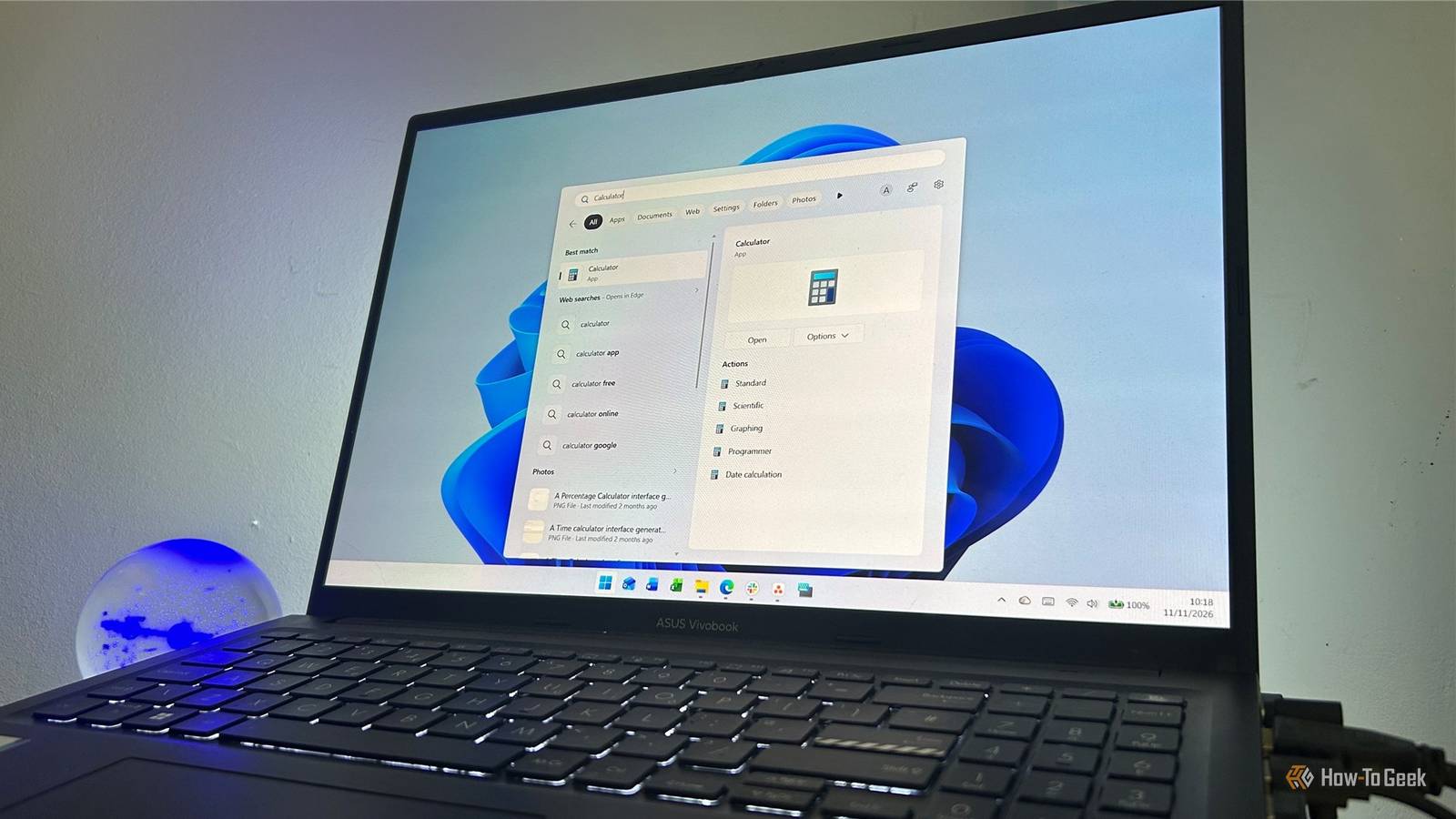
Windows 11 26H2 makes File Explorer search noticeably faster
Full Article
Original Source
Read the full article at Howtogeek →KhanList aggregates and links to publicly available news content. We do not host full articles from third-party sources. Always verify important information with original sources.