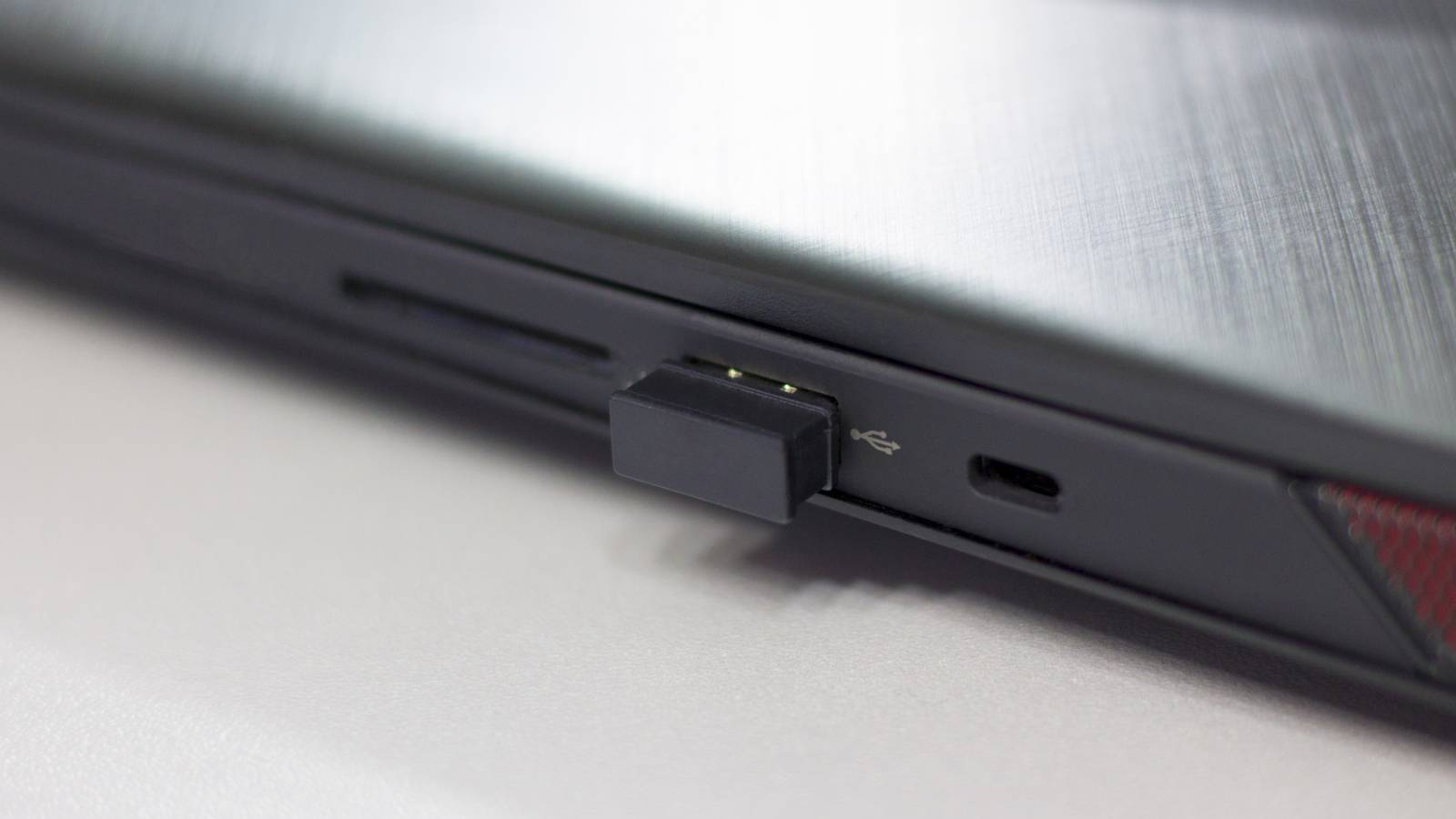
Published Jul 31, 2026, 6:30 AM EDT Sydney Butler is a technology writer with over 20 years of experience as a freelance PC technician and system builder and over a decade as a professional writer. He's worked for more than a decade in user education. On How-To Geek, he writes commerce content, guides, opinions, and specializes in editing hardware and cutting edge technology articles. Sydney started working as a freelance computer technician around the age of 13, before which he was in charge of running the computer center for his school. (He also ran LAN gaming tournaments when the teachers weren't looking!) His interests include VR, PC, Mac, gaming, 3D printing, consumer electronics, the web, and privacy. He holds a Master of Arts degree in Research Psychology with a minor in media and technology studies. His masters dissertation examined the potential for social media to spread misinformation. Outside of How-To Geek, he hosts the Online Tech Tips YouTube Channel, and writes for Online Tech Tips, Switching to Mac, and Helpdesk Geek. Sydney also writes for Expert Reviews UK. He also has bylines at 9to5Mac, 9to5Google, 9to5Toys, Tom's Hardware, MakeTechEasier, and Laptop Mag. When it comes to Bluetooth audio, your headphones are only half of the equation. Even if your phones support the latest and greatest technology, if your Windows computer's Bluetooth doesn't match those specifications, you're only going to get the lowest common denominator between the two. Most of the time, that's good enough, but there can be real benefits to ensuring your Windows computer can get the most out of your headphones. Your expensive headphones aren't using their best features on Windows You're leaving quality on the table Every Bluetooth device supports the SBC codec. If all else fails, these devices can always fall back to this universal Bluetooth compression standard. However, if you have a premium set of cans (or even midrange ones, these days), you might also have support for LDAC, aptX Adaptive, aptX Lossless, or more, depending on the model. In general, however, most Windows setups generally only support SBC, AAC, and aptX (classic) Bluetooth audio, though this varies with your Windows version and exact hardware and drivers. If you have Windows 11 24H2 or later, then there's native support for aptX Lossless, but this requires compatible Qualcomm hardware. Windows does not support codecs like LDAC or aptX HD natively at all. So your headphones might use LDAC when you're connected to your high-end Android phone, but fall back to AAC or SBC when you connect it to Windows, and the difference can be very noticeable. Windows doesn't really tell you which codec it's using either, without a third-party utility, so it's not that straightforward to know what your headphones are getting at any given moment. Why Windows doesn't support the codecs enthusiasts actually want It's all about the money Credit: Andy Dean Photography/Shutterstock.com The short answer is that these advanced codecs are generally proprietary, and to include them with Windows would require a payment to the owners of the technology. LDAC belongs to Sony, and aptX belongs to Qualcomm. As I've mentioned, some aptX technology is included with Windows, but Qualcomm keeps the good stuff behind a paywall. With Android devices, for example, there's a relatively small number of chipset brands in use. Windows, on the other hand, has to support a wide variety of Bluetooth hardware from AMD, Intel, MediaTek, and more beyond that in the form of modules on motherboards or USB dongles. With so many potential combinations of hardware on the table, it makes sense that Microsoft would prioritize stability over cutting-edge Bluetooth audio codecs, and it tries to automatically negotiate the best one that's supported by both devices. This is the right call for most people, most of the time. They don't really care about the audio quality improvement, but would care about any bugs or issues. Microsoft is betting on Bluetooth's future instead of its past Time might heal this codec conundrum Credit: Zunaid Ali / How-To Geek Microsoft actually has a pretty sticky choice when it comes to Bluetooth codec support. While it could include support for all these disparate proprietary codecs, it would add significant cost to the OS, and only some people would benefit. Meanwhile, SBC and AAC work across virtually all devices. Instead, it's made the more sensible decision to put its bets on Bluetooth LE Audio, which is likely to be supported by most mainstream or better headphones going ahead. LE Audio introduces the LC3 codec, which delivers better audio quality than SBC while using less bandwidth and power. It also improves microphone quality during voice calls and enables features like Auracast audio sharing. The thing is, while Windows 11 does have Bluetooth LE Audio support, for it to work, all the devices and software in the stack has to support it. Microsoft has an official guide to check Bluetooth LE support, so if you're wondering, you can use that to confirm whether you already have access to this better version of Bluetooth. The easiest ways to get better Bluetooth audio on your PC The problem with the vanilla Bluetooth loadout on Windows is that it doesn't help someone who owns LDAC headphones like me. My Sony WH-1000XM4 headphones only have access to the fallback codec. The good news is you can fix this with the Alternative A2DP Driver or another third-party Bluetooth driver solution. There's a free trial, so you can test that it works correctly before paying the license fee. If you pay before the trial ends, it's only $6 to get LDAC and the higher levels of aptX. Using my existing Bluetooth radio, I can manage 96kHz at 24-bit with 660kbps of bandwidth, which is the medium bitrate for LDAC. If this doesn't work for you during the trial, then consider using a dedicated USB Bluetooth audio transmitter. Unlike a standard Bluetooth adapter, these devices manage the wireless connection themselves and often support newer codecs independently of Windows. Products like Creative's BT-W6 and Sennheiser's BTD 700 can unlock better codec support, depending on the headphones you're using. Of course, the ultimate solution is to skip Bluetooth completely. Some 2.4 GHz proprietary wireless headphones have almost no latency and great audio quality, and ultimately nothing beats a wired USB or analog audio headphone connection. So if you can live with a wire, the results should be music to your ears.
Why Windows can't use the best Bluetooth codecs, and what to do about it
Full Article
Original Source
Read the full article at Howtogeek →KhanList aggregates and links to publicly available news content. We do not host full articles from third-party sources. Always verify important information with original sources.