
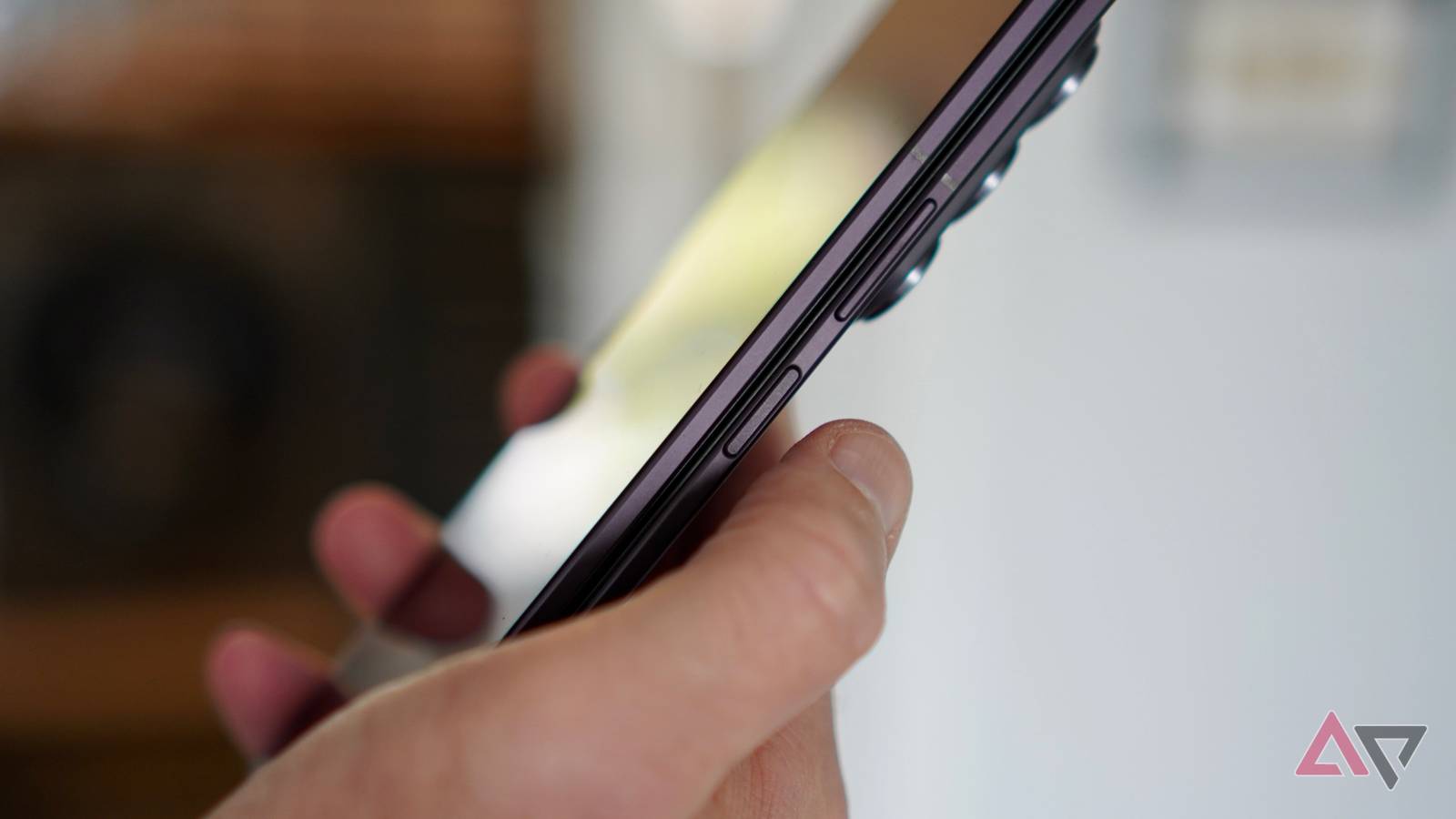
Published Sep 25, 2026, 1:30 PM EDT Andy is a seasoned technology journalist with more than 15 years experience in the mobile industry, writing for Digital Trends, Wired, and more. Andy has reviewed hundreds of smartphones and tablets, dozens of smartwatches, and a host of smart rings, smart glasses, and fitness trackers, giving him a unique ability to assess and evaluate the latest products. His daily mobile tech life includes Android and iOS devices, smart rings, and a smartwatch, unless it's a special occasion, when a traditional watch takes its place on his wrist. Andy always has a strong opinion on the state of the mobile industry, and writes in-depth analysis features to put the latest news and products into context. He has attended multiple CES, MWC, and IFA tradeshows, has a passion for photography and cars, listens to far too much K-pop, and follows F1. You can find Andy's portfolio of work on his Authory page. Not all fingerprint sensors are alike, and although they're much better than they used to be, some manufacturers get the all-important feature just right. Right now, Samsung is ahead of the competition, as shown by the Galaxy Z Fold 8 and Galaxy Z Fold 8 Ultra. What's more, it's an advert for the continued superiority of hardware buttons over under-display sensors. First impressions are important It needs to be good The fingerprint sensor is not only essential for security, but it's also one of the first and most tactile introductions to a new phone. You set up the fingerprint sensor during those crucial early moments after you take a new phone out of the box. If it's slow, annoying, or inaccurate, it's not a great sign of what's to come. The fingerprint sensor is in the power key on the side of the Galaxy Z Fold 8 Ultra and the Z Fold 8, making it easy to locate with your thumb and use with one hand. This physical element makes it preferable to the Galaxy S26 Ultra's under-display fingerprint sensor, but it's also an improvement over other brands' efforts. What does Samsung do that's better than the rest? Don't lift a finger If you've only registered a fingerprint using an under-display sensor, you're likely used to lifting your finger and adjusting its position to ensure the fingerprint is recorded. When you set up the fingerprint sensor on a modern Z Fold phone, this does not apply. Instead, you place your digit over the sensor and move it around without lifting. It takes seconds, and I've never had a pop-up warning about making sure I'm changing the angle of my finger, or that the sensor didn't register. It's effortless, accurate, and takes no time at all. It's a wonderful introduction to the phone. Not quite the same as an under-display sensor Samsung's still ahead Hardware fingerprint sensors are rare these days. The last one I used that wasn't on a Samsung foldable was the Fairphone Gen 6+, and it was reminiscent of older sensors in a bad way. It took a while to register and wasn't all that accurate. What about under-display sensors? The Galaxy S26 Ultra's fingerprint registration system requires the usual lift-and-move method. It takes 12 individual movements to complete the process. Set up a fingerprint on the Google Pixel 11 Pro, and although the haptics are excellent, it takes twice as many movements. It's not all about the time it takes here, although the less time spent setting up a phone, the better, but about the impression it gives. Setting up a fingerprint quickly, with minimal movement, makes the phone feel more modern. I've switched between the Galaxy Z Fold 8 Ultra, Pixel 11 Pro, and Galaxy S26 Ultra over the past few weeks, and in terms of accuracy, there's nothing between them, suggesting it isn't affected by Samsung's faster process. Taking fingerprint sensors for granted Buttons over screens The fingerprint sensor is a ubiquitous phone feature and probably one of our most used. It has also been around for years. I remember using the first example from Vivo at CES 2018, and little has noticeably (for the user) changed since then. We still touch the screen, and the phone unlocks. It was seen as a more futuristic system than a fingerprint sensor in a hardware button, especially as it made bezel-less phones easier to produce, and still is today. Except in a tablet like the Galaxy Tab S11, where a button-mounted system would be better. This makes Samsung's fingerprint sensors on its latest foldables so notable. It takes an established security system and returns it to its hardware roots, then makes the registration process simpler, more natural, and faster, without sacrificing accuracy. Face recognition still wins Setting up the Apple iPhone 18 Pro Max I'd rather set up and use the fingerprint sensor on the Galaxy Z Fold 8 than the under-display version on the Galaxy S26 Ultra. However, I'd also rather use Apple's Face ID than a fingerprint sensor. The Apple iPhone 18 Pro Max arrived for review this week, and like most other modern iPhone models, it doesn't have a fingerprint sensor. It uses face recognition for security, and it's superb. Registering takes even less time than the Z Fold 8 Ultra's fingerprint sensor, with clear instructions and a very speedy process. When registered, it's almost faultlessly accurate regardless of the conditions. I can confidently unlock the iPhone in sunlight or the dark, at different angles, and whether I'm wearing sunglasses or my regular glasses. Yes, Android phones have face recognition, but it's as well as, and not instead of, a fingerprint sensor. Given the choice, I'd take a secure face recognition system over a fingerprint sensor every time. However, I'm not taking anything away from Samsung. Of the many Android smartphone security systems I set up every month, the Z Fold series has the least annoying, friendliest system, and it's always a great first introduction to the phones.
Why Samsung's side-mounted fingerprint sensor beats every under-display option I've tested
Full Article
Original Source
Read the full article at Androidpolice →KhanList aggregates and links to publicly available news content. We do not host full articles from third-party sources. Always verify important information with original sources.