
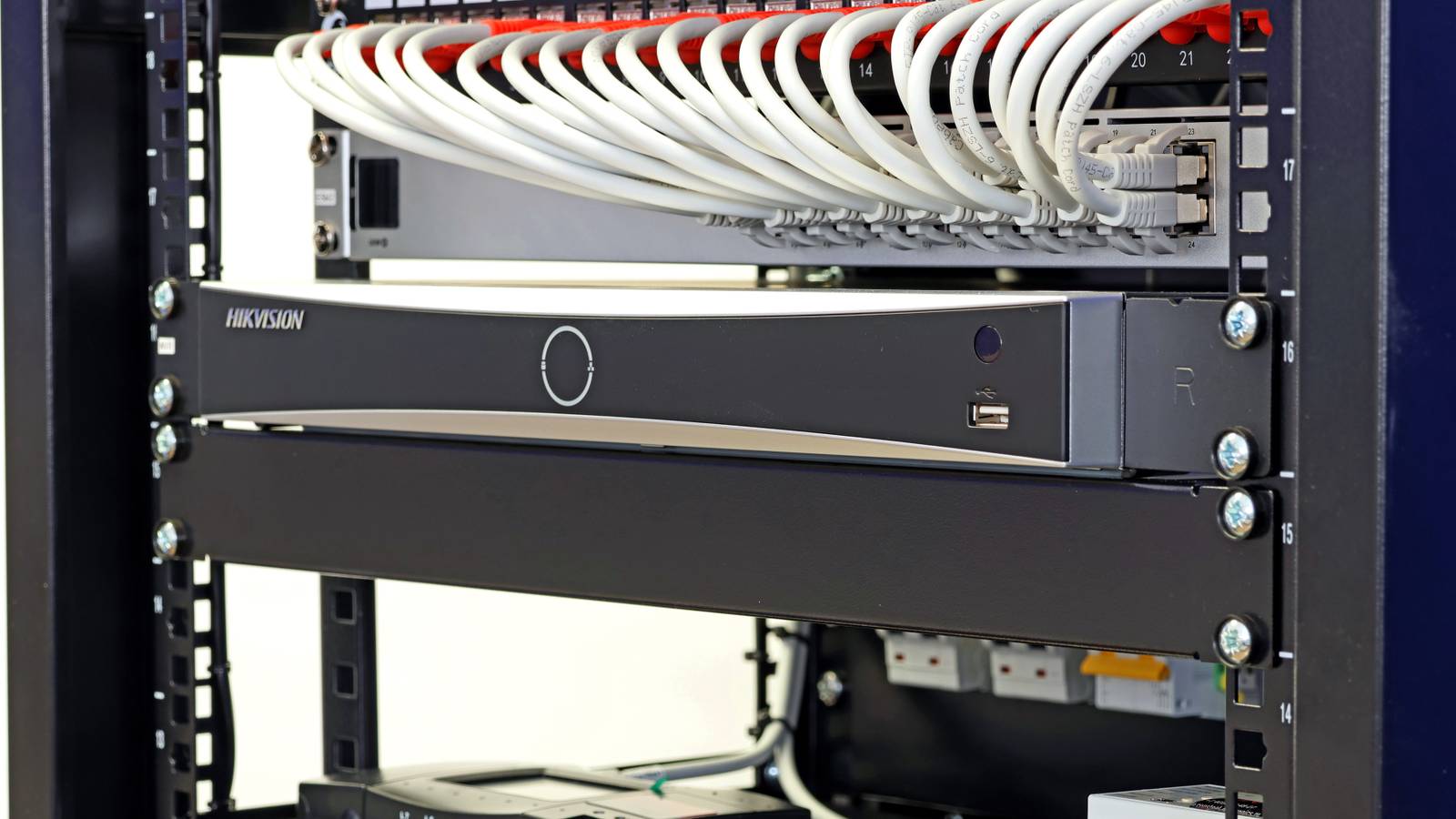
Published Oct 19, 2026, 11:30 AM EDT Sydney Butler is a technology writer with over 20 years of experience as a freelance PC technician and system builder and over a decade as a professional writer. He's worked for more than a decade in user education. On How-To Geek, he writes commerce content, guides, opinions, and specializes in editing hardware and cutting edge technology articles. Sydney started working as a freelance computer technician around the age of 13, before which he was in charge of running the computer center for his school. (He also ran LAN gaming tournaments when the teachers weren't looking!) His interests include VR, PC, Mac, gaming, 3D printing, consumer electronics, the web, and privacy. He holds a Master of Arts degree in Research Psychology with a minor in media and technology studies. His masters dissertation examined the potential for social media to spread misinformation. Outside of How-To Geek, he hosts the Online Tech Tips YouTube Channel, and writes for Online Tech Tips, Switching to Mac, and Helpdesk Geek. Sydney also writes for Expert Reviews UK. He also has bylines at 9to5Mac, 9to5Google, 9to5Toys, Tom's Hardware, MakeTechEasier, and Laptop Mag. I guess most people don't start out with the idea they're going to build a small data center in their own home. It's usually a more organic process; a Plex server here, a Home Assistant Raspberry Pi there... Before you know it, there's a room in the house the rest of your family calls "the server room" and sometimes you can hear the fans through the door on a quiet night. It seems that for many (eventual) homelabbers, there's a point where they realize their home router isn't going to make the cut anymore, and it seems Ubiquiti gear installed in a rack is the way to show off your homelab has gone semi-pro if Reddit network nerds are anything to go by. Your Wi-Fi router stops being enough when your home becomes a lab It's built for doomscrolling There are many reasons why someone running a more sophisticated homelab might decide they need more than the all-in-one routers most households use with no problems. For one thing, a typical home router is designed with a very different goal in mind than a homelab setup. It's built to connect everything in one network, not precisely control what devices can communicate with each other. Modern home routers do have some virtual networking functionality, but it's nothing like UniFi's software-driven network controls. By switching over to Ubiquiti's gear, homelabbers are discovering that they can create sophisticated policies and virtual networks within their physical home network. You can create multiple VLANs, isolate them from one another, and then only let the inter-VLAN communication through that's actually necessary. You don't need your smart TV snooping around your NAS, for example. Something I mention for no specific reason. Obviously, Ubiquiti's network gear isn't the only option if you're looking for these features, but it's the software that's garnered so many fans. Your Wi-Fi no longer has to live where your internet cable enters the house There are advantages to separating things out There are lots of reasons you might want to replace the router your ISP gave you, but any combo router, no matter how fancy it is, has inherent limitations. From a homelabbing perspective, a major issue is that you don't necessarily want your internet gateway and Ethernet router to be in the same location. Likewise, the spot in your home where your internet connection comes in from outside, isn't necessarily the best place to centralize your Wi-Fi. Having a big Ethernet switch in a rack, with a single Ethernet cable running to your internet gateway device, and then branching out to access points across your home using Ethernet is a much more powerful and performant solution. Of course, there are consumer-grade mesh networks, which tend to have more sophisticated features and software, but still don't give you the same granular network traffic control. Wireless back haul has reliability and performance issues too, though most mesh solutions let you use Ethernet for back haul as well, to be fair. While it's more complicated, and takes more effort to set up and administer, networking your home through a central UniFi Ethernet switch in a rack-mounted setup is appealing just through sheer modularity. You can upgrade individual access points without changing anything else, or bring in additional rack-mounted switch, or swap out a newer model for the one you have. All the parts are individually replaceable and upgradable. Perfect for someone that has self-hosting boxes scattered all over the place. UniFi makes several boxes feel like one system It's in the name What homelabbers are specifically flocking to are Ubiquiti's UniFi devices, which is the perfect network management solution for such a multipart, modular home network. All of your different devices, virtual networks, and dashboards are unified (get it?) into a single interface and software system. You can outgrow your router without needing a rack It's easy to look at these awesome Reddit homelab setups with racks full of gear and fall into the same trap technology enthusiasts everywhere do. It happens to PC builders, home theater fans, 3D printer hobbyists and more. You start to think that this is the natural evolution of what you're doing, and start measuring up that rack space in your imagination. But, there is a middle-ground here. For example, there are these interesting UniFi Cloud Gateway systems. They are desktop or wall-mounted, and give you access to that UniFi software, although it's not the full, open system that these rack-mounted homelabbers are building. Despite being called "cloud" gateways, you still get to manage VLANs, you can run core UniFi apps on the device, manage things locally, and handle dozens of devices and hundreds of users. All without the need for a big rack-mounted setup. It's possible to build these integrated gateway devices out into something larger if you need it, but it's a good in-between step from home router to server rack, which is a journey most homelabbers probably never need to make all the way.
Why homelabbers are ditching all-in-one routers for Ubiquiti rack setups
Full Article
Original Source
Read the full article at Howtogeek →KhanList aggregates and links to publicly available news content. We do not host full articles from third-party sources. Always verify important information with original sources.