
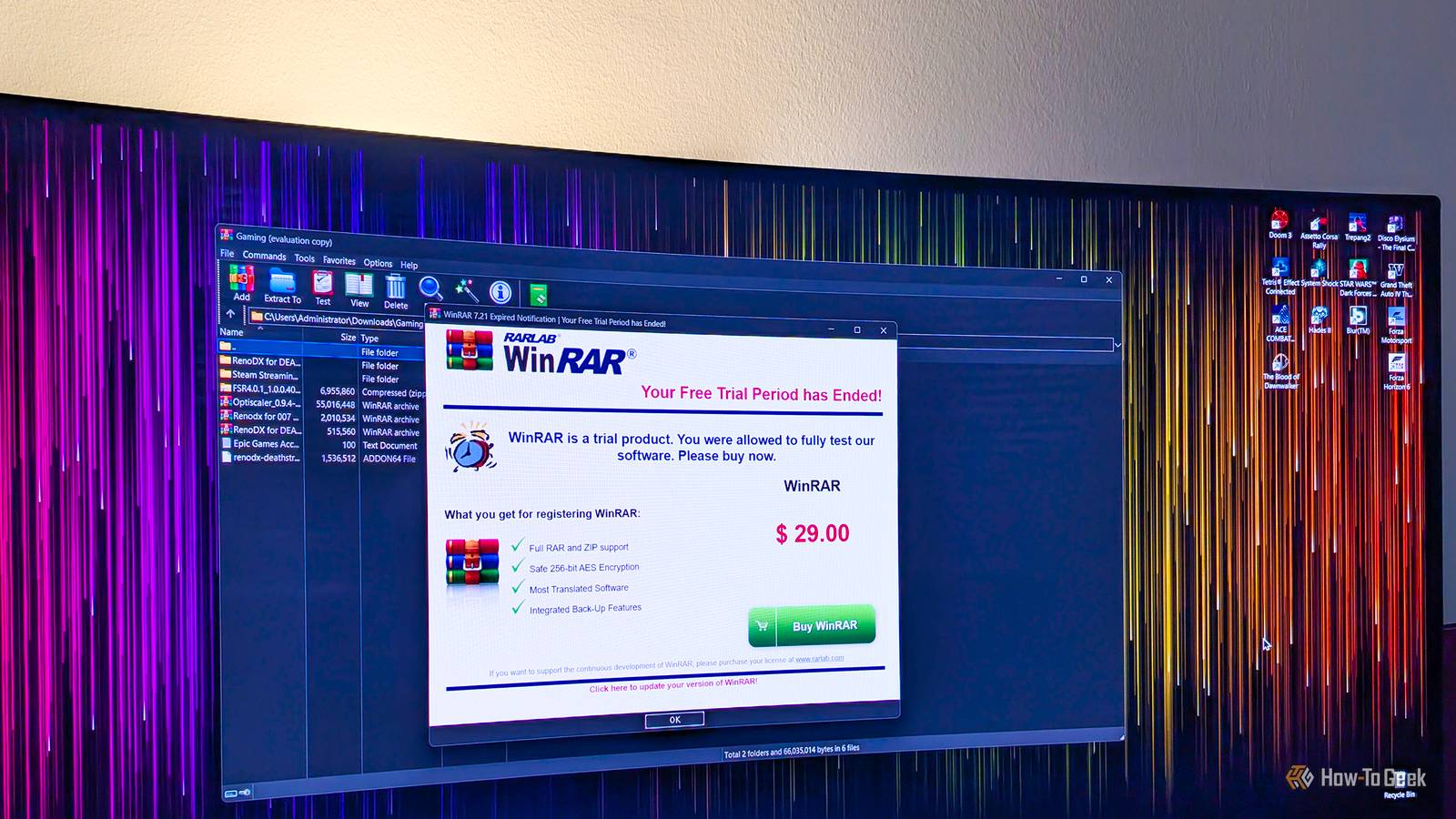
Published Sep 9, 2026, 7:00 AM EDT Ever since he got his first smartphone, the legendary Nokia 6600, back in 2005, Goran became obsessed with technology. This obsession had only gotten worse after he received his first gaming PC a couple of months later. He fell in love with video games in the early '90s, shortly after embarking on his gaming journey with the Sega Master System II and SNES. Since then, he has built dozens of PCs, played thousands of games, and authored hundreds of articles about PC hardware, gaming hardware, and video games. He knows everything there is to know about the PC gaming and PC hardware space, and while his console gaming knowledge isn't as comprehensive, he considers himself a console veteran. Goran has almost a decade of experience writing about tech and video games for numerous web publications including TechSpot, TechPowerUp, and EsportsHeadlines. He has been writing for How-To Geek since December 2022. When he isn't gaming or deciding which component of his PC to upgrade next, you can find him strolling around Novi Sad while listening to music and contemplating what to play next. WinRAR is probably one of the most common third-party apps found on countless Windows PCs around the world, and for good reason. While it's technically paid software, you can use it for as long as you like without paying a dime, it handles a wide selection of archive formats, and it resides in the Windows context menu, so you don't even have to open it to use it. But its most popular alternative, 7-Zip, is simply the superior option. It's not only an open-source project but also completely free, can handle more file formats, and comes with a few other advantages that make it a better choice than WinRAR. While you can use WinRAR for free, 7-Zip's core tenet is free and open source You can't beat that Everyone and their mother knows that you can use WinRAR for as long as you want without paying a dime. The only difference between the paid and evaluation versions is the name and the fact that you get a pop-up asking you to buy the software after opening it. This is anything but an annoyance, especially if you, like me, use both apps from inside Windows' right-click menu (seriously, I've opened the two apps more times while writing this piece than I did during the past decade). But WinRAR is still technically paid software, and at its core, it's a closed-source collection of code that also comes with a proprietary archive file format, RAR. While other file archiving software, including 7-Zip, can unpack RAR archives, creating them requires WinRAR. On the flip side, 7-Zip is open-source software that's completely free and always will be. It doesn't ask you to purchase it, you can freely inspect its source code, and the 7z file format created by 7-Zip developer Igor Pavlov can also be implemented by other file archiving software because it's publicly available. You can also opt for one of 7-Zip's forks, such as NanaZip or 7-Zip ZS, if you don't like the original version. 7-Zip also supports more archive formats than WinRAR Better yet, it can also open and browse a bunch of other file formats Arguably, the biggest advantage 7-Zip has over WinRAR is that it's free and open source, but another major advantage is that it supports more archive formats — and file formats in general — than WinRAR. While you cannot create RAR archives because RAR is a proprietary archive file format, 7-Zip allows you to create archives in more formats. Aside from 7z and ZIP, you can also create XZ, BZIP2, GZIP, TAR, and WIM archives, whereas WinRAR limits you to creating RAR and ZIP archives. 7-Zip can also open and extract a wide range of archive formats, some of which aren't supported by WinRAR, including support for some more exotic archive formats, such as XAR (the eXtensible ARchive format), CPIO (an old-school Unix archive format), and AR (another archive format originally developed for Unix). Better still, you aren't limited to archive formats. You can also browse and unpack a wide variety of other file formats, including DMG disk image files used on macOS, UEFI files, EXT filesystem images used on Linux, and many others. At the end of the day, you shouldn't consider 7-Zip a simple file archiving tool, but a robust utility you can use to open and inspect a wide range of file formats, as well as extract files from them. This can be useful for programmers and coders, but also for people who are into modding games, inspecting software, recovering files from disk images, exploring virtual machine disks, or simply digging into files that would otherwise require a specialized utility to open. While fairly minimal, I don't find 7-Zip's UI any worse than WinRAR's The only thing you might miss is a dark theme Now, some people point to 7-Zip's dated and minimal UI as its Achilles' heel. Personally, though, I don't find its UI inferior to WinRAR's. While you can definitely call it dated, it's simple and intuitive to navigate, and unlike WinRAR, it supports a dual-pane view, which I consider a major advantage. The only thing I sometimes miss is native support for a dark theme, but if you really need one, you can always download Dark7zip, an open source project that brings dark mode to the 7-Zip app, or use the 7-Zip ZS fork, which supports dark mode out of the box. The thing is, I open the actual app so rarely (I mostly use it via the context menu) that the lack of dark mode doesn't really bother me. WinRAR isn't bad by any stretch, but 7-Zip is much better I'm not saying that WinRAR is bad—quite the contrary. I personally have both apps installed on my Windows PC and find them both useful. But the fact of the matter is that 7-Zip is the better of the two. It's free and open source, doesn't lock you into a proprietary archive format, doesn't ask you to buy it every time you open it, and supports more archive and file formats, making it arguably the best file archiving software out there.
Why are you still using WinRAR when this open-source alternative is so much better?
Full Article
Original Source
Read the full article at Howtogeek →KhanList aggregates and links to publicly available news content. We do not host full articles from third-party sources. Always verify important information with original sources.