
World Of Warcraft: Forever - How To Hide Your Secondary Name Published Nov 6, 2026, 9:59 AM EST Matthew Kevin Mitchell is a writer for TheGamer. In his previous roles, Matthew primarily covered Manga, like One Piece, horror movies, like Scream, and survival horror games, such as Dead by Daylight. His favorite moment came during his first press event covering Scream 6. He hails from Denver, Colorado, where he received his Bachelor of Science in Information Technology from Regis University. When he isn’t scaring himself silly or writing, he loves to play goalie in rec ice hockey, spoil his dog Nux, and drink an unhealthy amount of coffee. World of Warcraft: Forever introduces a two-part naming system, giving each character a main name and a secondary name. Rather than being unique to an individual realm, your full name must now be unique across your region. This means you can still use a main name another player has already chosen, as long as the full two-part combination is available. But maybe you picked a random secondary name because you couldn't wait to see how your favorite starting area has changed since 2004. Luckily, you can control how that secondary name appears in-game. How To Hide Your Secondary Name Your secondary name appears above your character's head, in your character's portrait frame, and above your pet or minion. You can hide it from these UI elements if you'd prefer to see only your main name. Here's how to hide your secondary name: Press Escape to open the Game Menu. Select Options. Navigate to the Nameplates tab under the Gameplay header. Find My Secondary Name and uncheck the box. After unchecking the box, your secondary name will disappear from the affected displays immediately, without needing to restart the game. If you change your mind, return to the same menu and check the box again to restore it. However, keep a couple of things in mind. Your full character name will still appear in chat, even with the setting disabled. The setting also carries over between characters and rulesets. If you want to hide your secondary name on one character but show it on another, you'll need to change the setting each time you swap between your characters. Why Secondary Names Are Required In realm-based versions of World of Warcraft, players could use the same character name on different realms because names only needed to be unique within each realm. The new realmless structure removes that separation, making secondary names necessary to distinguish players who choose the same main name. Think of secondary names like surnames. Two characters can share a main name as long as their full names differ. This flexibility is especially useful because numbers and symbols aren't supported in character names. Instead of changing the spelling of your favorite main name, you can pair it with a different secondary name. Keep in mind that Blizzard's standard naming rules still apply to both parts. Whether you choose a meaningful surname or something random to get started, you don't have to keep it on display. Your full name remains intact, but how much of it you see is up to you.
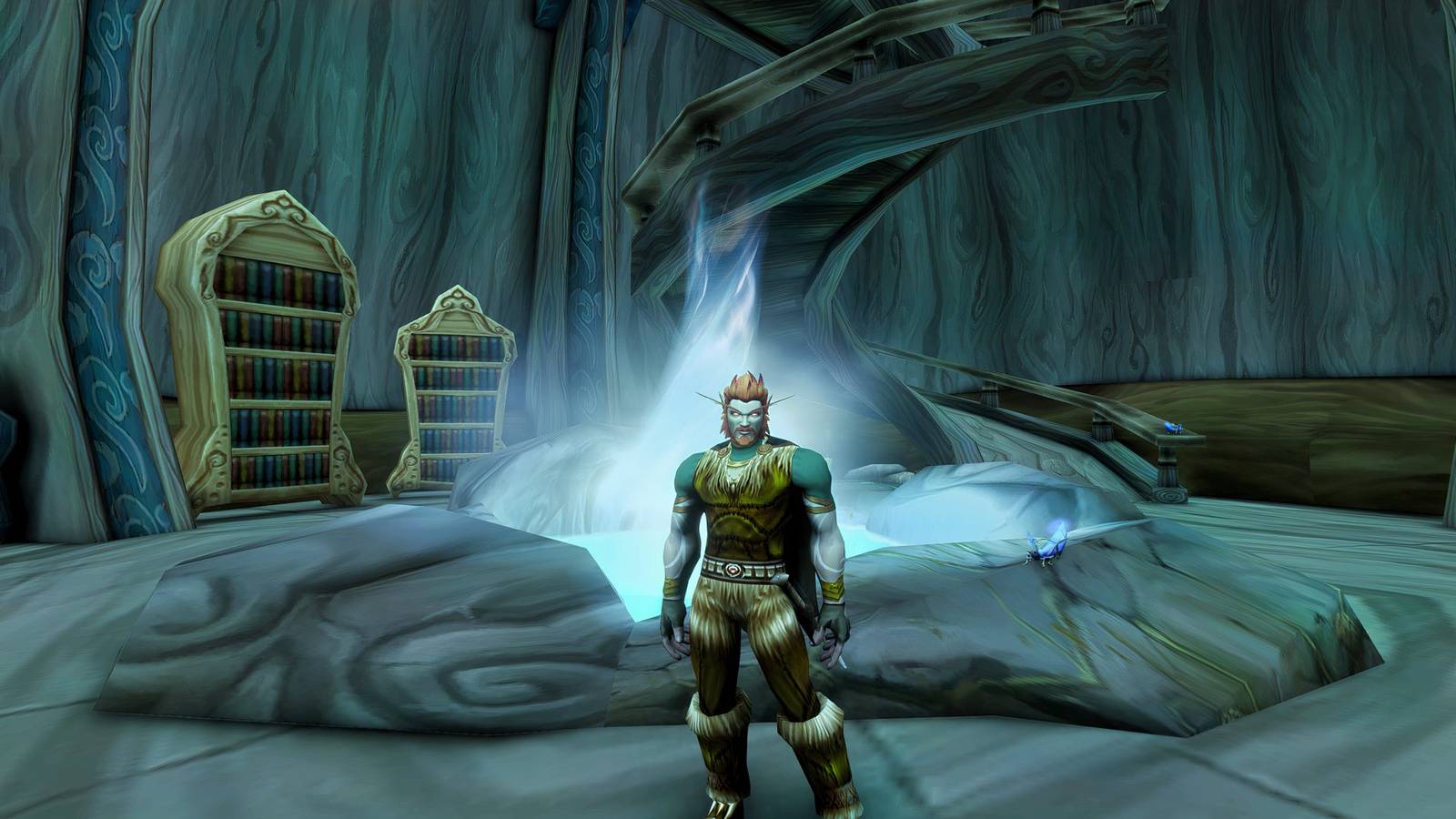
Where To Hide Secondary Name In WoW: Forever
Full Article
Original Source
Read the full article at Thegamer →KhanList aggregates and links to publicly available news content. We do not host full articles from third-party sources. Always verify important information with original sources.