
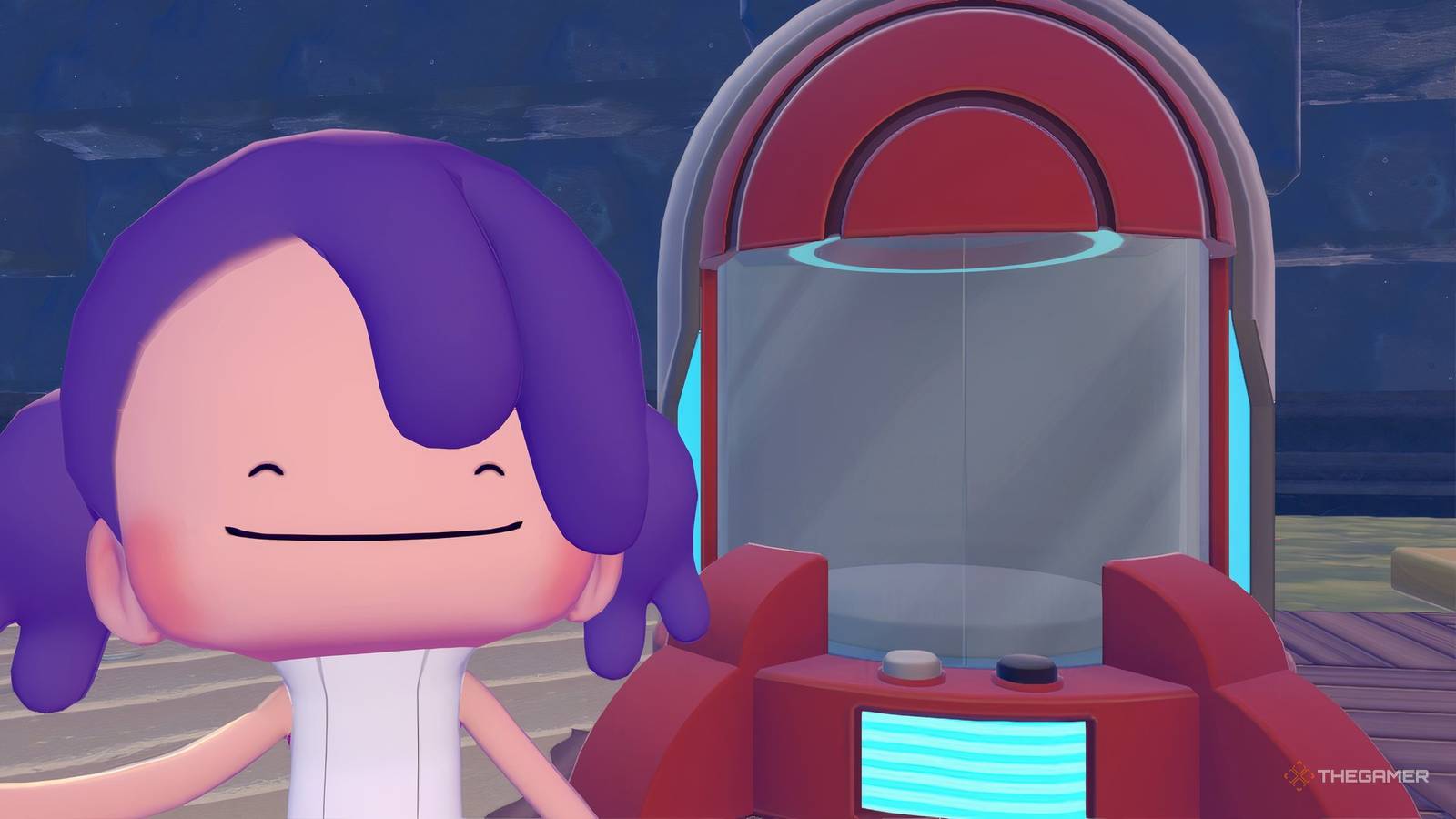
Published Aug 7, 2026, 12:08 PM EDT Although Kaitlyn grew up with a passion for both video games and writing, she never imagined she'd eventually combine them into a career. Now, with several years of experience in the industry across Guides, Features, News, & Reviews, Kaitlyn enjoys nothing more than continuing to deep dive into the games she's passionate about and share her findings with readers. In her downtime, Kaitlyn enjoys unwinding with her favorite horror films, despite being a major scaredy-cat. With the addition of Bubbly Basin to Pokemon Pokopia, players now have access to Portal Pods. A Portal Pod is a new storage item that allows players to store materials, which can be later retrieved from any other Portal Pod. Up until this point, the only storage options were bins and other items that stored those items in a single location. So, if you were in Bleak Beach and needed something from the Withered Wastelands, you'd have to travel all the way back, retrieve the item, and then go all the way back to Bleak Beach. Thankfully, that's no longer the case thanks to Portal Pods! The first Portal Pod you'll come across in Pokemon Pokopia is in Bubbly Basin. When you enter the region, swim straight ahead and up the large staircase. If you keep swimming, you'll eventually come to a bridge, which you can cross to reach a playground. At the playground, turn right and continue north-east until you reach a small building with a crafting table outside. Head inside the building, and you'll find a small office with a large red container at the back. This is the Portal Pod. You can interact with it, but you should go ahead and pick it up. After you pick up this Portal Pod, you should be able to see a very narrow staircase on the ground behind where it was. Head down that staircase to find a lab. At the bottom of the stairs, turn left and go through the glass doors, where you'll find a Poke Ball sitting on the floor to your left. This is a second Portal Pod. At this point, you have two and can begin using them, but I'd recommend making at least one for each region to start. To do this, head to a Pokemon Center and use the 3D printer to create three more Portal Pods. You'll need to snap an in-game photo of one to use the 3D Printer, and you'll also need 5 Rare Pokemetal Ingots to print each one. If you don't have the DLC, you may still be able to use the 3D Printer to make this item by traveling to a friend's island and snapping a photo of one. How To Use Portal Pods Now that you have a couple of Portal Pods, all you need to do is place them anywhere you'd like. Once placed, interact with them as you would with any storage bin and place materials in it. Generally, it's recommended that you use the Portal Pod for building materials you're likely to need in other regions, such as blocks that are primarily in one area, ore, metal ingots, twine, and other things like that. Portal Pods have four pages, each with 20 slots. So you'll be able to store 80 unique materials in your Portal Pods at a time. For this reason, I wouldn't recommend too many duplicate items, especially for items that are rarely used. Once you've placed them in the Portal Pod, place another Portal Pod in a different location of your choice, and you should see all the same materials inside when you interact with it. With that, you're all set. Place as many as you'd like and take advantage of this exciting new feature that will save you tons of building time!
Where To Get More Portal Pods In Pokemon Pokopia's Bubbly Basin DLC
Full Article
Original Source
Read the full article at Thegamer →KhanList aggregates and links to publicly available news content. We do not host full articles from third-party sources. Always verify important information with original sources.