
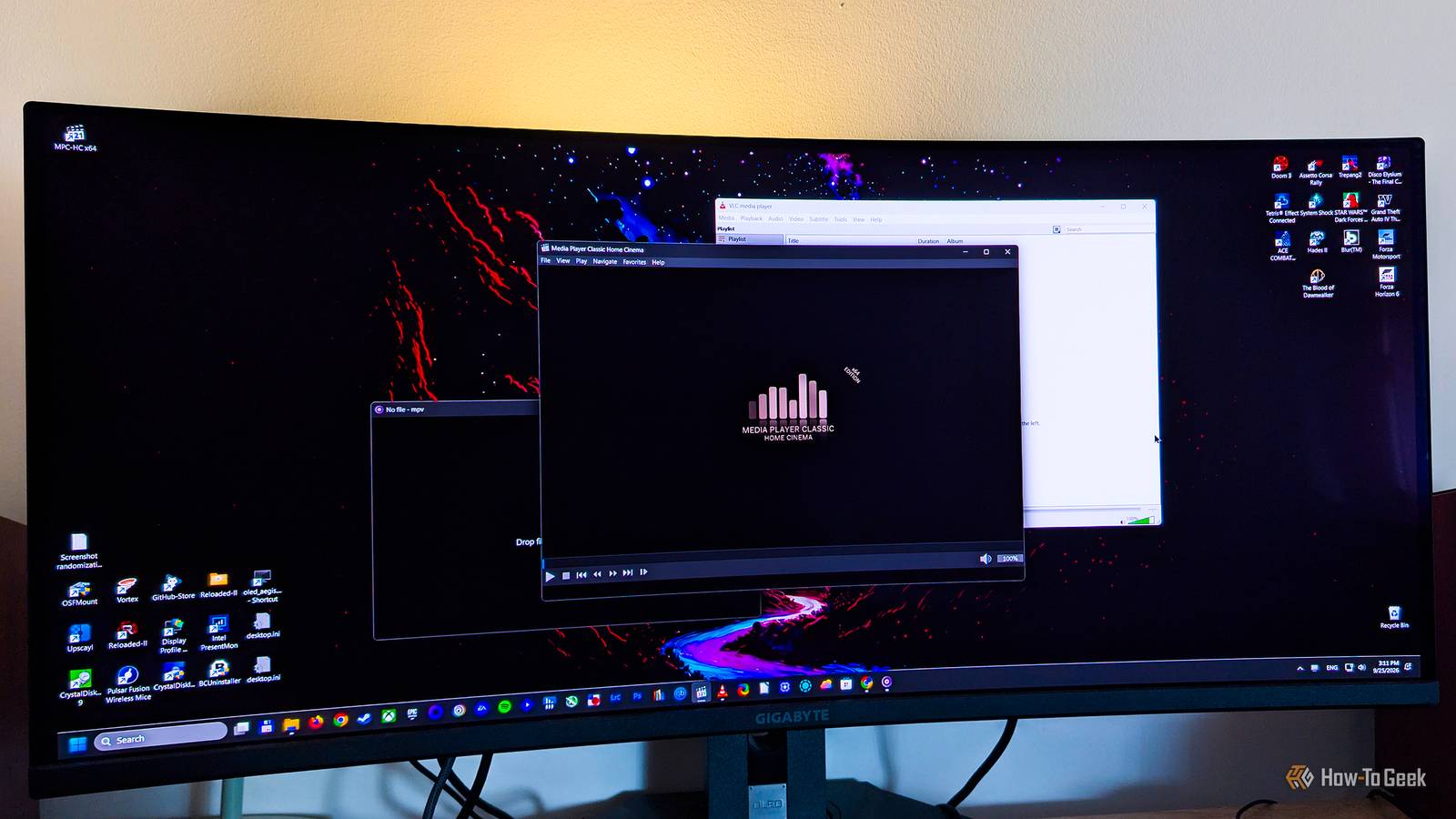
Published Sep 27, 2026, 7:00 AM EDT Ever since he got his first smartphone, the legendary Nokia 6600, back in 2005, Goran became obsessed with technology. This obsession had only gotten worse after he received his first gaming PC a couple of months later. He fell in love with video games in the early '90s, shortly after embarking on his gaming journey with the Sega Master System II and SNES. Since then, he has built dozens of PCs, played thousands of games, and authored hundreds of articles about PC hardware, gaming hardware, and video games. He knows everything there is to know about the PC gaming and PC hardware space, and while his console gaming knowledge isn't as comprehensive, he considers himself a console veteran. Goran has almost a decade of experience writing about tech and video games for numerous web publications including TechSpot, TechPowerUp, and EsportsHeadlines. He has been writing for How-To Geek since December 2022. When he isn't gaming or deciding which component of his PC to upgrade next, you can find him strolling around Novi Sad while listening to music and contemplating what to play next. There's no denying that VLC is one of the most powerful video players on Windows. On the surface, it's simple enough, but once you dig in, you'll find a deluge of hidden features, such as viewing and recording your webcam feed or converting media files. Most of these features, though, are superfluous for regular users who just want to watch videos. MPV, on the other hand, is arguably the best minimalist video player around, but it leans too heavily on simplicity and lacks some important features many of us need, at least out of the box. Then you've got Media Player Classic Home Cinema (MPC-HC), the perfect middle ground: a clean, lightweight video player for Windows that packs everything you need to play videos without suffocating you with extras you'll never use. And if you thought MPC-HC was no longer in active development, boy, do I have news for you. While the original version is abandoned, a fork of MPC Home Cinema is still in active development It's gotten more than 100 updates since 2018 Twenty years ago, Media Player Classic was the go-to recommendation for anyone who wanted something reminiscent of the classic Windows Media Player, but with a layer of handy features Windows' built-in video player lacked. I had used it and its most popular fork, Media Player Classic Home Cinema, for years until I switched to VLC in the early 2010s. Official development of MPC-HC ended in 2017, but in early 2018, clsid2, the same developer behind the last version of the original Media Player Classic, forked the project. Over the years, they've added many new features, as well as support for many new codecs and formats, such as AV1. Eight years later, MPC-HC is still actively developed, with 140 releases since 2018, as of this writing. In other words, Media Player Classic Home Cinema is just as good as it was during its glory days, if not better. Today's version of the app is well-equipped for modern demands As I've already mentioned, the current fork of MPC-HC has gotten a ton of updates since it launched in 2018. It can play more or less any video you throw at it, including HDR videos. For the best possible compatibility, you can download the K-Lite Codec Pack, which includes MPC-HC. Aside from handling modern video standards, MPC-HC supports most of what you'd expect from a video player today. You get a dark theme, and you can adjust playback speed, seek through videos with a preview thumbnail on the seek bar, resume a video from where you left off, search for subtitles in online databases, jump to the previous or next file in a folder with the press of a button, set the player to close or play the next file once the current one ends, stretch, zoom, rotate, mirror, and flip videos, and much more. You can also stream videos from YouTube and other video streaming websites, and there's a nice collection of keyboard and mouse shortcuts for controlling playback. While it looks similar to the old version, the latest edition of MPC-HC delivers an excellent video-watching experience without muddying the waters with features that have nothing to do with video playback or shoving tons of options in your face. It's still got the moves Back in the day, you needed nothing more than Media Player Classic, and that still holds true for Media Player Classic Home Cinema. The player includes everything you might need to enjoy movies, TV shows, and other videos, yet it never feels overwhelming. Learning the ropes will take you an evening or two, even less if you don't plan to memorize every keyboard shortcut and mouse action. You also won't have to constantly search online to find out what different options do, since they're mostly self-explanatory and do exactly what you'd expect. While I've gotten used to VLC, I have to say that I really like the latest version of MPC-HC. I can rifle through its menus and find everything I need in a jiff. It handles every file I've thrown at it, it's lightweight (the installer weighs just over 21MB), it works on Windows 10 and 11, it runs well on old hardware, and it supports HDR. To be honest, I'll probably stick with it now that I'm done testing it. After about a decade and a half, I'm ready to move on from VLC, even though it's still an outstanding video player. If you're on Windows, you don't need anything more than MPC Home Cinema If Windows is your operating system of choice, chances are MPC-HC is all you'll ever need. It has just the right number of features while staying lightweight, supports all the important formats, looks slick, works on any Windows 10 or Windows 11 machine, and will run even on a potato. If you're looking for a capable Windows video player that's free and open-source, you can't go wrong with MPC-HC.
VLC is too messy and MPV is too bare, but this open-source video player hits the sweet spot
Full Article
Original Source
Read the full article at Howtogeek →KhanList aggregates and links to publicly available news content. We do not host full articles from third-party sources. Always verify important information with original sources.