
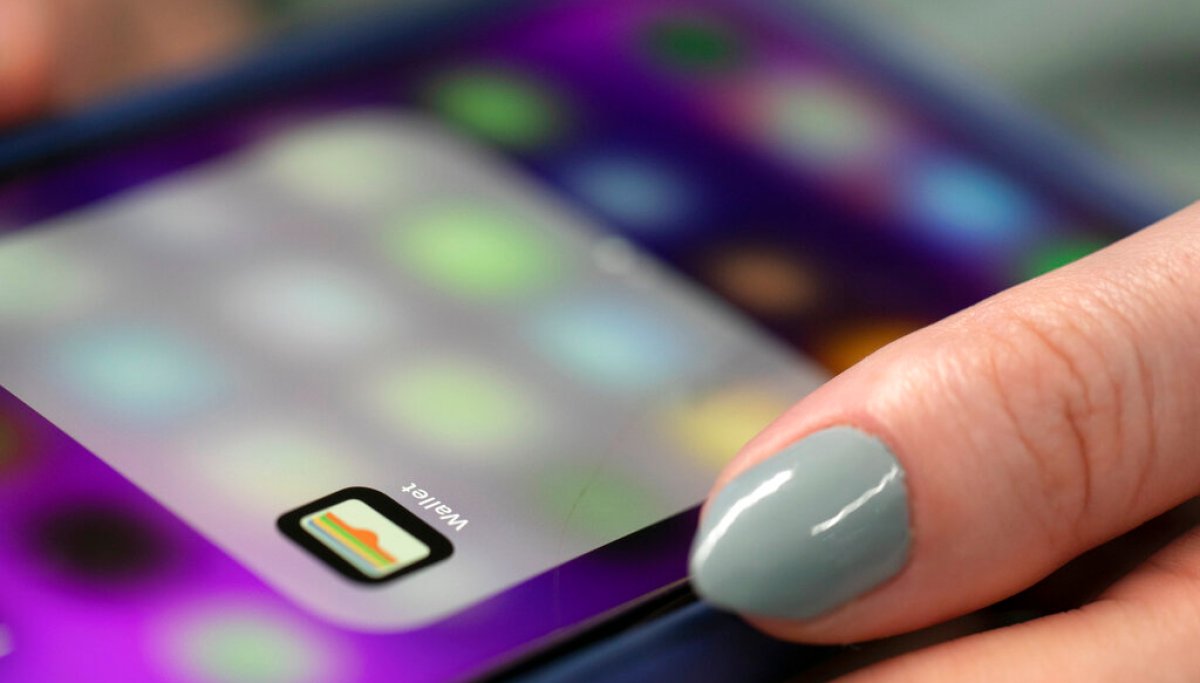
Virginia drivers can leave their licenses in their pockets in some circumstances after the commonwealth became the latest state to allow residents to add their identification to Apple Wallet.The Virginia Department of Motor Vehicles launched the feature last week, allowing residents with valid Virginia driver’s licenses or state-issued ID cards to store a digital version on their iPhone or Apple Watch.Digital IDs are not intended to replace physical cards, and the DMV suggests residents should continue to carry their ID cards. The new ID mode is intended to make presenting an ID easier. How to add an ID to Apple Wallet In the Wallet app, tap “Driver’s Licenses and ID Cards,” then select Virginia. The app will then prompt you to scan the front and back of your ID.After confirming your identity by following the steps, which include facial recognition, the app will have your application sent to the Virginia DMV for approval. Users will be notified when their ID is ready to use in Apple Wallet, and the DMV said the process generally takes a “relatively short period of time.”A Real ID is not required to use the feature, and Apple recommends taking pictures of yourself and your ID in a well-lit area against a plain background.Where and how to use a digital ID The digital ID can be used at more than 250 Transportation Security Administration checkpoints nationwide, including Washington Dulles International, Reagan Washington National, Richmond International, and Norfolk International airports.Apple Wallet IDs can also be used at select ABC stores to purchase alcohol. A full list of participating stores can be found on the Virginia DMV website. The DMV also accepts digital ID, as do some law enforcement agencies piloting the program.To present an ID with Apple Wallet, double-click the side button to launch Face ID or enter your passcode. Then tap your ID card in the app, and hold the top of the phone or Apple Watch face near the identity reader. Users’ phones or watches should never leave their possession when presenting an ID.After tapping the reader, the shared information will appear on the iPhone screen. To approve the information, double-click the side button on the watch or phone, or hold your finger on the home button if using fingerprint ID.TIM COOK HANDS REINS TO NEW APPLE CEOAccording to the DMV website, users’ IDs are secure through the privacy and security features already included in iPhones and Apple Watches. The information about where, when, and what personal information is shared is encrypted and only stored on the device. Both the DMV and Apple are unable to see information about digital ID usage.To remove a digital ID from Apple Wallet, tap the digital ID in the app, press the “i” in the upper-right corner, and select “Remove Driver’s License.”
Virginia drivers can now upload their driver’s license to Apple Wallet. Here’s how to do it
Full Article
Original Source
Read the full article at Washingtonexaminer →KhanList aggregates and links to publicly available news content. We do not host full articles from third-party sources. Always verify important information with original sources.