
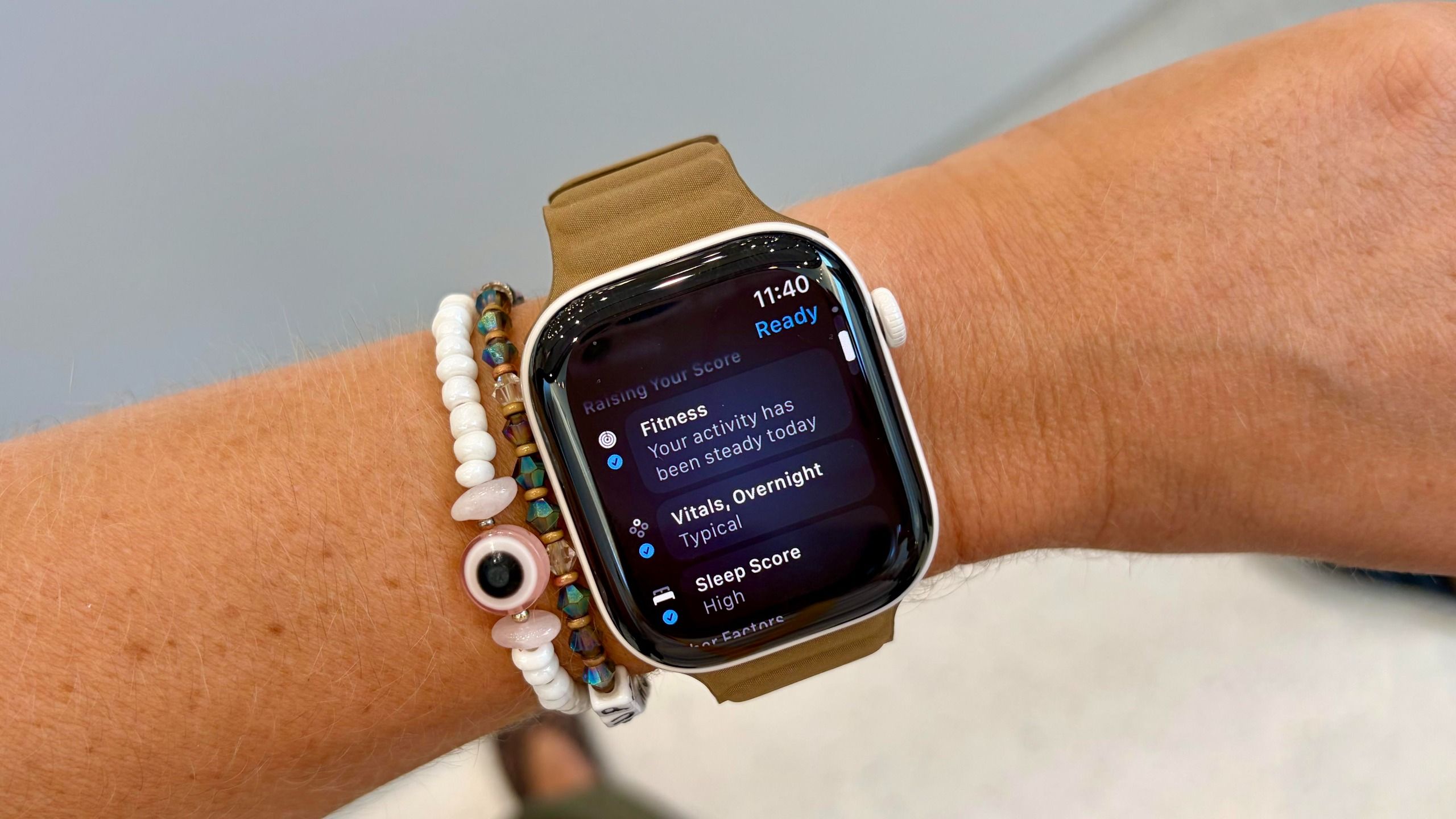
(Image credit: Future) If one of your health goals is to lose weight, wearing a fitness tracker, including one of the best Apple Watches, is a great place to start. To lose weight and keep it off, you’ll need to ensure you’re burning more calories than you consume — otherwise known as a calorie deficit.One of the easiest ways to see how many calories you’re burning is to wear a fitness tracker. Yet, if you’ve got an Apple Watch on your wrist, how you set up your watch can make all the difference. Read on to find out more.As a reminder, if you’re looking for personalized advice when it comes to weight loss, it’s always a good idea to talk to your physician.How to set up your Apple Watch for weight loss Whether you choose the Apple Watch SE 3, the Apple Watch Series 12, or invest in the Apple Watch Ultra 4, there are a few ways to ensure your watch gives you the most accurate health data. Here are three top tips:1. Get the fit right (Image credit: Future)Let’s caveat something here: no smartwatch or sports watch on the market will be 100% accurate when it comes to estimating how many calories you’ve actually burned. They largely rely on algorithms, and to really get an idea of your true energy expenditure every day, you’d need to be wired up in a lab.That said, your Apple Watch will estimate your calorie expenditure using your heart rate data, as well as your personal metrics, plus data from the movement sensors and GPS. How accurately your watch records all of this data depends on how well it fits.Your Apple Watch should be snug, not tight, with the heart rate sensor sitting flush against your wrist. The watch should sit above your wrist bone, and it shouldn’t be loose enough to rotate as you move.Get instant access to breaking news, the hottest reviews, great deals and helpful tips.2. Make sure your settings are correct and your watch is calibrated Remember those personal metrics I just mentioned that form part of the calorie expenditure algorithm on your Apple Watch? It’s important to make sure these are accurate, especially as you start losing weight, because they can make a big difference. (Image credit: Future)It’s also important to ensure that your Apple Watch is calibrated, as this makes the data more accurate. Firstly, head to Location Services on your iPhone, click System Services, then Motion Calibration and Distance and make sure it’s turned on. Next, go for a 20-minute walk in a flat area where you can see clear blue skies (heavily wooded areas or skyscrapers can affect GPS) at your natural pace wearing the Apple Watch, as this will make sure it’s calibrated to your stride.3. Choose the right workout mode Finally, another important step when it comes to getting the most accurate idea of your calorie expenditure is to choose the right workout mode on your Apple Watch. Each workout type will use a specialized algorithm tailored to the expected movement pattern. (Image credit: Future)For example, I’d often use Functional Strength Training mode during my HIIT workouts in the gym. When I switched to using High-Intensity Interval Training, my average calorie burn was higher. This is because the Apple Watch is weighing the elevated heart rate that comes with a HIIT session with short periods of rest more heavily than it would in strength training mode.Of course, even when your watch is set up perfectly, it’s important to reiterate again that no wearable will be perfect when it comes to estimating your overall calorie expenditure. The best way to lose weight is to eat a balanced, healthy diet, prioritize movement, and focus on your overall health. Follow Tom's Guide on Google News and add us as a preferred source to get our up-to-date news, analysis, and reviews in your feeds. More from Tom's GuideI walked 5,500 steps with the Apple Watch 12 vs Garmin Venu 4 — here's the winnerApple Watch Series 12 vs Apple Watch Ultra 4: Which new Apple Watch should you buy?I’ve tested over 100 fitness trackers head-to-head — 3 workout stats I trust the least Jane McGuire is Tom's Guide's Fitness Managing Editor, which means she looks after everything fitness-related - from running gear to yoga mats. An avid runner, Jane has tested and reviewed fitness products for the past ten years, so knows what to look for when finding a good running watch or a pair of shorts with pockets big enough for your smartphone.
Using your Apple Watch for fat loss? Here are 3 ways to make it more accurate
Full Article
Original Source
Read the full article at Tomsguide →KhanList aggregates and links to publicly available news content. We do not host full articles from third-party sources. Always verify important information with original sources.