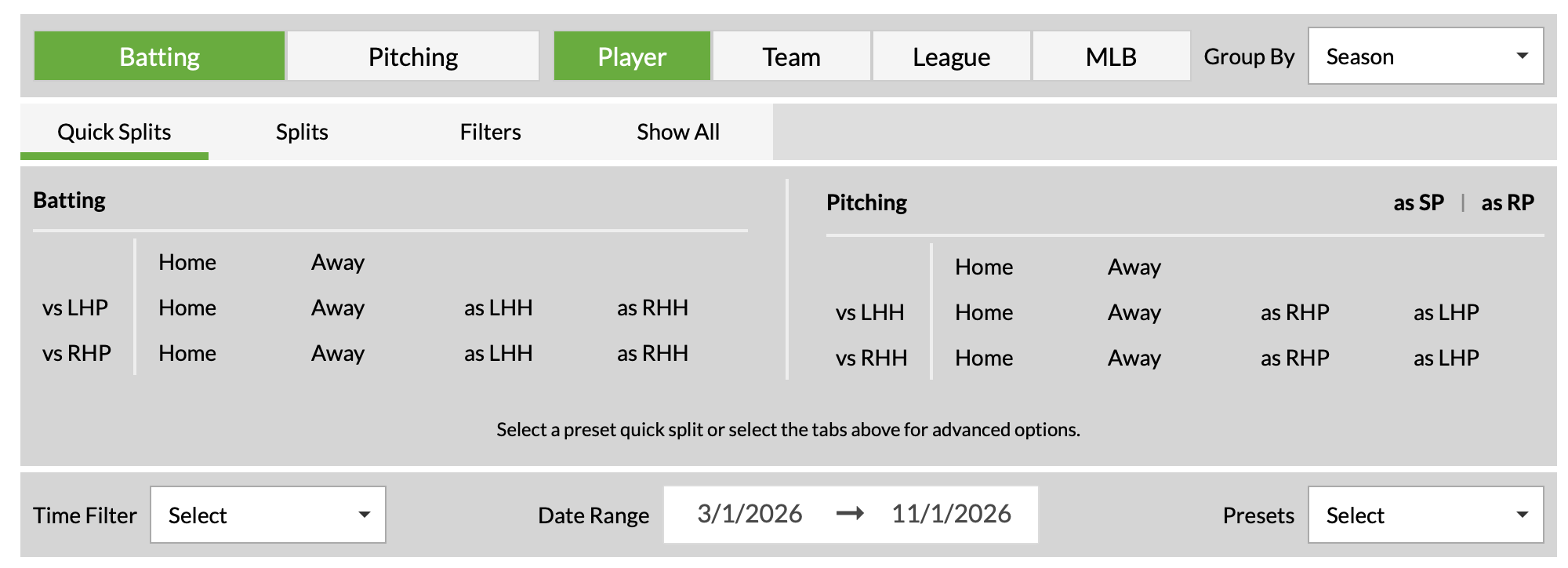
If you’ve visited our splits leaderboards or the player page splits or splits tool in the last few days, you’ve probably noticed a change. And you’d be right to have noticed! Our development team just deployed our upgraded splits, and I’ve been tasked with running through the changes. Here’s a top-level summary before I dive deeper: Splits Page on the Player Pages We’ve added nine new stat groups to the splits page, including Statcast, Bat Tracking, plate discipline, and pitch-level metrics. We’ve changed the UI to include a stat group selector at the top of the splits page to accommodate the addition of more stats. If you want to see stats that appear in Advanced, Batted Ball, or our new stat groups, you’ll simply click on those options instead of scrolling down. Splits Leaderboards and Player Page Splits Tool We’ve added the same new stat groups we added to the player page splits, including Statcast, Bat Tracking, plate discipline, and pitch-level metrics. We’ve refreshed the UI using our modern interface, making it responsive to user interaction. We’ve integrated the page with our updated Custom Teams feature. Please note, this integration is only available on the splits leaderboards. When comparing the updated splits leaderboard page to the legacy version (which will remain available until the end of the World Series), the most striking changes are the cosmetic updates we’ve made to the UI. The tool itself works just the same, but it benefits from the integration of Statcast and Bat Tracking stats, along with an entire Pitch-Level Data tab: You Aren't a FanGraphs Member It looks like you aren't yet a FanGraphs Member (or aren't logged in). We aren't mad, just disappointed. We get it. You want to read this article. But before we let you get back to it, we'd like to point out a few of the good reasons why you should become a Member. 1. Ad Free viewing! We won't bug you with this ad, or any other. 2. Unlimited articles! Non-Members only get to read 10 free articles a month. Members never get cut off. 3. Dark mode and Classic mode! 4. Custom player page dashboards! Choose the player cards you want, in the order you want them. 5. One-click data exports! Export our projections and leaderboards for your personal projects. 6. Remove the photos on the home page! (Honestly, this doesn't sound so great to us, but some people wanted it, and we like to give our Members what they want.) 7. Even more Steamer projections! We have handedness, percentile, and context neutral projections available for Members only. 8. Get FanGraphs Walk-Off, a customized year end review! Find out exactly how you used FanGraphs this year, and how that compares to other Members. Don't be a victim of FOMO. 9. A weekly mailbag column, exclusively for Members. 10. Help support FanGraphs and our entire staff! Our Members provide us with critical resources to improve the site and deliver new features! We hope you'll consider a Membership today, for yourself or as a gift! And we realize this has been an awfully long sales pitch, so we've also removed all the other ads in this article. We didn't want to overdo it. The Statcast preset will apply your filters or splits to tried and true Statcast metrics like exit velocity, barrel rate, and xwOBA. Here are the top 10 hitters by xwOBA against lefties through games played on Tuesday: Bat Tracking contains the newer Statcast metrics that have been introduced in the last couple years, like bat speed and ideal attack angle. Here are the righty relievers with the lowest rate of squared-up contact through Thursday’s action: The Pitch-Level Data tab uses Statcast pitch-type inputs (with the exception that, at least for now, all sweepers are categorized as sliders, as they are elsewhere on the site), allowing for filtering within each tab the same way you’d filter with the other stat presets: That adds up to the nine new stat presets, with seven housed in the Pitch-Level Data tab. Odds and Ends We appreciate all of the feedback early users have given us on the update, and thought it would be helpful to address a few questions we’ve received from them: First, we haven’t removed any stat fields from the splits page on the player pages. If there’s a stat you “miss” from the legacy tool, it’s still there. It may have just moved! The custom player control has been moved to a Custom Players button above and to the right of the top of the data grid. This is a similar location to where it sits on our other leaderboards. We updated the CSV export to be in line with the format of the rest of the site, which includes having the appropriate diacritical marks in players’ names. We include our player IDs, the MLBAM player IDs, and the name field stripped of diacritics for the sake of compatibility across data tools. As with all of our tools, exporting to Excel is a Members-only feature. You can sign up to become a FanGraphs Member here. To provide additional feedback, you can click the “here” within the light blue banner at the top of any of the three features: Jon Becker manages RosterResource's team payroll pages, assists with all other aspects of RosterResource, and also dabbles in creating new features as a Junior Developer. Follow him at your own peril: @jonbecker_ on Twitter and @jon-becker.com on Bluesky.
Updated Splits Leaderboards and Splits Tools Are Here!
Full Article
Original Source
Read the full article at Blogs →KhanList aggregates and links to publicly available news content. We do not host full articles from third-party sources. Always verify important information with original sources.