
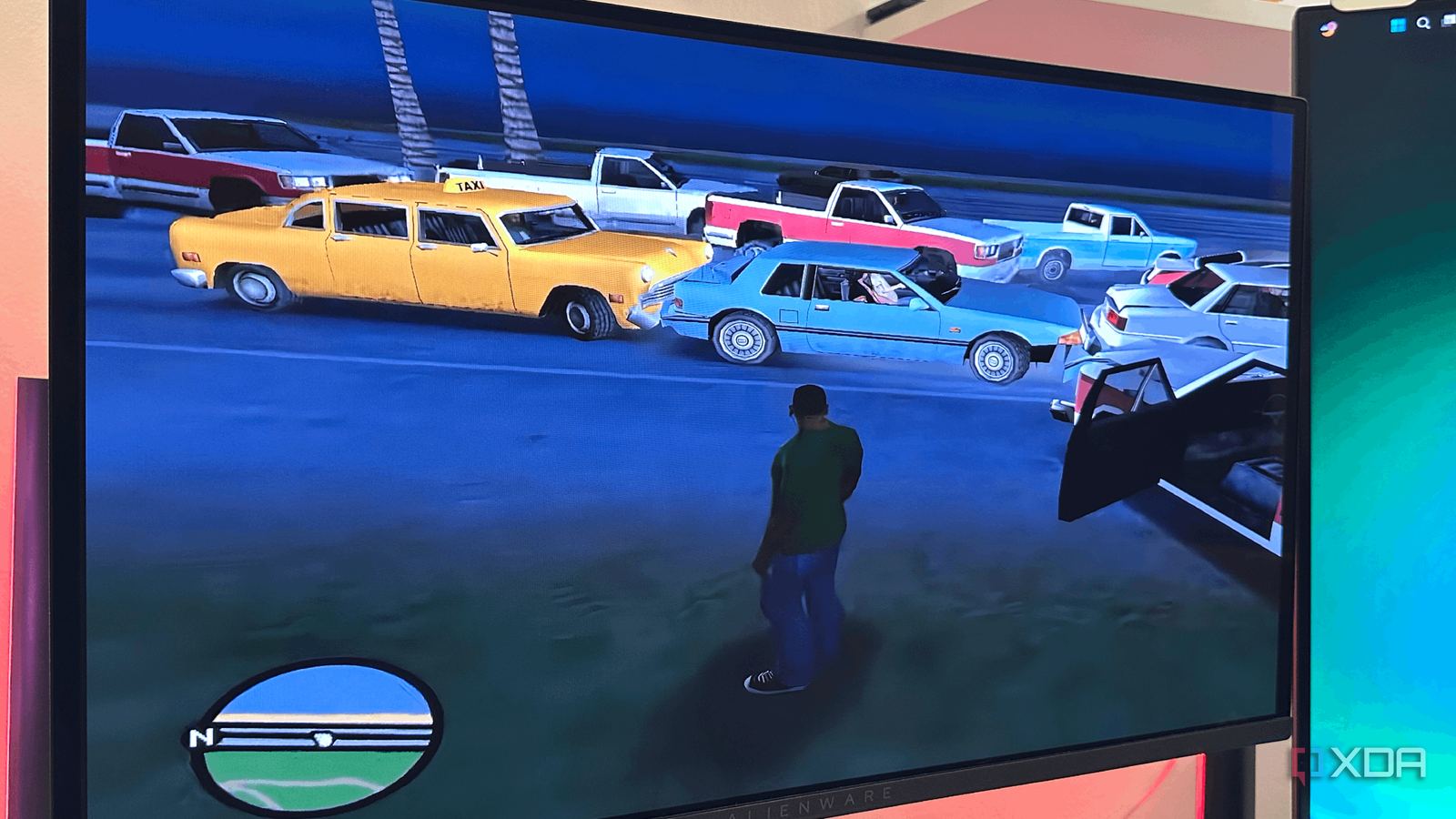
Published Oct 6, 2026, 12:01 PM EDT Gaming has been Samarveer’s greatest passion, and the Literature graduate in him takes immense joy in dissecting games for their themes, messages, and impact. Samarveer holds a deep appreciation of gaming, and considers the platform to be the most immersive and impactful across all media. He can be found engaging with gaming communities online, always ready to debate the finer points of ray tracing or itching to write an 8-page collegiate thesis on any game that impacts him emotionally. Back in the early 2000s, I enjoyed the games I played without ever worrying (or knowing) about terms like frame rates and graphics settings. My toddler self only knew that games were fun, and some particularly more than others. Trying to recapture that feeling in 2026, however, is hit or miss, mostly, with my options being remasters, remakes, or frame rate unlockers. That last part has been particularly interesting to witness in a handful of games I had always wanted to revisit. Since I had plenty of ways to remove their artificial limitations, I did what any sensible PC gamer would do and started unlocking everything. What made these experiences noteworthy, though, is how my own favorite nostalgic titles seemed to fight me back when I tried to "modernize" them with 60fps. Removing the cap was the easy part, really When it came to the original PC version of GTA: San Andreas, the game was frame locked to FPS. Of course, I had to stick to the original 2005 release since I was trying to get it to work on my GPU-less laptop. The recent remaster simply wouldn't have booted on a 4GB RAM laptop, after all. Removing its 30-FPS cap was a piece of cake, and sure, the game immediately looked smoother. All it took was turning off the Frame Limiter option in the game's own menu. Next was the original Resident Evil 4, which was locked to 30 FPS upon release in 2007. In fact, if I wanted to play it at 60 FPS, I could simply opt for the HD edition that came out in 2014, where Capcom packed a neat little 60 FPS toggle. For the original version on my old laptop, though, I simply modified the internal setup.ini file to set its refresh rate lines to 60 FPS. Resident Evil 4's HD edition has a built-in 60 FPS toggle that still tends to break some of the game's systems. Now, the next game, NFS Rivals, may not be twenty years old, but it certainly is a teenager in 2026. Its 30-FPS lock is legendary enough that I was curious to see what the game would look like once I finally removed it. For that, I simply added the following line of code to the game's shortcut target. -GameTime.MaxSimFps 60 Lastly, L.A. Noire was rather difficult to unlock to 60 FPS, and it required installing Cheat Engine first, so I could install a script into it to force the game's frame presentation limiter to 60. I even disabled V-Sync inside the game and then turned on Smooth Motion inside my Nvidia App settings. Here's what broke down when I doubled the frame rate The FPS counter isn't the only thing that changed My biggest mistake was treating 30 FPS as nothing more than a rendering limit. In the games I mentioned, the frame rate was baked much deeper into the engine. That's why when I doubled the frame rate, I changed how often parts of the game itself update instead of simply asking my GPU to draw twice as many pictures. The consequences, as a result, were spectacularly silly. Take L.A. Noire, for example. At 60 FPS, its vehicle behavior became completely unpredictable. Cars absolutely flew when I tapped the accelerator, and they took twice as long to slow down or stop, which resulted in me plowing into traffic every two minutes. It also broke a few quests, but the game's USP, which were motion-scanned micro-expressions during suspect interrogations, completely broke down at 60 FPS. All I got were shimmery faces straight out of uncanny valley. Resident Evil 4, too, broke in the funniest way. The game's quick time events (QTEs) are actually calculated by frame allocation rather than real-world milliseconds. With the frame rate doubled, the game gave me half the time to react, which made it impossible to outrun the giant boulder or fight Krauser. The swinging axes doubled their speed, and the in-game enemy AI actually went blind, completely unable to determine my location at the right time. NFS Rivals, which I used a code in the shortcut's target for, actually broke incredibly, because going from 30 FPS to 60 FPS actually doubled the game's speed, increasing it to 200%. My cars rocketed down the freeways, crashing magnificently into traffic and every single wall they could find. Even the in-game pursuit weapons expired twice as fast because of their hardcoded 30Hz internal countdown clock. Actual 60 FPS experiences required proper workarounds I had to fix these games, not just unlock them GTA: San Andreas showed me why a simple FPS unlock wouldn't work. The game engine ties several systems to the frame rate, so I used Framerate Vigilante alongside the necessary community patches and a 60-FPS limit. Instead of just removing the ceiling, the fix adjusts those frame-dependent systems so physics and gameplay continue behaving correctly at 60 FPS. For NFS Rivals, the code I put into the launcher's target path turned out to be incomplete. Not only did I have to bring up the game speed to 60 FPS, but I also had to command the engine to adjust its clock speed along with the new framerate target. The final code, then, included both commands to make sure that the game ran at 60 FPS, but the game world didn't completely go bonkers at hyperspeed. -GameTime.MaxSimFps 60 -GameTime.ForceSimRate 60.0Similarly, Resident Evil 4's systems were still designed around 30-FPS assumptions. I had to download RE4 Tweaks, an open-source mod, to fix the discrepancies, including object speeds, moving geometry, Ashley's own physics, and the rapid-button QTEs. The common thread here is that game engines need consistency. L.A. Noire was rather tough to fix, since it made me download a specialized community script called V-Patch. It detaches the internal 30Hz internal game tick from the actual visual output, which is what fixes all the issues that came with running the game at 60 FPS. The common thread is surprisingly simple: the engine needs consistency. If physics, input, animation, or timing expects 30 updates per second, giving it 60 without fixing those systems can break the game. Either everything that depends on the frame rate has to be properly adapted to 60, or it needs to remain locked to 30 while something like frame generation handles the extra visual frames. Systems Released January 11, 2005 ESRB M for Mature: Blood and Gore, Intense Violence, Language Developer(s) Capcom Publisher(s) Capcom 30 FPS is the lesser evil (sometimes) I still want these games to feel and play as modern titles, but I've developed more respect for the engineering hidden behind what I previously considered an arbitrary framerate number. I went into this experiment expecting old games to finally surrender to modern hardware. Instead, they reminded me that performance isn't just about how much horsepower sits underneath the hood. At some point, you just start arguing with the developers who built these games twenty years ago instead of just making an old title faster. No, 30 FPS isn't "desirable" for me. I still want these games to feel as good as modern releases when I'm playing them today. I've just come away with a much healthier respect for the engineering hidden behind that seemingly arbitrary frame-rate number.
Unlocking 60 FPS on old games broke them in ways I didn't expect
Full Article
Original Source
Read the full article at Xda-developers →KhanList aggregates and links to publicly available news content. We do not host full articles from third-party sources. Always verify important information with original sources.