
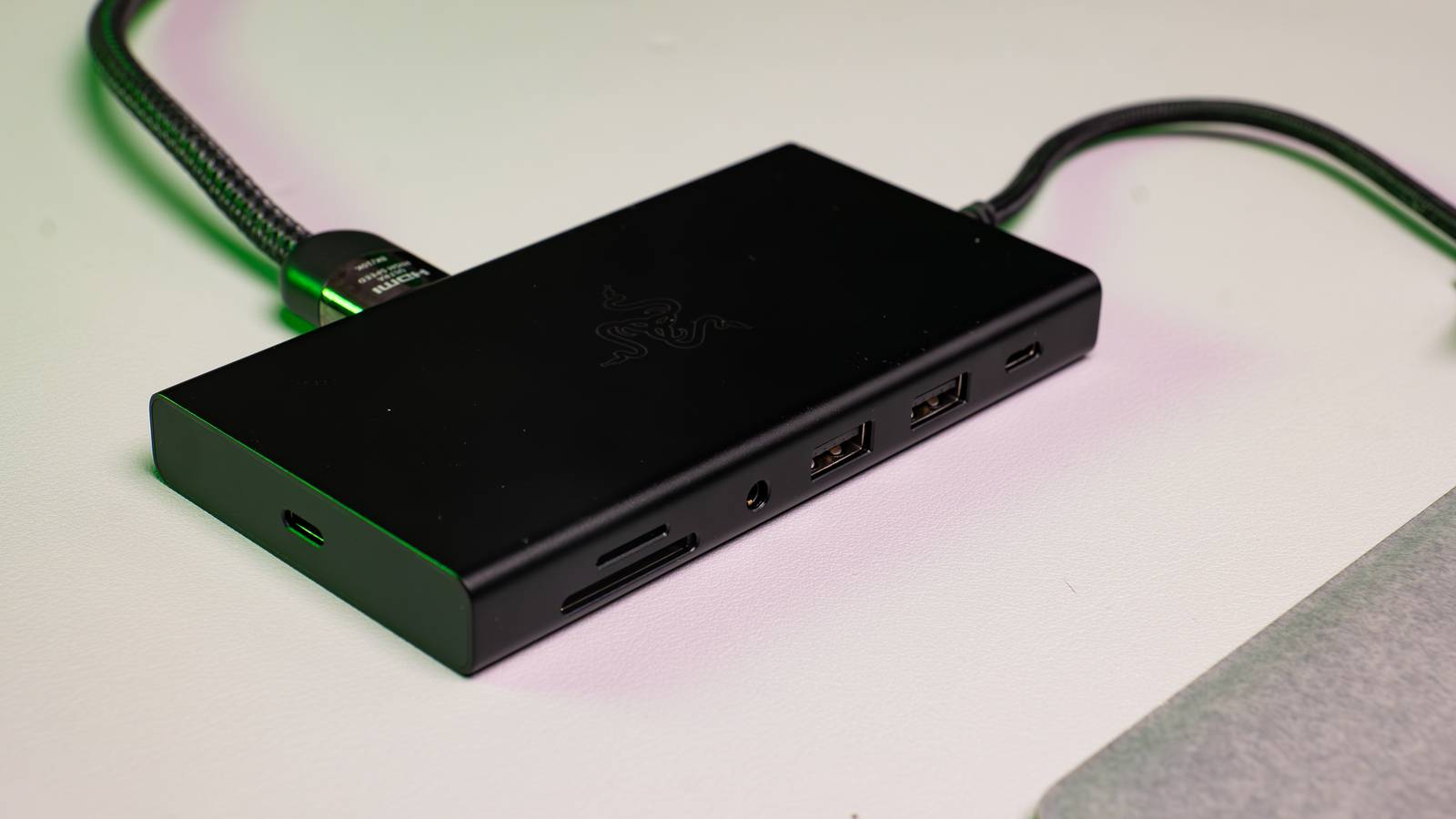
Published Sep 16, 2026, 6:00 PM EDT Sydney Butler is a technology writer with over 20 years of experience as a freelance PC technician and system builder and over a decade as a professional writer. He's worked for more than a decade in user education. On How-To Geek, he writes commerce content, guides, opinions, and specializes in editing hardware and cutting edge technology articles. Sydney started working as a freelance computer technician around the age of 13, before which he was in charge of running the computer center for his school. (He also ran LAN gaming tournaments when the teachers weren't looking!) His interests include VR, PC, Mac, gaming, 3D printing, consumer electronics, the web, and privacy. He holds a Master of Arts degree in Research Psychology with a minor in media and technology studies. His masters dissertation examined the potential for social media to spread misinformation. Outside of How-To Geek, he hosts the Online Tech Tips YouTube Channel, and writes for Online Tech Tips, Switching to Mac, and Helpdesk Geek. Sydney also writes for Expert Reviews UK. He also has bylines at 9to5Mac, 9to5Google, 9to5Toys, Tom's Hardware, MakeTechEasier, and Laptop Mag. My first laptops were usually office hand-me-down machines and one I remember most fondly was a Pentium 133 system that was pretty thin and light for its time. The coolest thing it came with was a docking station, but this wasn't what you'd think of as a laptop dock today. It was a device molded to fit the entire laptop, with a proprietary connector that ensured the peripherals in the dock, such as hard drives and CD-ROM drives, performed the same as any internal drive. All you had to do was come home, press the laptop into the dock until you heard a click. Now, I dock my Windows laptop using a USB-C dock that would work with almost any computer using a modern USB-C port. On a technical level, it's a superior solution and far more flexible, but I still think model-specific docks have a few things going for them. Old laptop docks were designed as part of the computer Fits like a glove Being built specifically for a given laptop or family of laptop computers is probably the thing I liked the most about old-school laptop docks. They were designed from the ground up to work with a specific laptop body, and so the designers could use that as a way to elevate the experience. That was often literally true, since some docks lifted the laptop, acting as a monitor riser and sometimes letting you type at a more comfortable angle. The idea wasn't necessary that you would always use an external display, so many of these docks helped make the laptop easier to use even if you didn't have an external monitor or other peripherals. While a single USB cable that connects everything and sometimes even charges your laptop is impressive, it just doesn't have the same cohesiveness. Proprietary connectors offered predictable performance It takes the "U" out of USB Credit: Tim Brookes / How-To Geek I've written before about how USB-C is a real mess of a standard and that's a major issue for docks. There are so many variables involved that if you take a random mix of dock, cable, and laptop, you actually have no real way of knowing what performance or capabilities you'll get when it's all plugged in without looking up spec sheets. This is especially true if your dock is also charging your laptop via USB-C, since whether the laptop gets as much power as it needs depends on the stars aligning just right. With proprietary docks, you're using the dedicated power supply designed for that laptop and dock combo. So not only do you have one less thing to plug in, you also know that your laptop is charging at the speed it should, and receiving exactly as much power as it needs. Modern USB-C docks turn one fast connection into several compromises Bottlenecks galore Credit: Hannah Stryker / How-To Geek Even if you have a fast USB4 or Thunderbolt connection on your laptop, its total bandwidth is finite. All the devices connected to that port share that bandwidth, and the more things you plug in, the less bandwidth there is to go around. One advantage of proprietary docs is that all the peripherals don't share the same set of wires. If you look at something like the Dell E-Port docking station, you'll see the proprietary connector has numerous wires in parallel. So each set of ports gets a direct line to the bus and the controller it needs without having to share with other types of port. A USB-C plug cannot replace a proper docking mechanism It's a little flimsy, to be honest Credit: Michael Bizzaco / How-To Geek One of my biggest gripes with modern "universal" docks is that they're risky and fragile. It is stupidly easy to accidentally break off a USB-C plug in its port, and I have never liked having a dongle dangling. The best compromise I've found so far is using this attachable USB-C dock with my MacBook. Credit: Sydney Louw Butler / How-To Geek It's connected using both USB-C ports and a dummy headphone jack. So that makes it pretty secure and stable. It also has proper power passthrough and is a little less annoying to connect than a typical dongle-style dock. Of course, this also gives up some of the flexibility of these USB-C docks, since this only works on MacBooks that have a very specific port layout. Still, I feel it's the best of both worlds at this point, giving me some of the advantages of old docking stations, while benefiting from the full bandwidth of two ports, therefore compromising less. Universal docks are more convenient—but less dependable I can't argue that modern USB-C docks that will work with any laptop sporting the same connection standard are amazing and convenient devices, but it does put the onus of making sure everything works on you as the customer. It's obviously more convenient to have a single docked setup where anyone with a modern laptop can plug in and get it all up and running in seconds, but the reality is that when you plug a modern universal dock into your laptop, you don't actually know that everything will work correctly, run at the best speeds, or in some cases even work at all.
Universal USB-C docks are convenient, but old-school docking stations were actually better
Full Article
Original Source
Read the full article at Howtogeek →KhanList aggregates and links to publicly available news content. We do not host full articles from third-party sources. Always verify important information with original sources.