
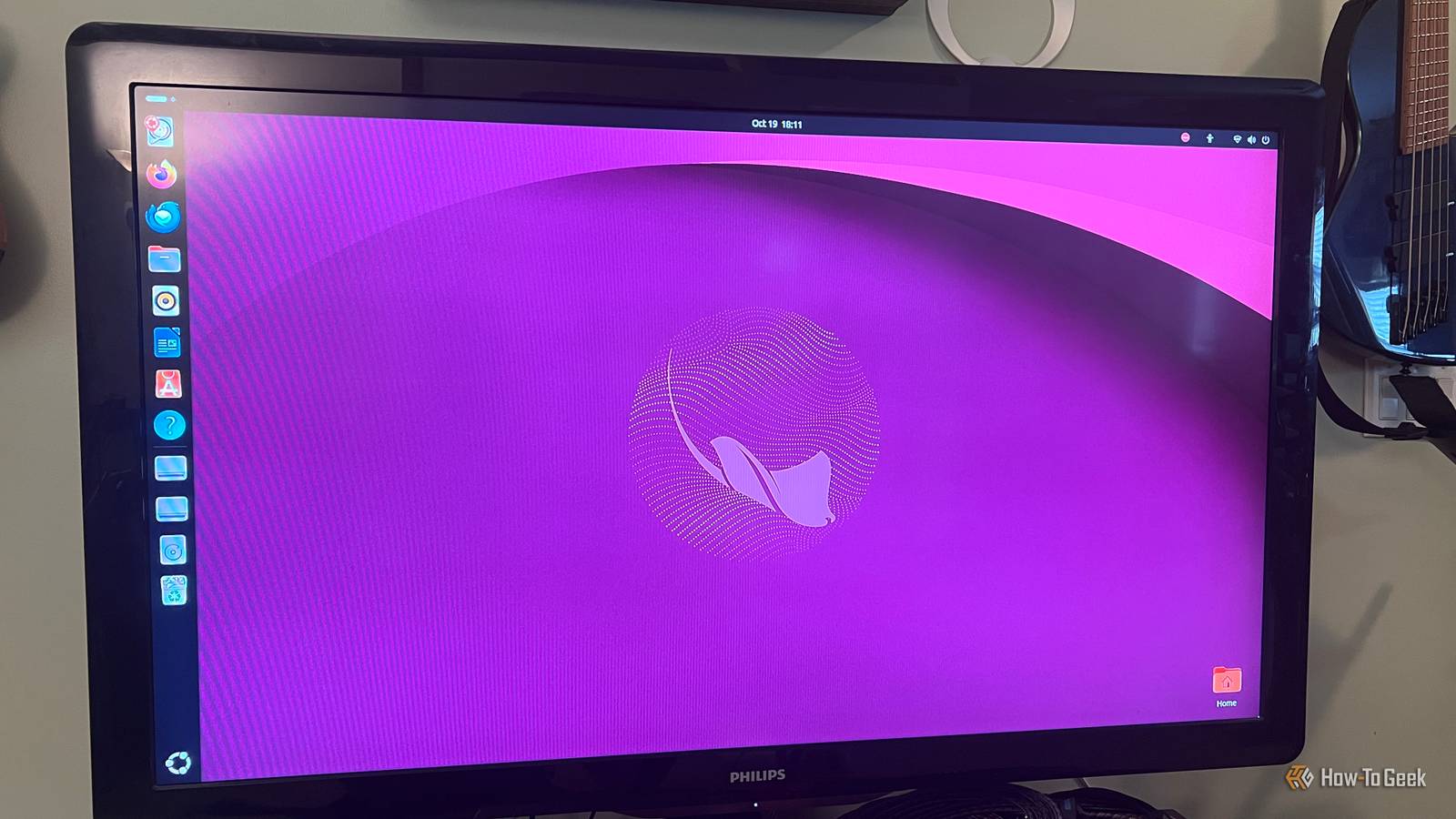
Published Oct 21, 2026, 8:00 AM EDT Rich Hein is a veteran technology journalist with more than two decades covering developer, consumer and enterprise topics. Rich's career has been dedicated to service journalism, connecting readers to content that informs and delights. Previously, Rich was vice president and editor-in-chief for Simpler Media Group, director of audience development for IDG and editor/writer for sites like CIO.com, ComputerWorld, CodeGuru and other tech-centric publications. He's received numerous accolades, including the IDG Summit and Azbee awards and has been covered by Medium for his work in audience development. When not at his desk, Rich lives in Daytona Beach with his wife and three dogs. He enjoys playing guitar, surfing and staying abreast of the latest in tech. A new version of Ubuntu dropped last week, just six months after Ubuntu 26.04 LTS. Codenamed Stonking Stingray, Ubuntu 26.10 brings GNOME 51, a newer Linux kernel, and some big changes under the hood. If you’re already using Ubuntu, a new, more polished version may seem tempting, but newer doesn’t always mean better. Ubuntu 26.04 LTS is still very new and doesn't need to be replaced. It provides a solid experience without having to upgrade the operating system every six months. This new release does offer some improvements, but there are trade-offs to consider before jumping in. There are several upgrades that go beyond visual updates. Some changes are noticeable from the start, while others are happening behind the scenes. If you’re happy with Ubuntu 26.04, I think the important question to ask yourself is whether these changes will affect how you get work done. GNOME 51 makes the desktop experience a little better Refinements, not redesigns Ubuntu 26.10 comes with GNOME 51, featuring changes designed to make desktop animations and interactions smoother. For someone like me, who typically uses Linux on older hardware, smoother desktop animations are welcome. The Activities overview, application launcher, and general desktop all look and feel familiar, so you don't have to relearn anything. GNOME 51 adds improvements to the Files application, providing better visual feedback when you're dragging multiple files between folders. It also automatically selects files you've just copied, so you don't have to select them again if you want to move or rename them. If you spend a lot of time organizing photos, documents, or downloads, those extra clicks add up. There are also some useful improvements in Settings. Laptop users can now have their touchpad automatically disabled when an external mouse is connected, a setting designed to help prevent accidental cursor movement. If you're using multiple monitors, GNOME 51 makes it easier to arrange them to match how they're physically positioned on your desk. Overall, these are more workflow refinements than an entirely new experience. If you're already happy with Ubuntu 26.04 LTS, there's probably not enough here on its own to justify switching. A newer Linux kernel improves hardware compatibility Who actually benefits from the newer kernel? Ubuntu 26.10 ships with Linux kernel 7.3, replacing the Linux 7.0 kernel that came with Ubuntu 26.04 LTS. The newer kernel adds support for more recent hardware, which is good news if you've struggled to get Linux working on a newer computer. One of the bigger improvements is expanded support for Qualcomm Snapdragon X Elite and X Plus processors, along with early support for newer X2 Elite laptops. Support for the X2 Elite is still a work in progress, so not every feature may work properly yet. If you've struggled to get Ubuntu working on one of these newer laptops, the updated kernel could make a real difference. I tested Ubuntu 26.10 on an older Dell Inspiron 3250 with a sixth-generation Intel Core i3 processor, and it recognized the processor, integrated graphics, and other hardware without any problems. Of course, that doesn't mean the newer kernel will make an older PC run faster. And if Ubuntu 26.04 LTS already works well with your hardware, there's probably no reason to switch just for the kernel. Ubuntu's Hardware Enablement program also brings newer kernels to LTS releases over time, so you don't necessarily have to give up long-term support to get improved hardware compatibility. Additional changes under the hood Ubuntu 26.10 also continues Canonical's move toward using Rust for some of its core system utilities. Several familiar Linux commands now use Rust-based replacements instead of their traditional implementations. Rust is designed to help developers avoid certain memory-related security problems, so this is a meaningful change even if most people won't notice it. If, like me, you use Ubuntu primarily through its graphical interface, your everyday experience probably won't change much. Giving up long-term support is the biggest reason to hold off Upgrading means giving up years of support for just nine months For me, the biggest trade-off when upgrading is the loss of long-term support. Ubuntu 26.04 LTS gets five years of standard security maintenance, taking it through April 2031. Ubuntu 26.10, on the other hand, gets just nine months of support, ending in July 2027. That means if you make the switch, you'll have to upgrade again in less than a year to continue receiving security updates. If you're someone who likes to get an operating system set up the way you want it and leave it alone, that seems like more hassle than it’s worth. Another consideration is that applications or drivers that work perfectly well under 26.04 LTS might not work the same way with the newer release. Canonical has also confirmed that systems using TPM-backed full-disk encryption can't upgrade from Ubuntu 26.04 LTS to 26.10 at launch, although support is expected later. That doesn't mean Ubuntu 26.10 is unstable, but there's always some risk involved when changing an operating system that's already working. Should you upgrade to Ubuntu 26.10 or stick with 26.04 LTS? For most Ubuntu 26.04 LTS users, I think the smart move is to wait. Ubuntu 26.10 has some improvements, and if you're having hardware compatibility problems or there's a new feature you really want, upgrading might make sense. But if your current setup is working well, there isn't a compelling reason to switch. You're giving up years of support for improvements that, for most of us, probably won't make much difference.
Ubuntu 26.10 is here, but should you leave 26.04 LTS for it?
Full Article
Original Source
Read the full article at Howtogeek →KhanList aggregates and links to publicly available news content. We do not host full articles from third-party sources. Always verify important information with original sources.