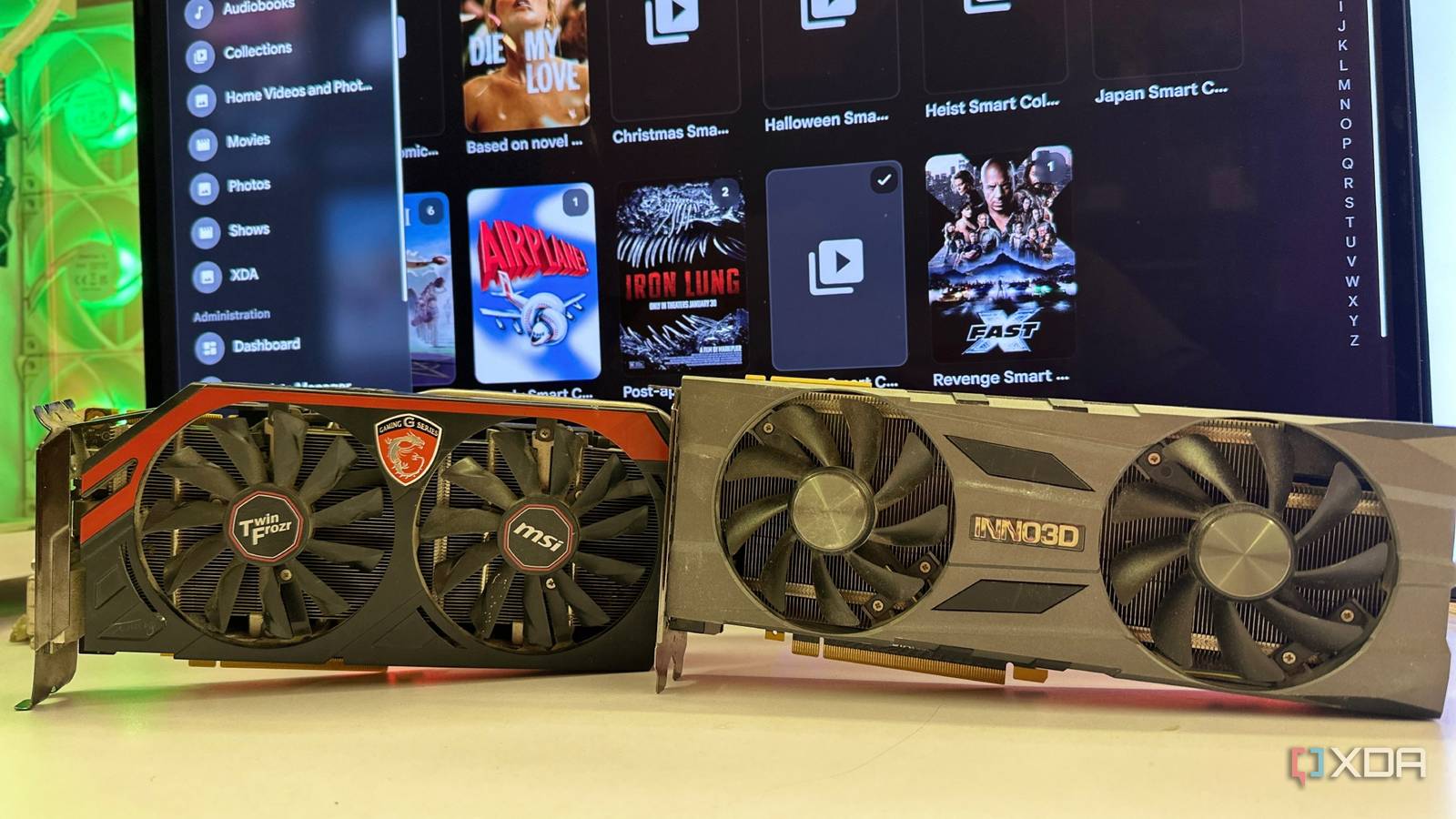
Published Aug 4, 2026, 7:00 PM EDT Gaming has been Samarveer’s greatest passion, and the Literature graduate in him takes immense joy in dissecting games for their themes, messages, and impact. Samarveer holds a deep appreciation of gaming, and considers the platform to be the most immersive and impactful across all media. He can be found engaging with gaming communities online, always ready to debate the finer points of ray tracing or itching to write an 8-page collegiate thesis on any game that impacts him emotionally. Summary For Jellyfin live transcoding, a used Nvidia GPU with NVENC beats costly CPU/platform upgrades. Turing cards like RTX 2070 Super do fast H.264/H.265 real-time transcoding and free CPU cycles. Pause before a platform rebuild: pinpoint server bottlenecks and upgrade the part doing the work. Anyone who has ever built a Jellyfin server eventually reaches the same crossroads — a couple of friends start streaming remotely, and someone tries to play a file on a device that can't handle the original video format. That's what makes the "effortless" server start sweating, and you instinctively think of plugging in a faster Ryzen processor, a newer motherboard, and maybe even a memory upgrade. Those upgrades aren't nearly as easy as they once were, but they were still mistakes I almost ended up making. Instead, I spent a fraction of that budget on a used RTX 2070 Super, relieved my GTX 760 from its transcoding duties, and never looked back. Plenty of users make the same mistake when they upgrade the wrong component altogether. If your server's biggest job is live transcoding for remote Jellyfin users, then an older, dirt-cheap GPU can still solve the problem, and a lot more effectively than a pricey new CPU. Most people misunderstand what transcoding actually is Live streaming has very different priorities than archival encoding A pretty big misconception I see among a not-so-insignificant chunk of users is treating every kind of video encoding as the same workload. If someone on the other side of the country or world opens Jellyfin and their TV, phone, or even internet connection can't handle the original file's format or size, my server has to convert that video on the fly. That is what transcoding is, and it has one job: keep the stream playing without making my friends complain about buffering. Contrast that with a task like re-encoding a movie for permanent storage, and things become different. If I were shrinking my Blu-ray collection to save disk space, I would happily let a CPU chew through the job for hours, simply because software encoding generally delivers remarkably better compression efficiency and image quality. If and when I'm encoding live, speed matters far more, though, taking priority over quality. All Nvidia GPUs after the GTX 600 series have shipped with NVENC encoders. That's precisely where hardware encoders like Nvidia's NVENC earn their keep. They aren't the most efficient encoders in the business, but they don't have to be either, because their job is to just convert a video fast enough that nobody notices the conversion is even happening. With friends from all over the world using my Jellyfin and Plex servers, this sort of workload matters a lot to me, especially since I prefer not waking up to a barrage of "fix it now!" messages. With my GTX 760 running out of steam (and time), I decided that upgrading my CPU made a lot less sense than just throwing in a revived $50 RTX 2070 Super into my server just to keep the live streams moving. A used RTX 2070 Super eliminated the need for a platform upgrade $50 instead of rebuilding my server Once I was sufficiently deep into the home-lab rabbit hole to understand that live transcoding was a GPU-friendly workload, my upgrade plans began to look a lot different, and a lot cheaper overnight. I had been eyeing a newer Ryzen processor, but a CPU upgrade would have meant a new motherboard, which wouldn't be a far cry from upgrading to DDR5 memory as well. Upgrading my server's hardware at this level would've been a pretty dangerous game that could have blown a crater in my bank account. Thankfully, I came across a used RTX 2070 Super on Facebook Marketplace, for a price that made the decision absurdly easy. Nvidia's Turing NVENC encoder is still remarkably capable of real-time H.264 and H.265 transcoding, which is what I needed my Jellyfin server to spend its time doing. This was the right tool for the job, and it cost me less than my monthly power bill. My "new" old GPU made an immediate and significant difference. With the "new" old GPU in place, the difference was immediate and significant. My CPU usage stopped spiking every time someone streamed remotely, because the transcoding workload had shifted almost entirely to the GPU. Not only did this take the bulk of the load off my CPU, but it also ensured that it wouldn't struggle to run the rest of my server. More people need to upgrade the component that's actually doing the work Match your hardware to your media server, not someone else's Copying someone else's upgrade path is easily one of the quickest ways to waste money on a home server. A CPU upgrade absolutely has its place, especially if you're re-encoding an entire media library, running multiple virtual machines, or juggling containers that genuinely demand more processing power. But if your biggest headache is friends streaming remotely through Jellyfin, you need to solve a very different problem. That's why I'd encourage anyone planning a major platform upgrade to pause for a moment and identify what's actually slowing the server down. If the answer is live transcoding, then an older Nvidia GPU with a capable NVENC encoder can deliver disproportionately large improvements without dragging you into the financial black hole of replacing half your server components. My RTX 2070 Super isn't the fastest GPU in the house (not by a long shot), but it has certainly become one of the smartest hardware purchases I've made recently, and it's all because I took a step back to determine exactly what part of my server problem needed solving instead of throwing money at it. Jellyfin iOS compatible Yes Android compatible Yes Desktop compatible Yes Jellyfin is one of the best Plex alternatives you can get, and that's thanks to its open-source nature and powerful set of features. There are apps for basically every platform and it's completely free to run your very own server. Newer hardware isn't always the right upgrade Building a home server has been immensely rewarding, especially as it has helped me discover just how much useful life older hardware still has when you stop forcing it into the wrong role. We spend so much time chasing the latest CPUs and GPUs that it's easy to forget yesterday's high-end hardware can still excel at a very specific job. Giving a retired gaming GPU a second career has been far more satisfying than tearing apart a perfectly good system in pursuit of benchmark numbers.
Transcoding is the part everyone gets wrong, and the fix is usually a cheaper GPU than you think
Full Article
Original Source
Read the full article at Xda-developers →KhanList aggregates and links to publicly available news content. We do not host full articles from third-party sources. Always verify important information with original sources.