
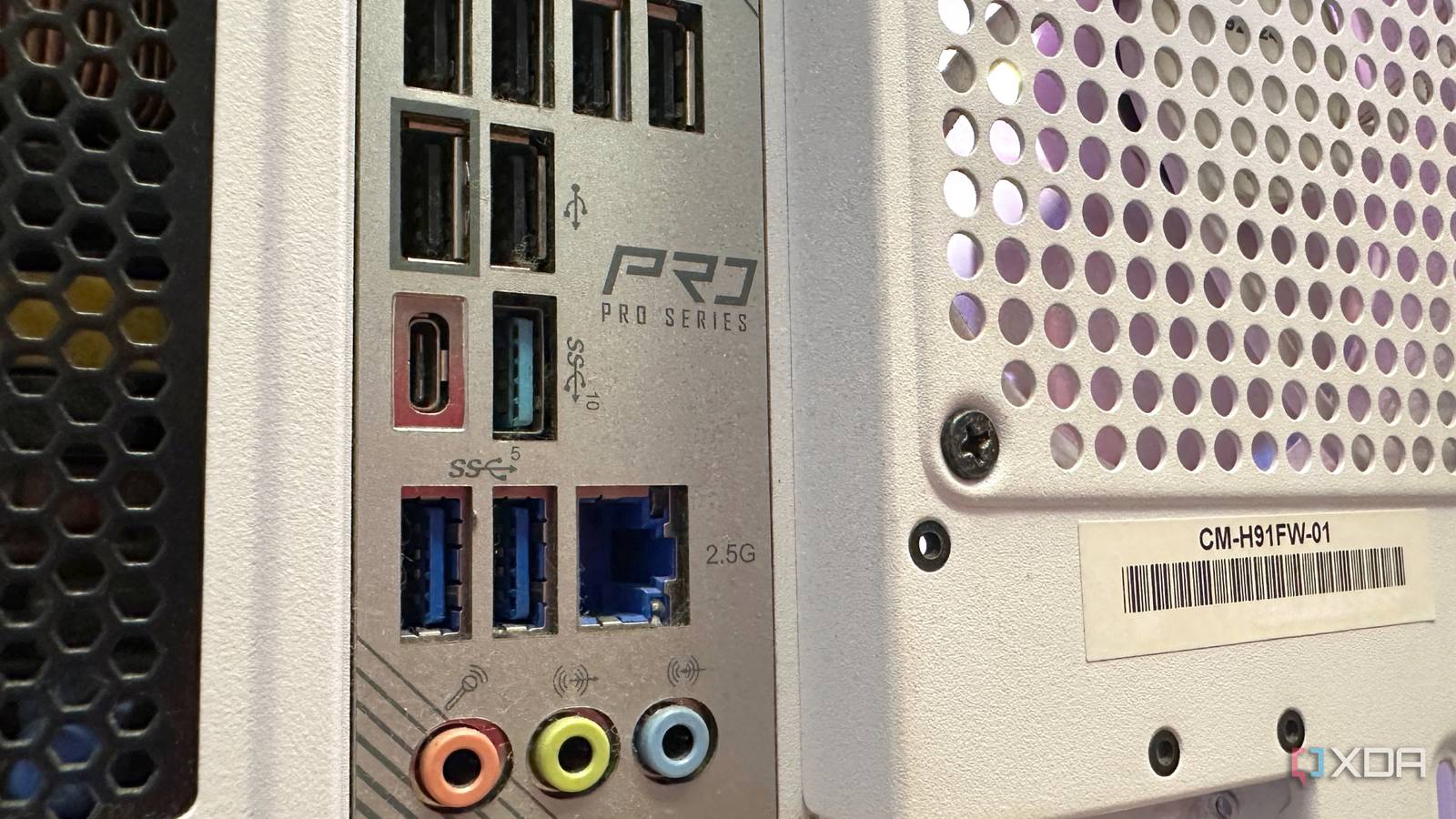
Published Oct 4, 2026, 12:00 PM EDT Gaming has been Samarveer’s greatest passion, and the Literature graduate in him takes immense joy in dissecting games for their themes, messages, and impact. Samarveer holds a deep appreciation of gaming, and considers the platform to be the most immersive and impactful across all media. He can be found engaging with gaming communities online, always ready to debate the finer points of ray tracing or itching to write an 8-page collegiate thesis on any game that impacts him emotionally. USB-C has become so ubiquitous on modern motherboards that I barely give the port a second thought anymore. It is just the convenient little connector I use for a few peripherals, an external drive, or whatever else happens to need a USB-C cable. However, some motherboard manufacturers make a much bigger deal about that seemingly ordinary port, and there's a pretty good reason why. The USB-C connector is only the beginning. Depending on the motherboard, your USB-C port can include support for hardware that is capable of fundamentally changing how you connect your PC to everything else on your desk. Looking into the little motherboard headers and expansion-card compatibility notes, I realized that there's a surprisingly capable upgrade path hiding in plain sight. Your motherboard may already be Thunderbolt-ready That USB-C port is only part of the story As users have been complaining for years now, USB-C is a connector, not a guarantee of what sits behind it. USB-C was supposed to unify everything, but a Type C port could carry ordinary USB data, DisplayPort Alt Mode, USB4, or something even more capable. Of course, it's tough to tell exactly what a port is capable of just by looking at the connector, and that's why the real story lies in the spec sheet. Some motherboards take this a step further by providing support for a dedicated Thunderbolt Add-In Card. Not shipping with Thunderbolt ports on the rear I/O lets a motherboard stay budget-friendly. Of course, for users who still want that connectivity, the manufacturer leaves the expansion path available through a dedicated header on the motherboard. It's perhaps one of the most overlooked details when one shops for a new motherboard. Sometimes, a motherboard may only support a Thunderbolt AIC from the same manufacturer. If you want proper Thunderbolt connectivity on your PC, just install a compatible Thunderbolt expansion card into a PCIe slot and connect its internal header cable. Et voilà, your PC will have gained connectivity to high-speed peripherals, displays, storage, networking, and other devices, all through the new single connection. The absence of a Thunderbolt-branded port does not necessarily mean the feature is absent. The motherboard could very well just be waiting for you to add it yourself. One Thunderbolt card can clean up your entire desk Your dock may start looking a lot less necessary A compatible Thunderbolt Add-In Card can give your PC the same utility that makes Thunderbolt so crucial on modern laptops. It can turn your PCIe slot into a high-bandwidth connection for a full ecosystem of docks, displays, storage devices, and peripherals. Slot in a compatible Thunderbolt AIC, and a single Thunderbolt cable could potentially carry multiple display connections, fast external storage, Ethernet, USB peripherals, audio, and a whole host of other devices (provided you have a capable and compatible dock). You could potentially say goodbye to cable clutter and route all cables through one connection, keeping the rest of your setup considerably cleaner. You still need the dock if you want its specific ports, charging, or one-cable convenience, but the Thunderbolt card gives your PC the high-speed connection that makes those docks useful in the first place. Moreover, unlike a laptop, your desktop obviously does not need the dock to charge its battery. Not enough people use their motherboard's expansion support, and with a Thunderbolt Add-In Card, your desktop PC can gain a dock-like high-speed connection. Check the fine print before buying anything Not every USB-C motherboard is hiding a Thunderbolt upgrade Before you go adding a Thunderbolt Add-In Card to your Amazon cart, there is an important catch to keep in mind. A USB-C port and Thunderbolt support are not interchangeable terms. A motherboard needs explicit support for the Thunderbolt or USB4 expansion hardware, and the exact add-in card can matter just as much. A random Thunderbolt card is not guaranteed to work simply because the board has a USB-C port. You must also check your motherboard manual for the dedicated header as well as the supported PCIe slot. Some implementations require DisplayPort input from the graphics card so the expansion card can pass video through Thunderbolt. Some motherboards also have platform-specific limitations that are easy to miss on a product page — a board could have AIC support but only up to Thunderbolt 3 instead of 4, or it may only support AICs manufactured by the same brand. If your motherboard does explicitly support a Thunderbolt expansion card, it's important to pay attention to the tiny header and even utilize it when the need arises. It means your motherboard was designed with an upgrade path that can add a powerful connectivity layer at a later stage. Asus ThunderboltEX 5 The port is only the beginning There can be more ambition built into your motherboard than meets the eye. We tend to spend a lot of time comparing PCIe generations, VRM designs, memory support, and USB speeds. Amidst all those numbers, it becomes rather easy to skip over the tiny compatibility notes that can actually determine what a system is capable of becoming. That's why I've now started treating motherboard specifications a little differently since discovering just how much manufacturers can hide behind a familiar connector. It's absolutely necessary to look at the headers, expansion support, and the upgrade paths you get when buying a new motherboard. There can be more ambition built into a board than meets the eye if you know where to look.
Thunderbolt on your desktop isn't a luxury — it's hiding in your motherboard's fine print
Full Article
Original Source
Read the full article at Xda-developers →KhanList aggregates and links to publicly available news content. We do not host full articles from third-party sources. Always verify important information with original sources.