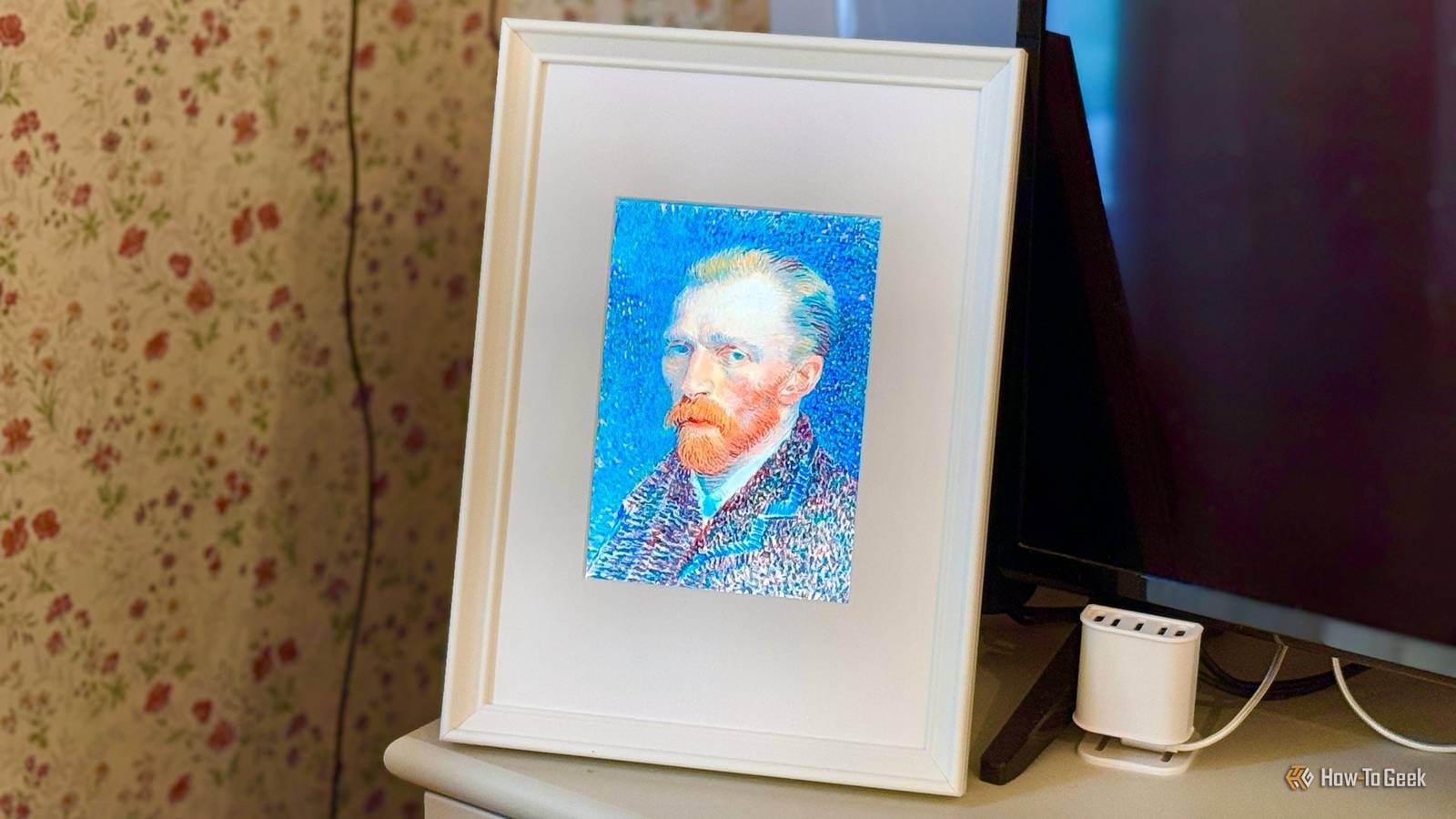
Published Aug 2, 2026, 7:00 AM EDT Adam has a degree in Engineering and has a life-long interest in technology. He has been writing for over a decade for various print and online publications, with a focus on consumer tech. He joined How-To Geek in 2024 while working at Pocket-lint. As well as being a long-term fan of Apple products, he also has a strong interest in smart home tech, running a Home Assistant server at home to automate all his smart home devices. He believes that the ideal smart home should work with minimal interaction from the user, with automations running as if by magic rather than requiring you to push buttons on a control panel. You can find more of his work on Muck Rack. For some celebrities, it was a nightmare that came true: having their photos stolen from their phones. I set up a Raspberry Pi to do exactly that: stealing the photos from my own phone, with my complete permission. The screen that started it all An iPad 2 panel, without the iPad Credit: Adam Davidson / How-To Geek I had an old iPad 2 that had been dropped, cracking the screen. Rather than just throwing it away, I decided instead to rip out the undamaged LCD panel from beneath the glass and put it into a photo frame. Using an HDMI controller board, I was able to hook the display up to a Raspberry Pi 3B+ and display whatever I wanted on the screen. I have it set up as a "now playing" screen next to my TV. When I'm watching a movie through Jellyfin, the frame displays the appropriate movie poster. If I'm watching TV, it shows the current channel and an image of the current show. When I'm not watching anything, the frame shows a family photo that I'd uploaded to the Raspberry Pi. It's a lovely photo, but I started to wonder if there was a way to display a rotating selection of different photos instead. Raspberry Pi 5 Brand Raspberry Pi Storage 8GB It's only recommended for tech-savvy users, but the Raspberry Pi 5 is a tinkerer's dream. Cheap, highly customizable, and with great onboard specs, it's a solid base for your next mini PC. I was hoping I could use Immich My Raspberry Pi doesn't have the muscle Credit: Patrick Campanale / How-To Geek I already run Immich as a way to back up my photos and videos. I knew that with Immich I could automatically pull photos from my phone, but the problem was that I was running the frame from a Raspberry Pi 3B+, which only has 1 GB of RAM. Immich recommends at least 6 GB of RAM, so that wasn’t going to be an option. I could have set up the Pi to pull photos from Immich running on my mini PC, which would have been easy enough to do, but I wanted to see if I could get everything running independently on the Pi. That way, if I ever moved Immich or stopped using it, the frame would continue to work. Skipping the photo server entirely Apple does the hard part for free Credit: Adam Davidson / How-To Geek I wanted a simple way for both my wife and me to add photos that the frame could display. We both have iPhones, and we already have some shared albums set up. I wanted a way to get the Raspberry Pi to pull photos from a dedicated shared album and show them on the frame. The key was a free tool called PyiCloud. It's a Python module that allows you to connect to iCloud using your username, password, and two-factor authentication (2FA), and then read what's in any photo album. I added a small Python script, and on the first run, it asked me to sign in to my iCloud account and enter the 2FA code. Once I was signed in, a small session file was saved to disk so that I wouldn't continually have to sign back into the iCloud account. Using a systemd timer, the script runs automatically every three hours and looks at the shared album. It compares what it finds to the files that have already been saved to the Raspberry Pi. If a new photo is found in the shared album, it's automatically saved to the Pi, and if a file on the Pi no longer appears in the shared album, it's deleted from the Pi. This means that we can add or remove shared album photos whenever we want, and within a maximum of three hours, the photos stored on the Pi will exactly match the photos in that shared album. All we have to do is find our favorite photos and add them to the album, and the Raspberry Pi steals them and saves them ready to be displayed. Turning the screen into an updating photo frame A new photo is displayed every 15 minutes Once I'd set up the Raspberry Pi to pull the photos from the shared album, all that was left to do was to get them to appear on the photo frame. It was set up so that the default behavior was to show the "now playing" image when something is being watched, and to fall back to showing a single photo when the TV isn't in use. The final step was to get the Raspberry Pi to show a rotating selection of the images it had pulled from my phone. Every 15 minutes, a random photo is selected from the stored files and displayed on the screen. It means that when we're not watching TV, we get a rotating digital photo frame that updates every quarter of an hour. Changing the photos that appear is as simple as adding or removing photos from the shared album on our phones. Everything else is handled by the Raspberry Pi. It works exactly how I wanted and is a great way to display photos that would otherwise just be stuck on our phones. Even older Raspberry Pis can be useful Despite the fact that my Raspberry Pi 3B+ wasn't powerful enough to run Immich, that didn't stop it from getting the job done. You don't always need the most powerful hardware to achieve what you want; there's a lot that even the older Raspberry Pi models can do.
This Raspberry Pi automatically steals photos from my phone (with my permission)
Full Article
Original Source
Read the full article at Howtogeek →KhanList aggregates and links to publicly available news content. We do not host full articles from third-party sources. Always verify important information with original sources.