
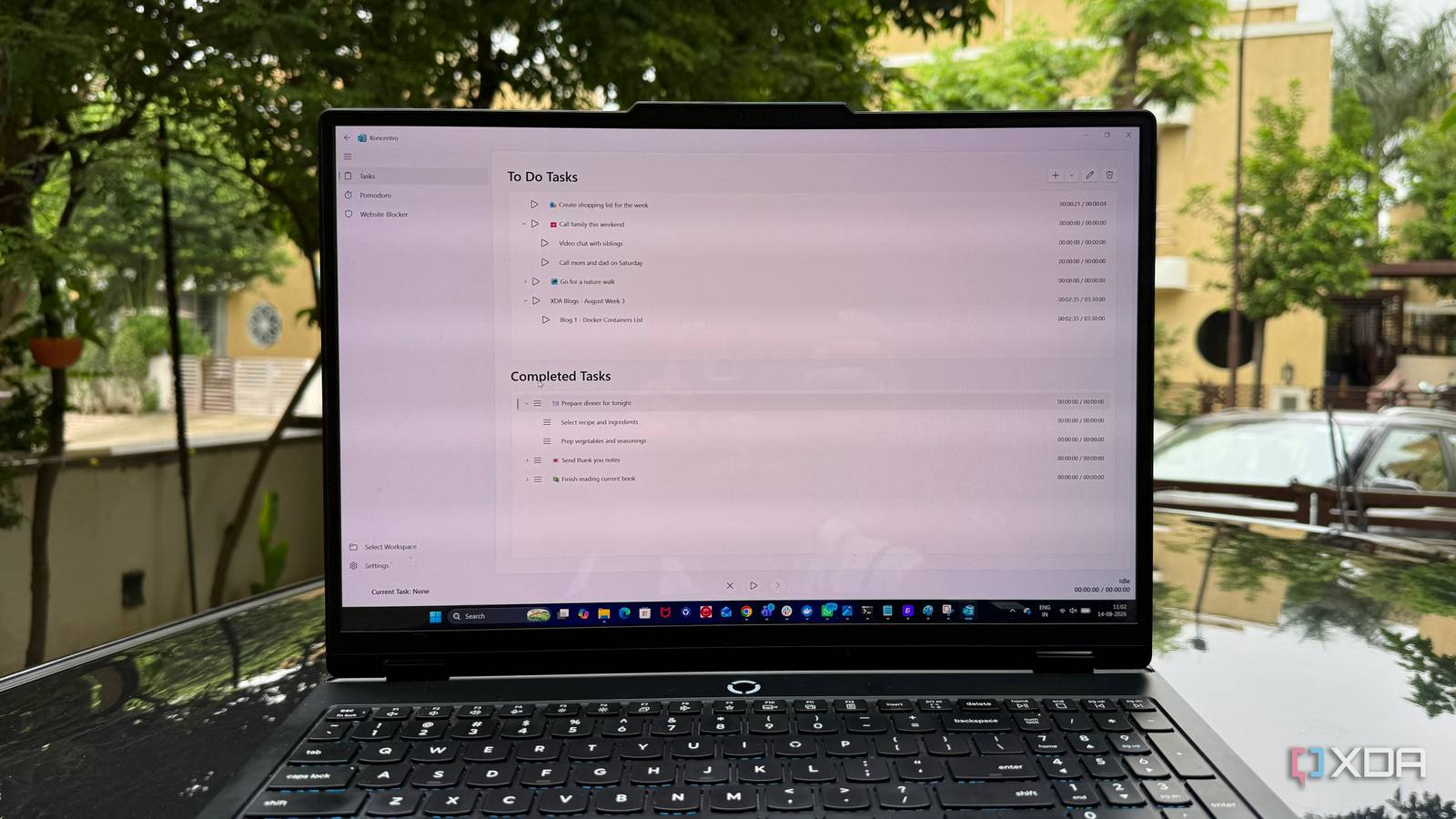
Published Aug 19, 2026, 12:30 PM EDT Beginning his professional journey in the tech industry in 2018, Yash spent over three years as a Software Engineer. After that, he shifted his focus to empowering readers through informative and engaging content on his tech blog – DiGiTAL BiRYANi. He has also published tech articles for MakeTechEasier. He loves to explore new tech gadgets and platforms. When he is not writing, you’ll find him exploring food. He is known as Digital Chef Yash among his readers because of his love for Technology and Food. I used to think context switching was just part of working on a computer. I'd move from one task to another, check something quickly, and then try to get back into the zone. The problem was that those small interruptions started adding up. I wanted a simpler way to stay focused without building another complicated productivity system. That's when I came across Koncentro, an open-source app that took a different approach to managing my work. What is Koncentro? Installation is a breeze After trying Koncentro for a while, I realized it is less about adding another productivity tool and more about giving me a focused place to work. Koncentro is an open-source productivity app that brings tasks, focus tools, and distraction control into one workspace. I also like that it is available across Windows, macOS, and Linux, so I'm not tied to one platform. Getting Koncentro up and running was straightforward. I downloaded it, installed it, and could start using it without spending much time figuring things out. The interface also felt familiar enough that I didn't need to read through a long guide before getting started. Tasks and focus Pomodoro timer boosts productivity Koncentro makes my task list feel more useful because I can do more than simply add things to it. I can create a task, set how much time I want to spend on it, and start working on it right away. This works well for my blogging workflow because I can turn a large piece of work into smaller steps instead of keeping everything as one big task. I can also break larger tasks into subtasks. For example, when I'm working on an article, I can separate research, writing, editing, screenshots, and final checks. This gives me a clearer idea of what still needs to be done without making the main task feel overwhelming. The Pomodoro timer is another feature I find useful here. I can work in focused sessions with short breaks in between, rather than sitting in front of an article for hours and slowly losing focus. Having the timer connected to my tasks makes the whole process feel more structured. Koncentro also stops the timer for one task when I start another. I like this because it discourages me from jumping between different pieces of work. I can pick one task, start a focused session, and give it my attention. For my professional work, that simple approach has made my daily workflow feel much easier to manage. Keeps me away from distractions My biggest productivity killer disappeared The website blocker is probably the feature that makes the biggest difference when I'm trying to write. I can add distracting websites to Koncentro and stop myself from opening them while I'm working. This is useful for sites like social media, where I can easily lose 20 minutes without even noticing. The best part is that I don't have to keep reminding myself not to open those sites. Koncentro handles it for me. When a blocked website is part of my usual browsing habit, I simply can't access it during my focused work. There is also an allowlist option, which I find useful for research-heavy work. Instead of blocking specific websites, I can limit browsing to the sites I actually need. That means I can still access my research sources without opening everything else. This has made a bigger difference than I expected. I don't have to depend entirely on self-control when I'm working. Koncentro removes easy distractions before they can interrupt my workflow, which helps me stay focused on the article I'm writing. Workspaces change everything My work finally has boundaries Workspaces are where Koncentro started making more sense to me. Instead of keeping all my work under one setup, I can create separate workspaces for different parts of my day. This is useful because my writing work doesn't need the same setup as my personal projects or other tasks. Each workspace can have its own tasks and settings, so I don't have to keep changing things when I move from one type of work to another. For example, I can have one workspace for writing and another for personal work. When I switch between them, Koncentro switches with me. The best part is that this keeps my work separated without forcing me to use completely different apps. Koncentro made focus feel simpler After using Koncentro, I don't feel like I need to constantly manage my productivity system. It stays out of my way and lets me get on with the work. That is probably what I liked most about it. I wasn't looking for another app to add to my already crowded setup. I wanted something that could make my workday feel less scattered, and Koncentro did that without adding complexity. It isn't a perfect solution for every workflow, but if you feel pulled in too many directions during the day, I think it is worth trying. Sometimes, being more productive isn't about doing more. It is about creating fewer reasons to lose focus. Koncentro Koncentro is an open-source productivity app that combines task management, Pomodoro timers, website blocking, and customizable workspaces to help you stay focused and reduce context switching.
This open-source productivity toolkit solved my context switching problem without adding complexity
Full Article
Original Source
Read the full article at Xda-developers →KhanList aggregates and links to publicly available news content. We do not host full articles from third-party sources. Always verify important information with original sources.