
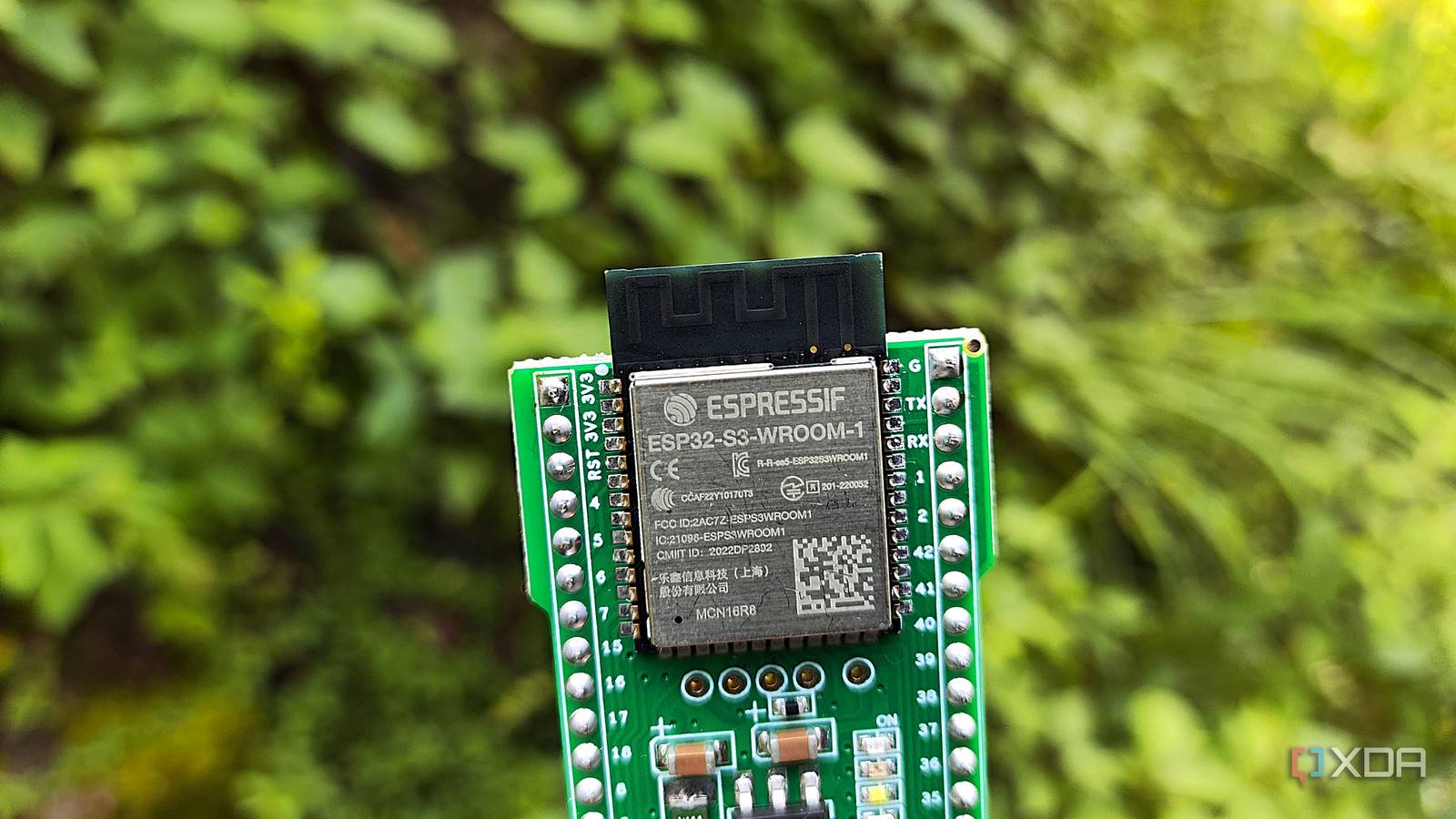
Published Sep 30, 2026, 11:24 PM EDT Simon is a Computer Science BSc graduate who has been writing about technology since 2014, and using Windows machines since 3.1. After working for an indie game studio and acting as the family's go-to technician for all computer issues, he found his passion for writing and decided to use his skill set to write about all things tech. Since beginning his writing career, he has written for many different publications such as WorldStart, Listverse, and MakeTechEasier. However, after finding his home at MakeUseOf in February 2019, he would eventually move on to its sister site, XDA, to bring the latest and greatest in Windows, Linux, and DIY electronics. Sign in to your XDA account Summary TinyDesk turns an ESP32 terminal into a mouse-controlled graphical desktop via ANSI/VT rendering. It runs fully on the ESP32; your PC only renders ANSI and sends keyboard/mouse - no desktop app needed. Includes draggable windows, taskbar, file manager, editor, shell, system monitor, plus MQTT and Modbus tools. The terminal is one of those things where people can do amazing things with it that you didn't know were even possible before. Such is the case with this open-source ESP32 project that turns your own terminal into a full desktop you can use your mouse on. Best of all, it's entirely free, so nothing is stopping you from putting it on your own microcontroller right now. TinyDesk adds a miniature desktop to your ESP32's terminal It also looks very stylish Over on the ESP32 subreddit, user schikani0 showed ofr the TinyDesk. It's a cool little open-source project that lets you run a desktop in your terminal, and you can even use your mouse to control it: The ESP32 runs the desktop and apps. The computer just renders the ANSI/VT output and sends keyboard and mouse input back—there’s no desktop application running on the PC behind the demo. It has draggable/resizable windows, a taskbar, start menu, file manager, text editor, terminal, and system monitor. You can open a file, edit and save it, then run commands in the shell without leaving the desktop. MQTT and Modbus tools are included too. The project also has a variant called TinyDesk Shell. This one doesn't load all the bells and whistles and just keeps things in the shell, but honestly, I think I'd boot this to the desktop every time. If you'd like to give it a look for yourself, or perhaps put it on your own hardware, check out the TinyDesk website for all the details and downloads.
This open-source mouse-controlled ESP32 desktop runs within the terminal
Full Article
Original Source
Read the full article at Xda-developers →KhanList aggregates and links to publicly available news content. We do not host full articles from third-party sources. Always verify important information with original sources.