
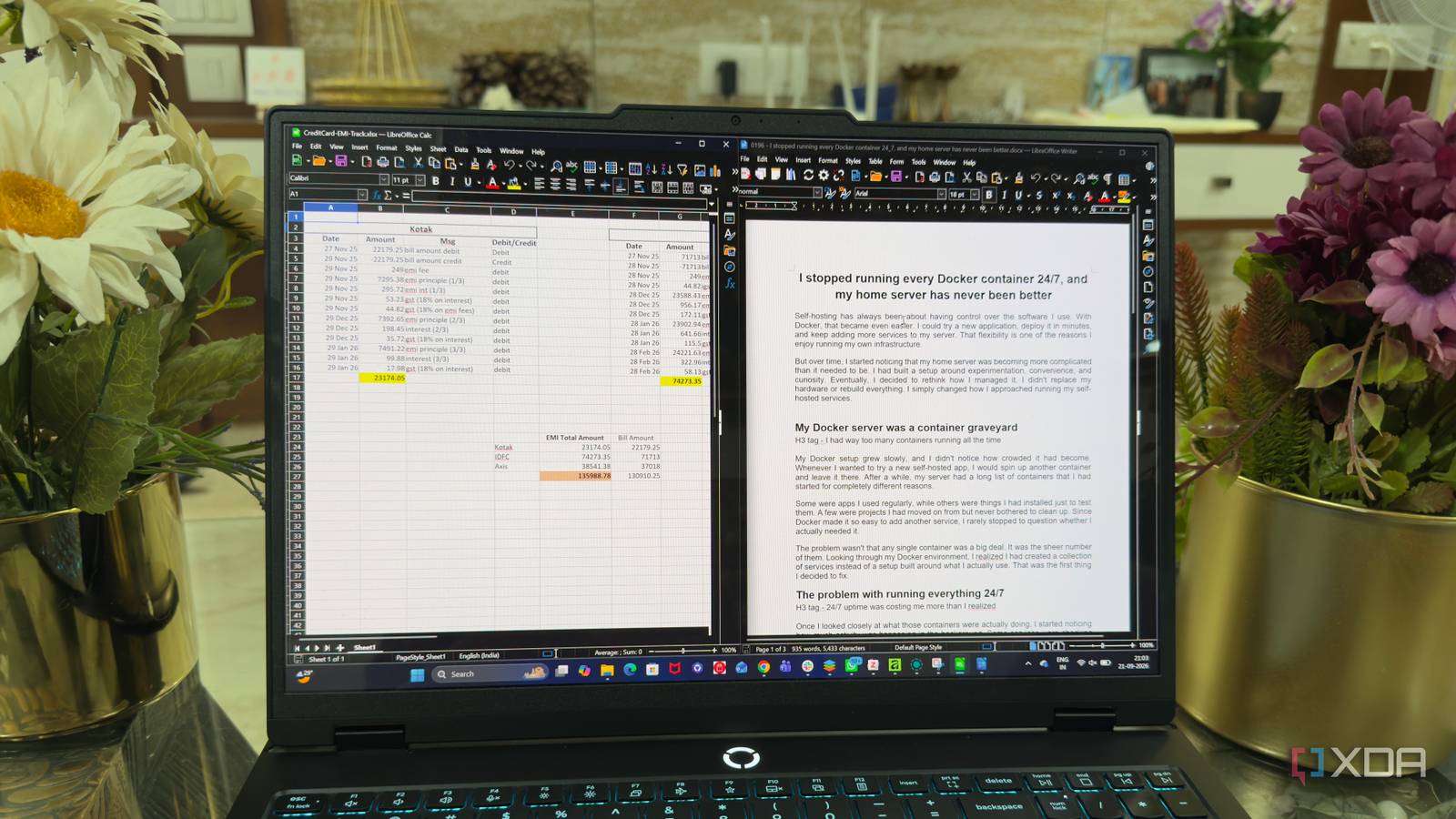
Published Sep 24, 2026, 12:30 PM EDT Beginning his professional journey in the tech industry in 2018, Yash spent over three years as a Software Engineer. After that, he shifted his focus to empowering readers through informative and engaging content on his tech blog – DiGiTAL BiRYANi. He has also published tech articles for MakeTechEasier. He loves to explore new tech gadgets and platforms. When he is not writing, you’ll find him exploring food. He is known as Digital Chef Yash among his readers because of his love for Technology and Food. I’ve used enough office software to notice a pattern: every few years, the definition of a “modern” office suite gets bigger. What starts as a tool for documents and spreadsheets gradually picks up collaboration features, connected services, AI tools, and plenty of extras. That isn’t necessarily bad, but it isn’t always what I want. As someone who spends a lot of time writing, I’d rather have software that stays focused on the job instead of constantly trying to expand its role. That’s what caught my attention with LibreOffice. It feels almost stubbornly traditional in a market where software is expected to keep evolving into something bigger. And surprisingly, that’s exactly what I like about it. LibreOffice doesn’t need to be exciting to be useful, and its boring nature is becoming one of its biggest advantages. LibreOffice refuses to become cloud software Not everything needs to be online One thing I appreciate about LibreOffice is that it hasn't tried to follow the same path as most modern office suites. It doesn't feel like it's constantly pushing me toward a web version or trying to turn the desktop app into a gateway for an online service. When I use Writer or Calc, the focus stays on the actual application and the work I'm doing. I find that refreshing because I don't need my office suite to keep adding layers around basic document editing. I don't need a built-in workspace, online dashboard, or a collection of connected services just to write an article or work on a spreadsheet. LibreOffice feels comfortable staying in a traditional desktop office suite. That might sound unexciting compared with newer productivity software, but I actually prefer it. It does its job without constantly trying to reinvent what an office suite is supposed to be. It proves that offline isn't a limitation Local software gives me more control I’ve realized that being offline doesn’t have to mean being unable to get work done. A lot of my writing happens at my desk, and I don’t need an internet connection just to draft an article, edit a document, or work through a spreadsheet. LibreOffice lets me keep working exactly as I normally would. I also find this useful when I’m traveling or dealing with an unreliable connection. I can open my files and continue working instead of waiting for a service to load or worrying about whether everything is available at that moment. This approach also offers a privacy benefit. My documents can stay within my own setup instead of automatically becoming part of an online service. That gives me more control over drafts, research notes, and other files I’m working with. LibreOffice is also an open-source office suite. For me, that combination of offline access, local control, and open-source development makes it feel like a more private way to work. My docs don’t need an account for everything Just open and work Another thing I like about LibreOffice is how little personal information it asks from me. I can install it, open Writer, and start working without creating an account first. That sounds like a small detail, but it makes the whole experience feel much simpler. I’ve become used to software asking me to sign in before I can access basic features. Sometimes I just want to create a document without connecting it to another account or setting up another profile. LibreOffice doesn’t make that part of the process complicated. It doesn’t try to be another productivity ecosystem Office suite can just be office LibreOffice doesn’t try to become the center of everything I do. I already have separate tools for notes, task management, file storage, communication, and other parts of my workflow. I don’t need my office suite to replace all of them. When I’m writing in Writer, I want a good writing environment. When I’m working in Calc, I want a capable spreadsheet tool. That’s pretty much it. LibreOffice doesn’t constantly push me to add more services or change how I organize the rest of my work. That makes it easier to fit LibreOffice into my existing setup. I can use it alongside the tools I already prefer instead of rebuilding my workflow around one platform. For me, that focus is a strength. LibreOffice doesn’t need to become an all-in-one productivity system to remain useful. Sometimes, less is the better feature LibreOffice reminds me that software doesn’t always need to chase every new trend to stay relevant. Its value comes from knowing what kind of tool it wants to be and sticking to that purpose. I don’t need my office suite to constantly evolve into something bigger. I just need it to help me get work done without getting in the way. In a world of increasingly complicated software, that restraint feels surprisingly refreshing. LibreOffice Individual pricing Free Platforms Windows, macOS, Linux LibreOffice is one of the most complete Microsoft Office alternatives, and it's entirely free and open-source. It gives you various different tools for various use cases, including Math and Draw tools for advanced users.
This open-source Microsoft 365 alternative is better than others because it stays boring
Full Article
Original Source
Read the full article at Xda-developers →KhanList aggregates and links to publicly available news content. We do not host full articles from third-party sources. Always verify important information with original sources.