
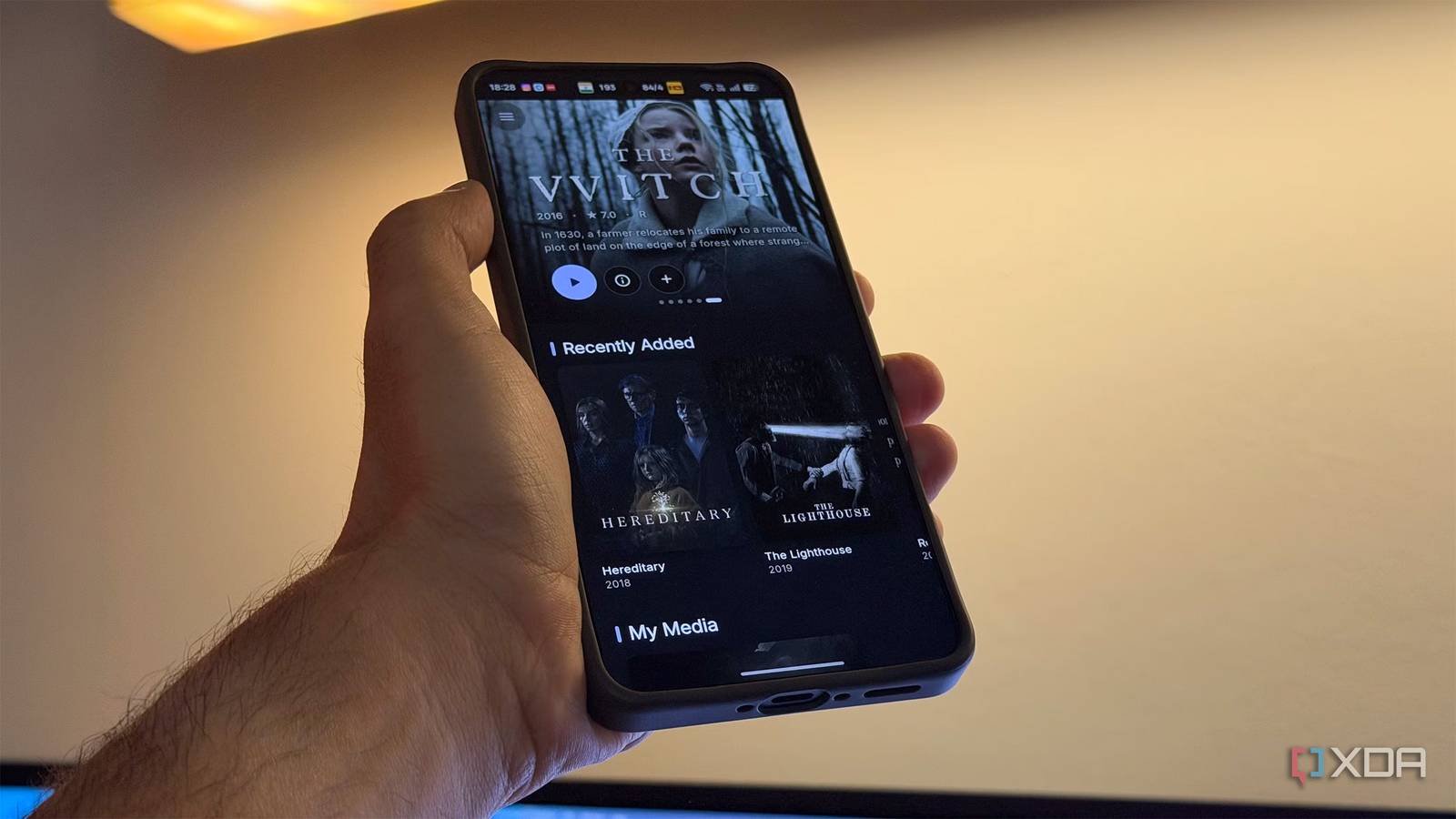
Published Aug 24, 2026, 11:30 AM EDT Dhruv Bhutani has been writing about consumer technology since 2008, offering deep insights into the personal technology landscape through features and opinion pieces. He writes for XDA-Developers, where he focuses on topics like productivity, networking, self-hosting, and more. Over the years, his work has also appeared in leading publications such as Android Police, Android Authority, CNET, PCMag, and more. Outside of his professional work, Dhruv is an avid fan of horror media spanning films and literature, enjoys fitness activities, collects vinyl records, and plays the guitar. Jellyfin has long been my server of choice as it gives me full control over my own media collection. From server management to playback, it's up there with my most used media apps. But I'll be honest, it's not my most-used media app. That app is YouTube. Between checking out trailers, documentaries, and some of my favorite creators, YouTube gets a lot of my attention. Unfortunately, this entire experience is disjointed, and I've found myself wishing for an app that could bring the two into a single interface. Recently, I discovered an open-source app called Fathom that does precisely that. Between content from your Jellyfin server and YouTube, it gives you single-window access to everything you want to watch. Or at least I do. And here's the best part: with the right configuration, it can even handle media requests, making it a true one-stop shop. Here's everything you need to know. Less context switching, more watching Bridging my media-watching experience The biggest reason I installed Fathom is surprisingly simple. I didn't want to keep switching between two apps to decide what to watch. Fathom connects to my Jellyfin server and presents my movies, TV shows, and music right alongside its built-in YouTube client. Instead of opening Jellyfin, then switching back to my home screen or TV interface to switch to YouTube, I can do that right from within Fathom. This might sound small on paper, but it has a big impact on everyday usability. I might sit down intending to watch a movie and browse through my Jellyfin library. Sometimes nothing catches my eye and I switch to YouTube to catch a trailer or a creator I follow. With Fathom, it's a toggle and a tap, not full-on context switching. The YouTube implementation also goes far beyond a simple wrapper. The developer has put in a lot of effort to bring in much of the YouTube experience here. It supports search, subscriptions, and local playlists. Moreover, building on top of the base experience are additions like SponsorBlock to further clean up the viewing experience. Other features include the ability to download videos, a theater mode, and even the return of the dislike count. Now, I don't particularly care about that last one, but for some YouTube diehards, that might be enough reason to install Fathom. For me, the most important part is that Fathom lets you use YouTube without signing in. One player for Jellyfin and YouTube Built-in media requests with Seer Using Fathom, it's clear that a lot of thought went into developing the app. For example, I like the fact that both Jellyfin and YouTube use the same MPV backend for playback. This gives you practically universal direct play, hardware decoding, and control over audio and subtitle tracks. So, if your Jellyfin server is an old Raspberry Pi, you won't have to worry about hardware transcoding. You'll also find quality-of-life additions like picture-in-picture and the ability to play video in a window. If you like to have classics running in a window while you work, Fathom will do the trick. In fact, it even works with YouTube video, so instead of dedicating a browser tab to it, you can keep the player floating above other applications. Elsewhere, there's Sync Play support so you can watch content in sync with other Jellyfin clients too. That said, there's a lot more happening under the hood here. For example, Fathom integrates with Seer. If you like to sail the high seas and source your media from the great wide web, you'd be aware of Seer. This app lets you request movies and TV shows that aren't in your library by connecting to tools like Sonarr and Radarr. Normally, this would mean ditching the Jellyfin interface and switching to the individual app. Fathom brings that workflow directly into the media player experience. Once Seer is configured, you can request content directly from within Fathom. This makes Fathom a complete end-to-end discovery and consumption solution. Discover movies on YouTube, then search your Jellyfin library to see if you have the movie. If not, pop into the Seer integration to request it. The best part is that Fathom doesn't require adding anything to your self-hosting setup. Available on Windows, Mac, Android, and even Android TV, it lets you build a cohesive cross-platform solution for all your media consumption needs by connecting to tools you already use. Why Fathom is my new front-end Fathom isn't designed to replace Jellyfin. Instead, it uses Jellyfin as the server-side backend for handling and serving your media. It focuses solely on the front end and provides a beautiful interface for interacting with your media. But more than that, it combines two of my most-used streaming services under one roof. By focusing on bridging the gap between media playback, media discovery, and sourcing, this open-source app solves a problem that most others overlook, making it a solid addition to my media streaming stack. Fathom Fathom is a media player front-end that combines Jellyfin, YouTube and Seer into a single interface.
This open-source media player finally unified my Jellyfin library and YouTube into one interface
Full Article
Original Source
Read the full article at Xda-developers →KhanList aggregates and links to publicly available news content. We do not host full articles from third-party sources. Always verify important information with original sources.