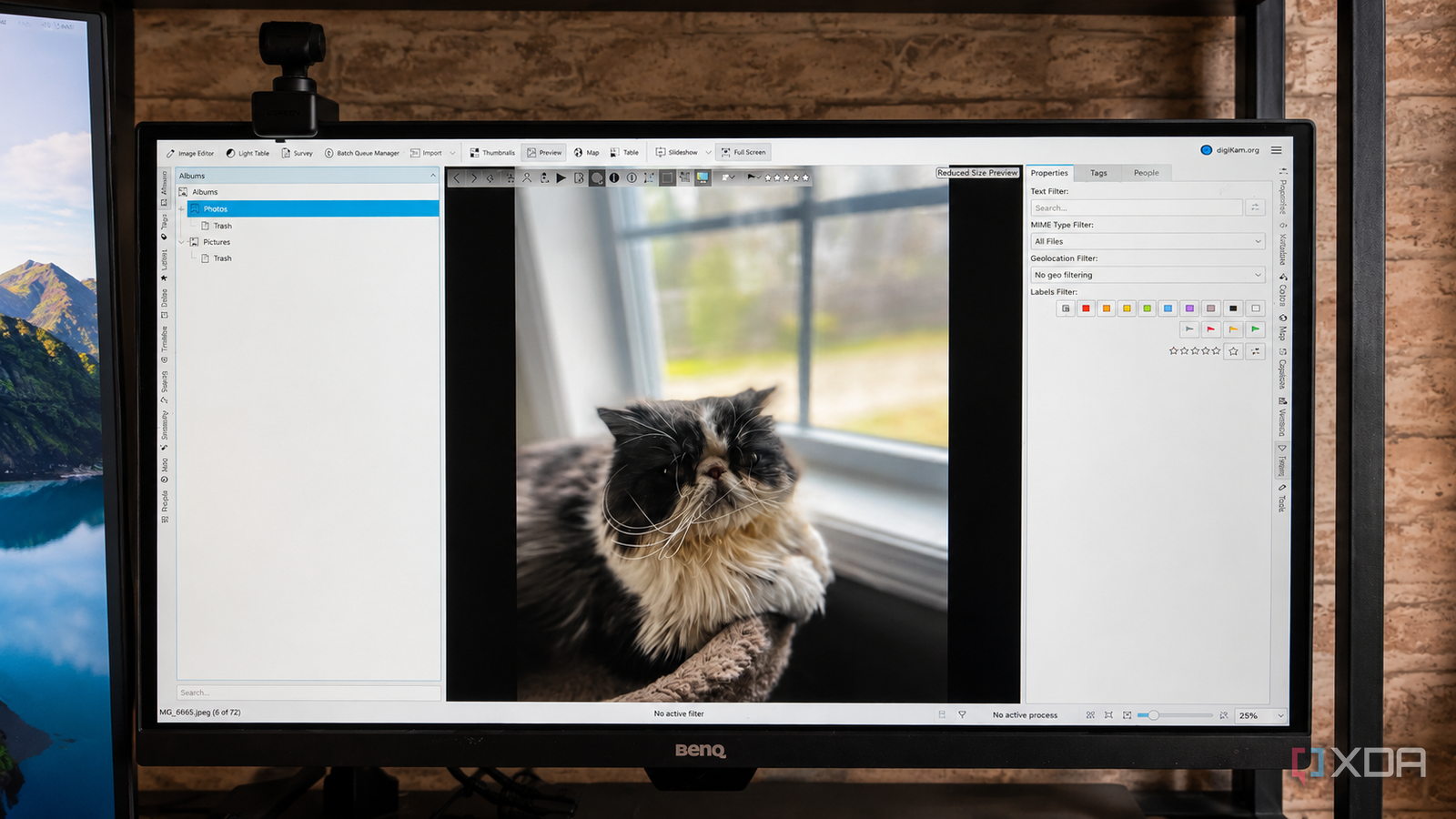
Published Jul 17, 2026, 1:00 PM EDT Patrick is a seasoned writer with more than a decade of experience, specializing in any and all things tech. His work has been featured on platforms like CNET, Yahoo, Xfinity, and many other outlets. When not typing away, he can be found with his nose in a book. Let's face it: we all have too-large photo libraries that we don't do a good job of keeping track of. It was easy to do in the days when we had to develop film, but now with better-than-DSLR cameras in our pockets? Those days are long gone. Over the years, I've collected thousands of photos, and while Lightroom is a fantastic tool for editing, it's a bit too resource-heavy for sorting through massive photo libraries. Enter Digikam. This open-source photo management tool is lightweight, intuitive, and, more importantly, it's fast. I can navigate through hundreds of photos in next to no time. This app has helped me finally start to tame my expansive collection of photos into something more manageable. My library doesn't have to live in a single location Digikam lets me treat varied folders as a single collection One of the first details that stood out to me about Digikam is the fact that I can select multiple folders and locations, not only on my PC, but across my entire network, and the app treats them all as one for the sake of browsing. That means I can navigate external drives full of folders, as well as my own local storage and shared network drives. The downside? It doesn't work with cloud storage. If I could connect Digikam to my iCloud photo repository, that would make it possibly the greatest app I've ever used. After it combines all these locations into a single destination, the existing hierarchy serves as the album structure in Digikam. I've used this to navigate through literally thousands of photos from various travels, as well as the many, many pictures of my cats. It's also served as a useful way to sort (and delete) images that I took for work, including a ridiculous number of pictures from past CES events. Digikam makes it easy to search large libraries I can find photos without remembering where I saved it When you have tens of thousands of photos, you probably don't remember most of them. I know I don't. I do (sometimes) remember details about it, such as where it was taken or who might be in the picture, but that's rarely enough to search by. Digikam provides a variety of ways to search your library, including by filename, date, GPS data, dimensions, and more. Facial recognition is a particularly powerful feature and makes it easy to build collections around family and friends. I've noticed facial recognition coming in handy with older photos that I never bothered to tag, especially those I've imported from other machines or digitized from older, physical shots. Its photo editing is nothing to scoff at, either The built-in editor is impressive in the best ways Digikam makes it easy to tweak images as I'm browsing my collection. I don't always take the time to mess with photos; when I'm sorting my library, who wants to bother with that? But when I do stumble across one I want to tweak and share, Digikam's features let me make any edits I need to on the fly. Don't get me wrong; it's not a replacement for Photoshop, but it's a respectable alternative for moderate edits, like adding filters, effects, and more. Digikam's initial setup can be a bit overwhelming There are a lot of settings to tweak Once Digikam indexes all of your photos, navigating them is fast. The downside? It has to actually index them, and that can take time, especially if you have a massive number of images. That is especially true with the initial scans, thumbnail generation, and metadata indexing. It's a bit resource-intensive the first time it happens, but everything is a lot smoother after that. Beyond the time it takes for Digikam to index everything, there's a fair bit of manual setup involved the first time around. While you can ignore it, I don't recommend it; it will result in more work later down the road. That said, deciding how Digikam stored tags and such sent me down a rabbit hole of decision paralysis that I never really ran into when using Lightroom. But the upfront work is worth it for large libraries You really only have to do the hard part once When you have a ridiculously large photo library that you actually want to peruse later, the initial work is worth it. You'll be able to find photos more easily later instead of searching through your collection. While you might need to do more work on day one, it's far less resource-intensive, and more than that, it's totally free. Digikam isn't the world's best editing tool, but it might be the best library management tool Since having a child, the number of pictures I take has skyrocketed. My phone is just image after image of my son doing things I think are adorable, and I want to preserve these for years to come. That's where Digikam comes in. It makes it easy to sort, manage, and find pictures without putting a massive amount of strain on my machine. Digikam Digikam is a free and open-source photo management tool.
This open-source app handles my 30,000+ photo library better than Lightroom ever could
Full Article
Original Source
Read the full article at Xda-developers →KhanList aggregates and links to publicly available news content. We do not host full articles from third-party sources. Always verify important information with original sources.