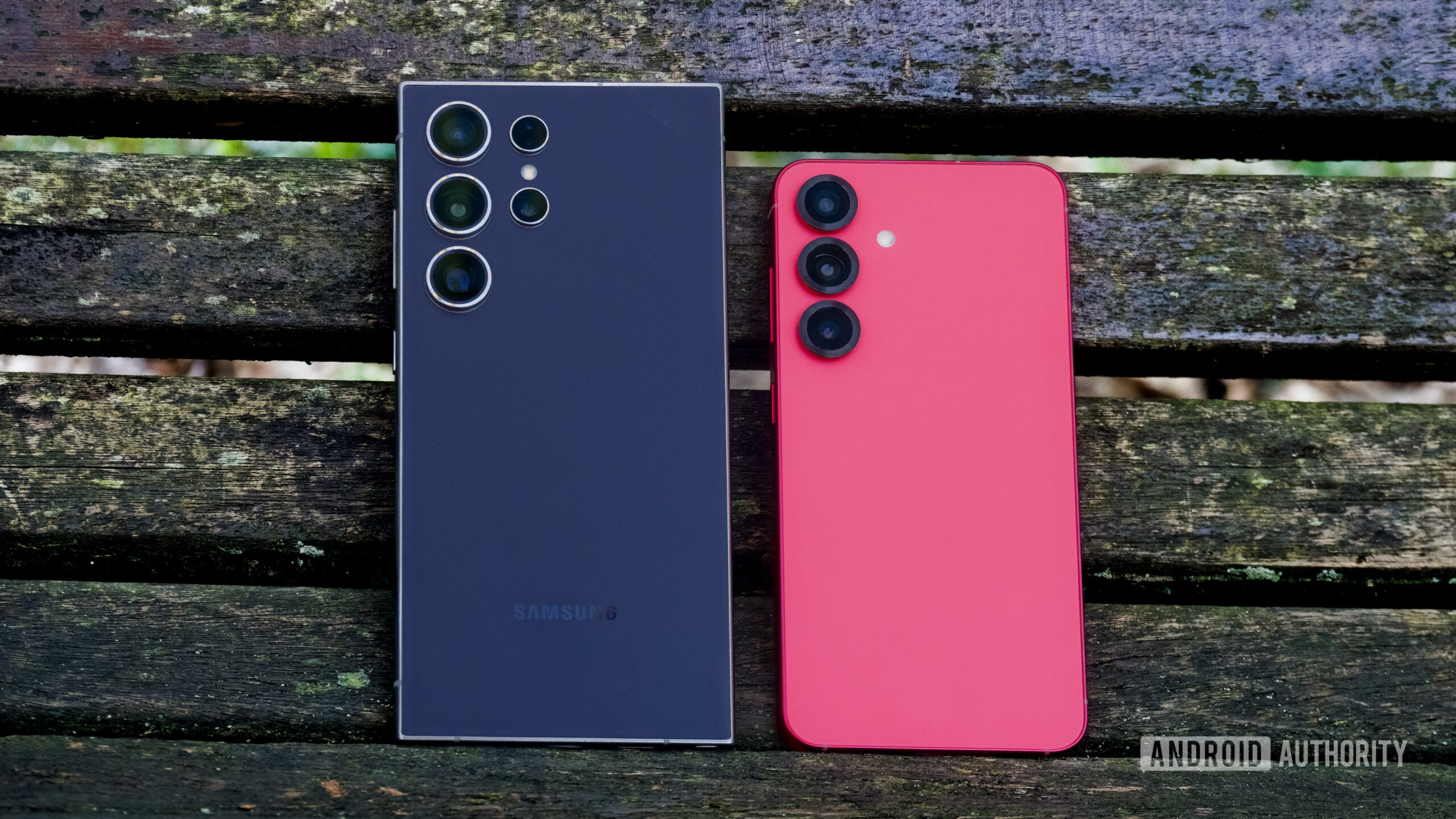
Zac Kew-Denniss / Android AuthorityTL;DR A new open-source tool called “Root My Galaxy” uses a software exploit to grant temporary root access on select Samsung Galaxy flagships. The tool works without wiping data, unlocking the bootloader, or tripping Knox, preserving features like Secure Folder, Samsung Wallet, and Play Integrity. Root access is temporary and must be reapplied on every reboot, and devices running newer security patches or Exynos chipsets are currently excluded. Modding modern flagship phones has become an increasingly uphill battle. Samsung hasn’t been a stalwart in this space for a while, thanks to Knox, but the company went further and effectively killed bootloader unlocking on One UI 8 in several major regions. However, a developer has now released a new open-source tool called “Root My Galaxy” that promises a simple, one-click rooting procedure without wiping data, unlocking the bootloader (!) or tripping Knox (!!).Detailed by developer busung on XDA Forums and hosted on GitHub, the Root My Galaxy app functions as a KernelSU installer. Because it leaves the bootloader locked and doesn’t blow the Knox e-fuse, features like Secure Folder, Samsung Wallet, and banking apps continue to work normally. Even Play Integrity remains intact, though some security-focused apps might detect the root-related apps that you may subsequently install.The Root My Galaxy app/tool works by exploiting CVE-2026-43499 (dubbed “GhostLock”), a recently discovered high-severity bug in how the Linux kernel manages system memory locks. When a lock operation fails and rolls back, the system cleans up after the wrong process. This leaves behind a “ghost” pointer referencing memory that has already been freed, usually referred to as a “Use-After-Free” flaw. The exploit hijacking this leftover memory space allows the Root My Galaxy tool to take control of kernel memory and directly inject KernelSU privileges.This is a software-level kernel exploit and acts as a “soft” root, meaning root privileges are temporary and must be reapplied manually after every phone reboot. That’s great for not tripping Knox at the hardware level, but it does introduce some repetitive labor to keep root active (but the few steps are a small price to pay)Developer busung mentions the tool runs on June 2026 security patches and older, but community members like thatjoshguy69 on X have had luck with the exploit running on July 2026 patches, too. There’s a very high chance that Samsung will patch the exploit with the August 2026 security patches, so advanced users should make hay while the sun shines. With root access, you can explore system-level adblockers, remove pre-installed bloatware, try out advanced automation tools like Tasker, and go even deeper into customization with ZygiskNext and LSPosed.What devices does Root My Galaxy support? Because kernel memory addresses vary across hardware and builds, the exploit relies on specific memory offsets maintained in the Root My Galaxy Payloads repository.Supported hardware currently includes mainly Snapdragon-based Samsung flagships: Fully Working: Galaxy S25 Ultra Porting/Testing in progress: Galaxy S25 Galaxy S25 Plus Galaxy S25 Edge Galaxy S24 Galaxy S24 Plus Galaxy S24 Ultra Galaxy S24 FE Galaxy Z Fold 7 You may notice the Galaxy Z Flip 7 is not mentioned in the list, as it uses an Exynos processor. Exynos variants of the above-mentioned devices are also not currently supported by Root My Galaxy, as the developer’s current work targets Snapdragon devices due to architectural differences. This doesn’t rule out future support, but currently, nothing is in the pipeline for Exynos.The Galaxy S26 series is also missing from the list, as these phones launched with a newer kernel build that does not leave room open for the exploit. As a result, these devices are inherently immune to this specific memory injection payload and will likely never support Root My Galaxy.How to use Root My Galaxy to temporarily root your recent Samsung flagship? Using the app is fairly straightforward, though success can take a few attempts: Ensure your Samsung Galaxy phone is running the June 2026 security patch or an earlier version, preferably on the stable One UI 8.5 build. Your luck may vary with the July 2026 patch. Download and install the latest version of the app from the official GitHub repository. Open the app. It will automatically match you to the right build for your device and firmware. If the exact build and firmware for your device are not auto-detected, there’s an Advanced Mode that lets you manually select matching kernel profiles. Follow the in-app instructions to initiate the exploit process. The app will run the payload in memory to elevate privileges and inject the KernelSU manager. Note that some memory injection processes use brute-force methods, so you may encounter failures even on supported devices. Retrying has yielded results for some users. That being said, should you rush to root your Galaxy phone? No, not really.While having root access is great, you don’t have an unlocked bootloader (!!!). This is good for preventing security-focused apps on your phone from breaking, but it’s horrible if you ever break a key software component and brick your phone. Without an unlocked bootloader, you have practically zero chance of reviving your phone without lucking out on a future exploit. Rooting with the current exploit also doesn’t open up custom ROMs on its own, either, as you’d still need an unlocked bootloader to flash any custom ROMs or kernels. You will also have to forego future software updates, which isn’t a good idea in the long run.Given the relatively narrow firmware window, the need to re-run the app on every boot, and other drawbacks, Root My Galaxy isn’t a complete replacement for a permanently unlocked bootloader. However, for Galaxy owners stranded on locked firmware who miss root access, it’s currently the only way out.Thank you for being part of our community. Read our Comment Policy before posting.
This new app lets you root your Galaxy flagship without tripping Knox or unlocking the bootloader
Full Article
Original Source
Read the full article at Androidauthority →KhanList aggregates and links to publicly available news content. We do not host full articles from third-party sources. Always verify important information with original sources.