
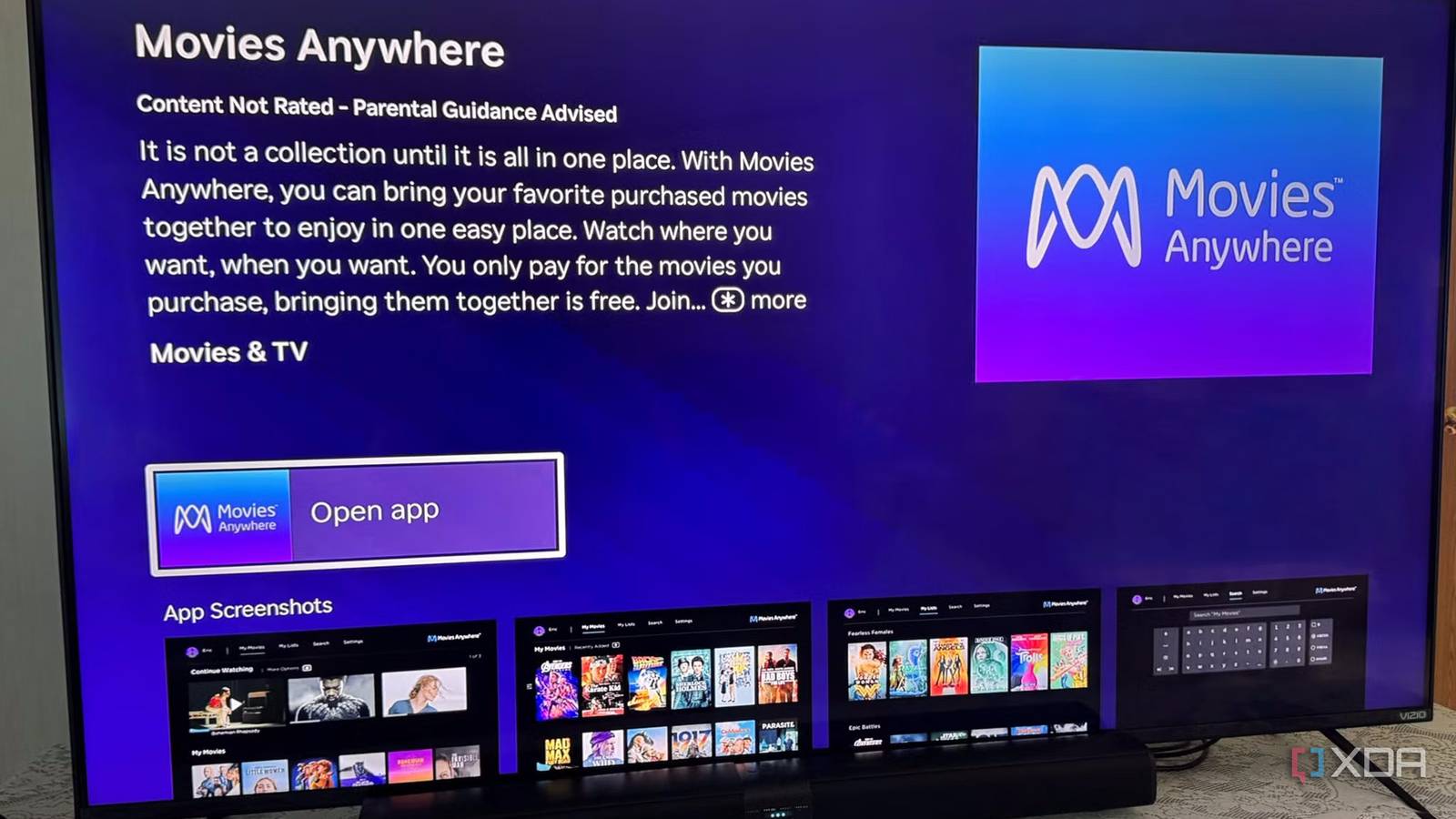
Published Jul 22, 2026, 4:30 PM EDT Based in rural Minnesota, Brian Burgess worked in IT for 10 years before finding his passion for writing about consumer technology. Brian earned his degree in computer and network technology in 2000. He held various IT positions, including help desk support, router installations for IBM, database administration, and other associate network administration roles. He's been a personal technology journalist for 18 years and has written thousands of articles about Microsoft products and services, Android, iOS, streaming, and more. He has written for notable tech sites including XDA, InformationWeek, How-To Geek, Byte, groovyPost, and others. When he is away from the keyboard, you will hear him playing guitar, working outdoors, and watching Star Trek. When purchasing a digital movie from a service like Amazon or Apple, it's added to your digital library for access whenever you want. However, I have also bought many digital movies from several retail services over the years, and having to pull them up on their respective services, such as Apple, Amazon, Microsoft, and others, can be tedious. I don't always remember where a movie I bought lives. Luckily, there is an easier way with this free service. It is like a single digital locker for movies I have purchased, available across all my platforms, including my computers, smart TVs, streaming boxes, and mobile devices. Connect movie services with Movies Anywhere Create a unified digital locker To get started, I created an account and granted Movies Anywhere access to the platforms where you purchased movies. Once I made my account, there were several retailers I could connect to. Streaming video services that are supported by Movies Anywhere include Prime Video, Apple, Fandango, Vudu, Google, and others. I actually discovered this service years ago when Microsoft sold movies, and those are still connected to it. Movies Anywhere does a good job of keeping my purchased digital movies together in the same place. However, it's also worth mentioning that over the years I have experienced a major annoyance. Sometimes a service needs to be reconnected. It happens because the connections are time-limited, and security and policy changes by services require me to log into the service again. It can also be caused by technical updates to other services that temporarily kick you out of the service. There isn't a service that does it more than others, but when it does, I can't see movies in my collection, which is frustrating. However, once I log on to Movies Anywhere on the web, it shows which ones need to be reconnected. Through my account, I can see the connected retailers, my transaction history, manage closed captions and data sharing, and more. Watch movies from any service on any device All your movies in one place Once the movie retail services are connected to Movies Anywhere, I can watch them on any device I want. I still have to install the Movies Anywhere app, but once I'm logged in, all my purchases are available. For instance, I can watch them from a streaming box like Apple TV, Fire TV, or Roku. Or directly from a smart TV for big-screen viewing. I can also view them from my laptop or phone while on the go. The movie retailers sync your collection; however, you need to install the Movies Anywhere app on each device you want to watch them on. While that is a bit redundant, it's not as tedious as trying to figure out where your movies live and logging in to services where they may not reside. Once I sign in to Movies Anywhere and link my retailers, the movies I want to watch are available on all devices where I install the app. For instance, unless I create a web app, there isn't an official app available on Windows or Mac. I have to watch them via a browser. Movies Anywhere Redeem codes from Blu-rays Free digital versions of physical media Sure, Blu-rays shine in quality over streaming; however, another benefit of Movies Anywhere is the ability to redeem codes for digital versions of movies. This allows me to watch the movie in situations where physical media isn't practical. For instance, I don't want to bring my Blu-ray player to a friend or family member's house to view a flick with them. Still, since I have been buying more Blu-ray media (including box sets like all four John Wick films), I can enter the code and have all the movies available on all my devices. In fact, when you redeem a code, it syncs across all retailers, so even if I don't use the Movies Anywhere app, it still syncs, letting me watch them on other retailers like Google and pick up where I left off on whichever app is most convenient at the time. While an Ultra 4K movie won't look as crisp, colorful, or detail-rich when streaming as it does on the physical copy, the convenience makes up for it in most situations. Buy movies from Movies Anywhere Purchase movies directly from retailers Disney owns Movies Anywhere, but it partners with other studios, and another benefit of the service is the ability to buy movies directly in the app. So, when I buy a movie from Movies Anywhere, it provides a list of supported retailers; once I buy it, the movie is synced across the multi-retailer system. So, as with the codes feature, it's available on supported retailer services. I only need to buy it once. I can buy a movie; I don't have to hop around looking in specific retailer apps. I can see it on whatever works for me at the time. If I buy from a retailer on MoviesAnywhere, I can watch movies on Google or Amazon platforms, and vice versa. Keeping your digital movie collection together While I have preferred to watch Blu-ray movies rather than stream them because the quality is far superior, I have also bought plenty of digital copies. I have also got the digital versions free with the purchase of physical media. So, in the end, it's nice to have them all available in a central location. Even though I have to reconnect some services at times, Movies Anywhere has done a great job of keeping them all together.
This little-known movie platform lets me watch my digital purchases anywhere
Full Article
Original Source
Read the full article at Xda-developers →KhanList aggregates and links to publicly available news content. We do not host full articles from third-party sources. Always verify important information with original sources.