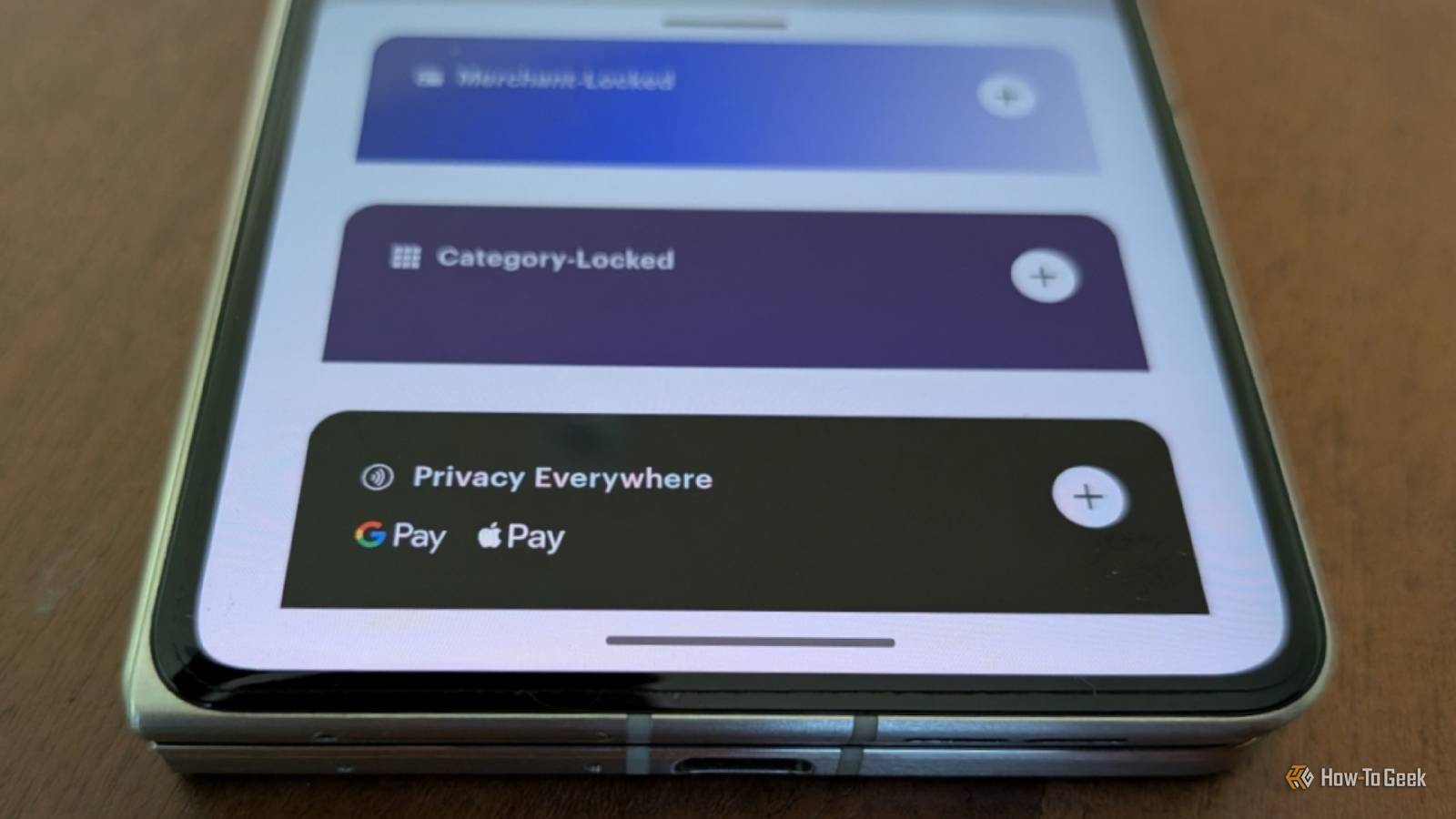
Published Aug 10, 2026, 11:15 AM EDT Bertel is a lifelong tech enthusiast with over a decade of experience writing thousands of articles about Android devices, Linux, and more. Before joining the How-To Geek team, Bertel wrote for the likes of MakeUseOf, MakeTechEasier, and Android Police—at the latter he wrote over 3,500 articles. He delights in helping others decide which tech to bring into their lives... and which tech to do without. Bertel graduated from the College of William and Mary in 2012 with degrees in History and Government. He has spent his entire career as a tech journalist covering Android, Linux, wearables, smart home devices, and more. As implausible as it may sound, I rarely give websites my actual card numbers when I shop online. Instead, I generate virtual debit cards, and it's become one of my favorite privacy tricks. Now, I figured out a way to use these same cards when I shop in person, thanks to Google Wallet. No two websites get the same card numbers Shopping online and via apps offers a degree of unmatched convenience, but it also comes with great risk. Every site wants an account and to save my card info. Each of these can be hacked and leak my credentials all over the web. Those that aren't hacked may misuse the information, selling it to others or using it to learn about my shopping habits, both on and off the site. Giving each site a virtual card number is my first line of defense against all of these risks. If a virtual number gets hacked, I don't care, because it hasn't been used anywhere else. If someone wants to buy or sell the data, it hardly matters, because it's not a number I will use again. To generate these numbers, I open the Privacy Android app. I can then create a new card that will disappear after a single use, or I can create a card that is tied to a specific merchant. With the Privacy app, the card I use to purchase DRM-free books and comics from Humble Bundle is different from the card I give Bandcamp to purchase MP3s. These cards all pull funds from the same bank account, which I provide to Privacy, who I must then trust will safeguard this information. For the time being, I do, even though PayPal has shown that payment processors offering to protect our credentials from websites aren't always the good guys. After all, PayPal owns Honey. Here's the thing—shopping in person is no less risky than shopping online. Modern payment terminals run our numbers through the same online databases; they are still vulnerable to hacks, and corporations can still mine our spending behavior for insights. For that reason, I've been curious if I could use a virtual debit card in place of a physical one. Tapping to pay with a virtual debit card My card works anywhere that accepts Google Wallet Credit: Bertel King / How-To Geek I've used Privacy for years, and until now, the free account did everything that I needed. That was until I saw the addition of a Privacy Everywhere card that integrates with Google Wallet. After upgrading my account, generating a card for Google Wallet requires the same steps as any other. In this case, instead of creating a one-time burner card, I select the Privacy Everywhere card intended for Google Wallet or Apple Pay. Once added to Google Wallet, the experience is the same as using any other card. When it's time to pay for something, I double-tap the power button on the side of my Motorola Razr Fold, see my Privacy card appear on-screen, then place the phone near the payment terminal. Motorola Razr Fold Motorola's Razr Fold (2026) is its first book-style foldable Android phone, offering high-end performance and cameras. This means there are now two levels of abstraction between where I shop and my bank account. Retailers merely get the virtual number generated by Google Wallet, which only gets the virtual number generated by Privacy. This has compelled me to start using Google Wallet Privacy is a series of tradeoffs Credit: Bertel King / How-To Geek I avoided tap-to-pay for years largely because I have zero interest in giving Google one more window into how I live my life. Gmail and Search may tell Google intimate things about us, but Google Maps data combined with Google Wallet is arguably even more so. What advertising company doesn't dream of knowing where its target audience goes, when, and where they spend money? I've sought out alternatives to all of these Google apps, but Wallet is unlike the others. As an Android user in the US, my only other widely accepted option is Samsung Wallet, which I lost access to when I traded in my Galaxy Z Fold 6. I could opt not to use a digital wallet at all, but that's not a privacy win either. Swiping my debit card exposes my bank account to data leaks and fraud. As disrupting as it is to have to replace a credit card, the stakes are higher when fraudulent charges are emptying out my actual money. And it's not just my money—I'm a father in a family of four. My spouse and I have kids to look after. Google Wallet offers a degree of protection from that risk, even though it means providing Google with more information about me in the process. Privacy and Google Wallet are a good pair I don't use Google Wallet for anything else. That could change someday, but for now it serves exclusively as a way for me to shop with my virtual debit card in person. If another option comes along that allows me to switch away from Google, I can destroy this card with a couple of clicks and generate a new one without Google ever having any connection to my actual bank.
This is how I use Google Wallet without giving Google my credit card number
Full Article
Original Source
Read the full article at Howtogeek →KhanList aggregates and links to publicly available news content. We do not host full articles from third-party sources. Always verify important information with original sources.