
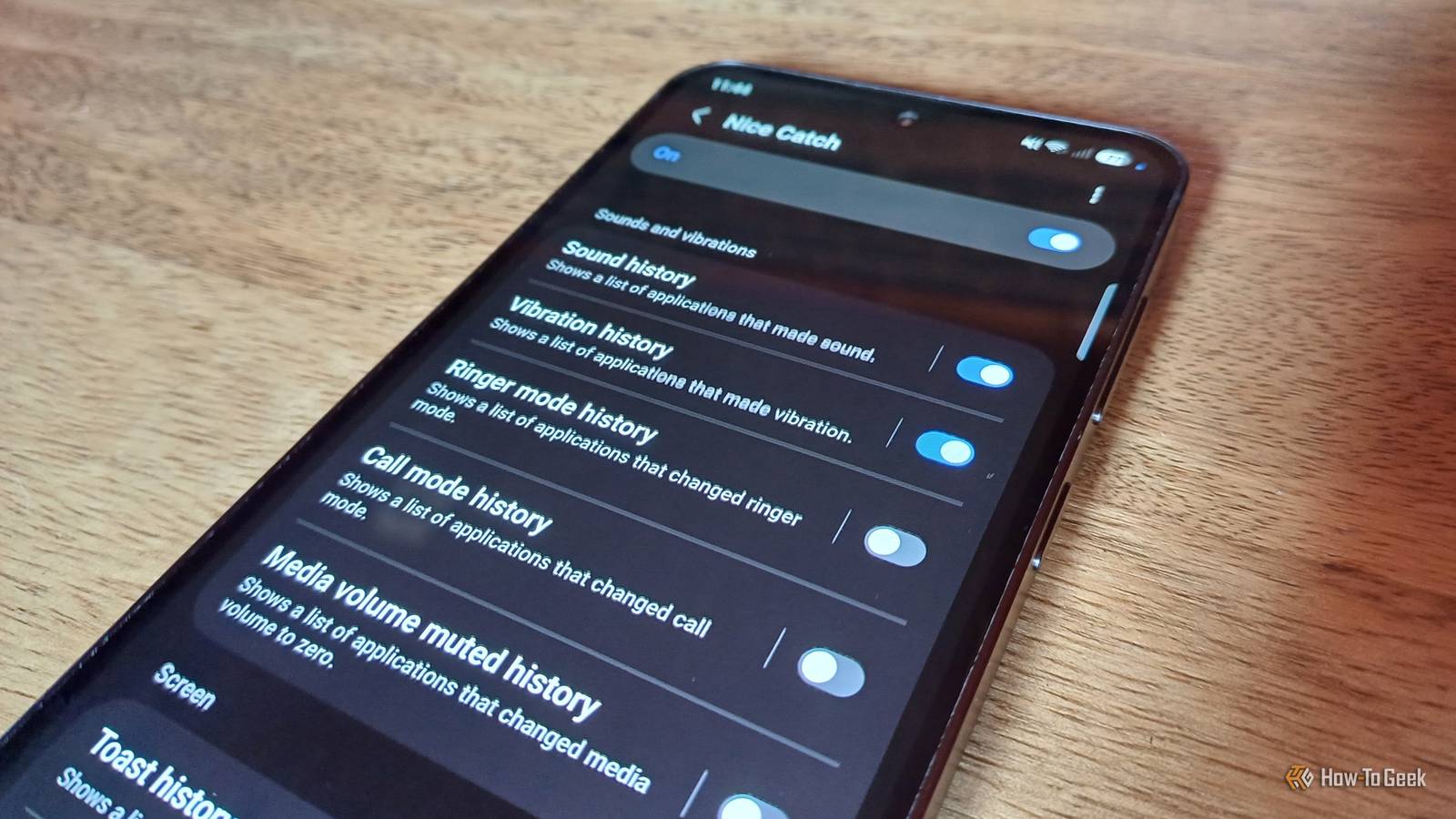
Published Nov 18, 2026, 4:01 PM EST Tyler is an journalist and content contributor at How-To Geek with over three years of experience covering the automotive and tech industries. His work focuses on delivering clear, well-researched, and engaging content that helps readers better understand the vehicles they drive and the technology that they use everyday. Before entering automotive media, he spent five years as an academic editor, developing a strong foundation in research methodology, factual accuracy, and structured analysis. This background informs his journalistic approach today, ensuring that every article balances technical insight with accessibility for a broad audience. Your phone is constantly doing things in the background, with a ton of events flying completely under the radar. While most of these background actions are harmless, it is pretty easy for some malicious stuff to go undetected. While Android's built-in notification history can be really helpful in this scenario, it misses a lot. If you have a Samsung Galaxy device, however, you have access to a much more potent event log. If you've ever had your phone vibrate in your pocket, only to pull it out and see that you have no notifications, then you should definitely install Nice Catch. It is a versatile tool that can help with anything from identifying phantom taps to preventing apps from pushing unwanted pop-up ads. Nice Catch is a must-have Good Lock module Definitely worth a quick download For those that don't know if you have a Samsung Galaxy, you have access to an incredibly versatile customization suite called Good Lock. It is an official suite of apps published by Samsung specifically for Galaxy phones, and offers you a swathe of tools that improve your phone in a ton of different ways. You can find the app in the Play Store, and once installed, you will see it offers a ton of additional modules you can install, such as Nice Catch. There are a ton of Good Lock modules that I would consider essential if you want to get the most out of your Galaxy device. Nice Catch is one that often gets overlooked, and doesn't quite get the attention that it deserves. Essentially, it functions as an extremely detailed notification history, giving you more information than the built-in Android feature. It can track a wide range of system events on your phone, giving you an easy-to-read log that helps you track the culprit behind unwanted activity. It helped me track down the reason for phantom vibrations and notifications You can see everything that happens on your phone Once you've downloaded Good Lock and installed the Nice Catch module, you'll quickly realize how much information it can give you. The best use case I've found for the module is having it log a range of notifications, allowing me to see exactly what app or feature caused my screen to wake up or my phone to vibrate. I also struggled with my phone screen waking up in my pocket, and Nice Catch helped me to identify the cause and put a stop to it. You can get detailed logs of just about every kind of action that your phone takes. Some of the most useful things it can produce logs for are vibrations, screen wake-ups, and any apps that make a sound. If you're worried that your phone or a third-party app is blocking important notifications, Good Lock can also keep track of any notifications that were blocked or muted. When looking at any of the logs, long-press on any individual event, and you'll be able to filter the log to only show actions taken by that specific app. These logs are deleted after seven days to ensure that the logs don't clog up your device storage. As mentioned, I was able to use the app to see that Gestures were accidentally being triggered while my phone was in my pocket, waking my screen up. Any time I get a phantom vibration but don't see any notification, I use the module to find out what caused it. Anyone who has had to troubleshoot their parents' phones for them will also appreciate how much easier Nice Catch makes things. You can also keep a log of any changes to your settings Never forget what settings you've changed again As someone who is always tinkering with their phone, for fun and for articles, I am changing settings on my Galaxy device all the time. Being a little forgetful, I sometimes can't remember exactly what settings I've changed when trying out a feature. Nice Catch comes in handy here as well, with it being able to keep a detailed list of any changes made to your device's settings, obviously making it easier to go back and undo things. There is also a separate log for any changes to accessibility settings. It can also store a history of any time an application has changed certain settings on your phone. This includes any time an application changes your ringer mode, changes your call mode, or mutes the volume on your device. One of my favorite tools in Nice Catch, though, is its ability to detect commercials. If you're getting pop-up ads pushed on you, this will tell you what app is forcing the ad. Nice Catch is a really underrated troubleshooting tool Nice Catch isn't as often praised as some of the other Good Lock modules, and I think it is because it is more of a silent hero. It isn't a module that makes a big, noticeable change to the way you use your phone, and it often just sits in the background. When you need to troubleshoot, though, it just makes things so much easier. If you've ever had to 'fix' your parents' phone for them, but can't figure out what they've done, you'll especially understand just how useful Nice Catch can be.
This hidden Samsung tool reveals what your Galaxy phone is doing behind your back
Full Article
Original Source
Read the full article at Howtogeek →KhanList aggregates and links to publicly available news content. We do not host full articles from third-party sources. Always verify important information with original sources.