
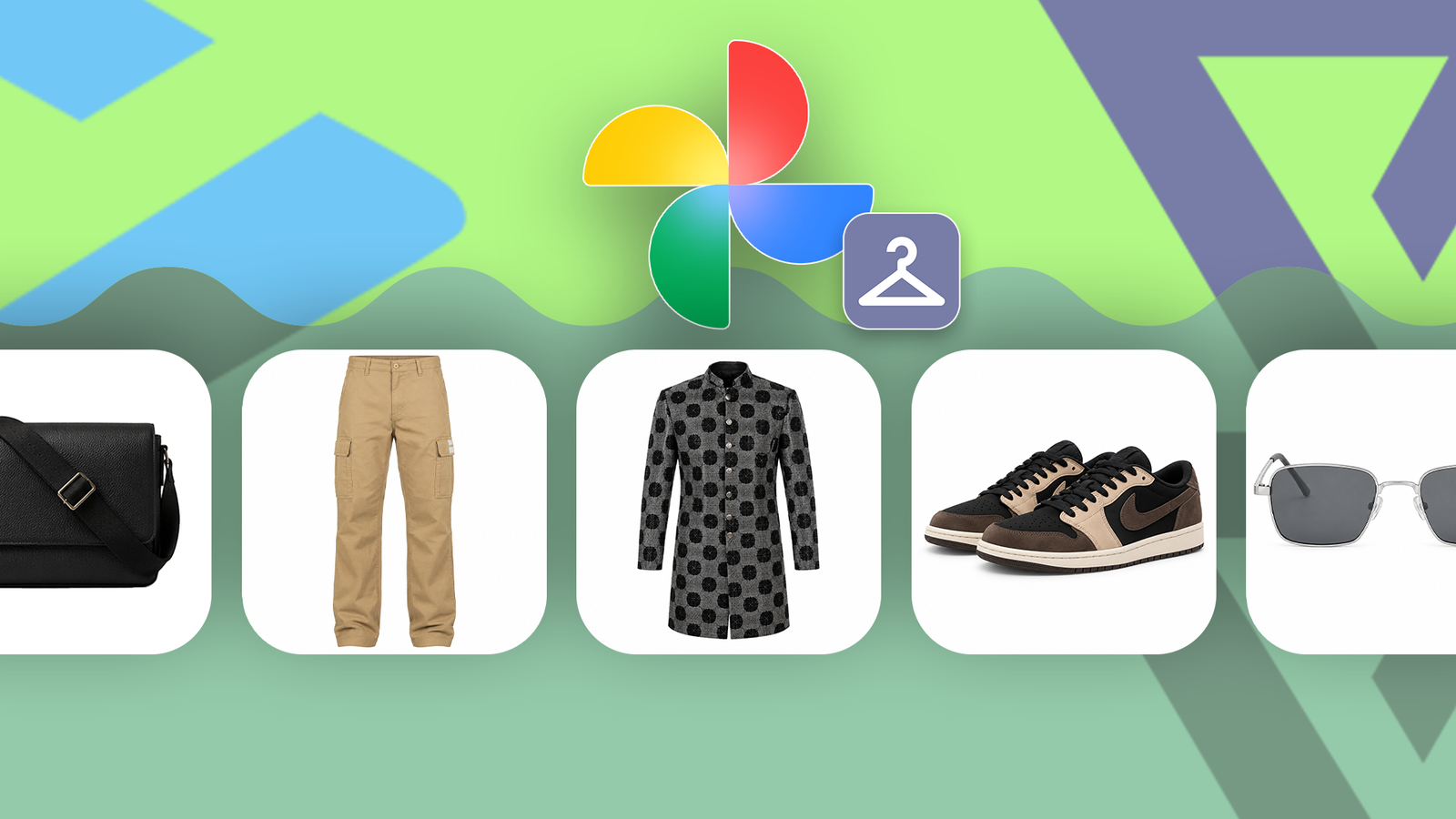
Published Sep 10, 2026, 6:00 AM EDT Kabir Jain has been covering consumer tech since 2023, writing about smartphones, computers, wearables, accessories, software, and AI. He's obsessed with tracking how Android evolves release over release, but ask him what he really loves, and it's customization: icon packs, wallpapers, home screen setups, the stuff that makes a phone feel like yours. That's the rabbit hole that got him into this industry, and he hasn't climbed out since. He's worked as a sub-editor at Gizbot for more than three years and as a features writer at How-To Geek for more than two years, publishing more than 4,000 articles along the way. Google's AI everything era has made it easy to roll your eyes on autopilot. New AI feature, sure, whatever. Then Google Photos used AI to quietly build a digital wardrobe out of my old photos, and my eye-rolling stopped somewhere around the fifth outfit it generated. It sounded like the kind of feature that does something you didn't ask for, sorting through your clothes and building a model of your face somewhere in the background while you go about your day. A few weeks and a lot of generated outfits later, this feature called Wardrobe has become something I now open constantly. Announced back in April How it actually works Credit: Google Google announced Wardrobe on April 29, 2026. Tommy Meaney, a senior product manager at Google Photos, described it as a fix for a problem everyone's had: standing in front of a full closet feeling like you have nothing to wear. This feature shortcuts the part where you're standing there mentally inventorying your closet. It leans on Face Groups, the same system Google Photos uses to group photos by the people in them, which Google's support page confirms can also connect photos by clothing, even without a visible face. That's how Wardrobe pulls items out of years of unposed photos without needing you to photograph your closet separately. Finding Outfit try-on Two ways to get there Credit: Google I opened Google Photos, tapped the Create tab, and found Outfit try-on under Quick start. One tap in, and I saw a full closet of clothes I recognized, split into tabs like accessories, bottoms, tops, and footwear, with more categories further in. I never uploaded any of this myself. There's also another way in. You can tap Collections, go to Wardrobe, and tap Create to get to the same place. Saved combinations show up under Collections, then Wardrobe, then Outfits, where you can name them, generate how they'd look on you, or share them. Mixing pieces I actually own You can literally go crazy here You can pick up to six items, and you're not limited to one per category, which is an invitation to make questionable decisions. Some combinations turn out genuinely fashionista-worthy. Others are woefully bad. And every so often, you end up with a full-blown crime against fashion, which is the most fun outcome. My first outfit stayed sensible: a red H&M sweatshirt, black jeans, white Nike sneakers, my sunglasses, and a red tie thrown in for fun. Some combinations turn out genuinely fashionista-worthy. Others are woefully bad. Then I abandoned all restraint. My graduation gown over a brown suit, cream pants, wedding shoes, a cap I picked up at an AMD event, and sunglasses so goofy I had to launch an investigation. Turns out they weren't real sunglasses, just a Snapchat filter I'd tried on years ago, and Wardrobe confidently added them to my closet like they were a legitimate purchase. But that's the appeal here. You can test combinations you own but would never wear in public, without changing clothes five times and losing your will to live. What happens when you try the combo Let the AI cook Tap Try it on, and a screen warns that results may be unexpected before a loading animation kicks in. It's not fast, usually about four to five minutes, and I hit failed generations more than once before getting a result. A finished result comes with options to send feedback, regenerate, share, or save. Saved outfits and generated images count toward your Google storage, so it's a good idea to delete the ones that didn't turn out well. Where I've actually gotten use out of this My sister almost ran off with my app This has been most useful for family functions, where the usual routine is standing in front of the mirror debating which kurta (a long, loose shirt commonly worn in India) goes with which pants. Wardrobe let me sort that out digitally instead, which saved a fair bit of last-minute back-and-forth. I also tested sunglasses against different outfits, and finally figured out which jeans — slim, baggy, or cargo — worked with which sweatshirts. I showed this to my parents, and my mom and sister were thrilled. Given how much time they put into picking outfits before an event, I have a feeling they're about to disappear into this app for a while. Where the face falls short Close, but not quite If you expect Wardrobe to show you what you'd look like, it doesn't quite get there. The face rebuilds itself from scratch with every generation, so it meets me for the first time each time. Sometimes I'm smiling like I just won something; sometimes I have a blank expression like I'm renewing my passport, and my eyes occasionally come out smaller than they actually are, for reasons only the AI understands. My hairstyle is a wolf cut, long hair that isn't styled too far outward. Wardrobe usually gets the length right, but the shape keeps changing from generation to generation, like it's trying out different personalities for me. I'd give the face a 7 out of 10, recognizable as me, but never quite a mirror, more like a very confident guess. Why that doesn't matter as much as it sounds That's fair to be skeptical about. If the point is seeing how you'd actually look, a face that changes every time undercuts the pitch. But that assumes the face is what you're actually here to check. It isn't. My body came out genuinely accurate every time. I'm fairly lean, and five foot ten, and Wardrobe nailed both proportions and height, a solid 10 out of 10. Strip away the goal of an exact likeness, and what you're really checking here is how the clothes look together, not whether the AI drew your face correctly. The inconsistent face barely matters for that. Eligibility is pretty specific, but there's a wrinkle The official rules Officially, this rolls out to AI Pro and AI Ultra subscribers, plus other "select users." I have the AI Plus plan and still have access. Turns out the gate for me was somewhere else: non-subscribers also qualify with more than 1,000 photos of themselves, and I clear that easily. A few other things worth knowing. You need to be in Brazil, India, or the US. Face Groups must be on with your face selected, and Android needs version 10 or higher. The catalog can also get confused by old clothes, similar items, or group photos, though you can delete anything misidentified. If you share a combo before generating the try-on, the other person only sees the individual clothing items, not what the outfit actually looks like on you. The part Google hasn't fully addressed What's still unclear An AI cataloging your clothes and building a model of your face isn't exactly reassuring. Google's Photos privacy policy says it doesn't use personal data for ads or to train AI models outside of Photos. However, that comes from a general Gemini-in-Photos notice, not anything specific to Wardrobe. You can turn off Face Groups if you want your face model deleted. But Google hasn't said how long Wardrobe keeps your clothing data, or how separate it stays from everything else Photos already knows about you. Why I'm still using it The trade-off I've made peace with I don't think that ambiguity should be waved away. But it's not a good enough reason to skip a feature that's solving something I deal with regularly, and doing it well enough for the one thing that matters: figuring out what to wear. We're deep enough into the AI era that I've made my peace with that trade-off, at least for now. This is one of the few AI features that's earned a real place in how I get ready, instead of just being something Google added because it could.
This Google Photos feature built a digital wardrobe from my photos; I can't stop using it
Full Article
Original Source
Read the full article at Androidpolice →KhanList aggregates and links to publicly available news content. We do not host full articles from third-party sources. Always verify important information with original sources.