
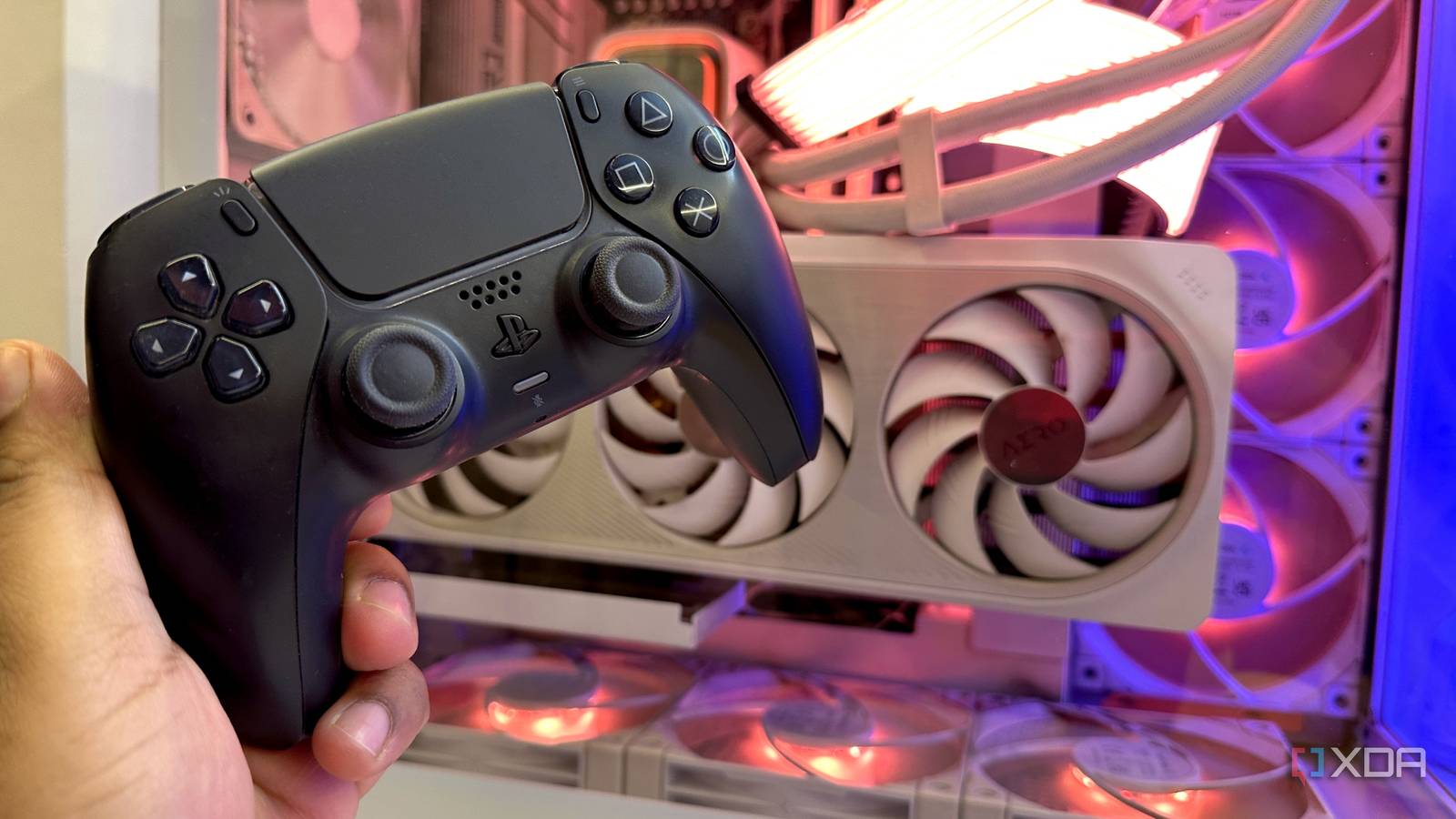
Published Nov 13, 2026, 8:00 PM EST Gaming has been Samarveer’s greatest passion, and the Literature graduate in him takes immense joy in dissecting games for their themes, messages, and impact. Samarveer holds a deep appreciation of gaming, and considers the platform to be the most immersive and impactful across all media. He can be found engaging with gaming communities online, always ready to debate the finer points of ray tracing or itching to write an 8-page collegiate thesis on any game that impacts him emotionally. The DualSense is easily one of my favorite controllers to use on a PC, but Sony has always made me work for the privilege. There's nothing quite like the controller when you're gaming on a PlayStation 5, thanks to the fancy haptics, adaptive triggers, the built-in speaker, and everything else that makes the controller feel genuinely different. On PC, however, these features aren't wireless, and if you connect your DualSense controller to Windows via Bluetooth, a lot of the magic disappears. For years, I'd simply accepted this as the price of using Sony's controller wirelessly on my Windows PC. After years of keeping the controller permanently wired, though, I stumbled across something that made my DualSense finally unleash its full feature set even while connected wirelessly to Windows. Now, the Sony controller is, once again, the controller I reach for when it's time to get gaming. Wireless is where the DualSense's magic goes to die My PS5 controller has a cable-shaped personality on PC The DualSense has a rather embarrassing split personality on a Windows PC. When plugged in over USB, Windows gives compatible games access to its HD haptics, adaptive triggers, speaker, microphone, and even the 3.5mm jack. However, when I want less clutter on my desk and connect it wirelessly, I'm left mostly with a very expensive version of a basic gamepad. The buttons work perfectly, but much of what makes the DualSense special requires a cable on PC. This is primarily because the DualSense's advanced haptics are delivered through an audio stream, and Windows' standard Bluetooth implementation doesn't expose that stream to PC games. Adaptive triggers are much less restrictive, but haptics are where things are genuinely frustrating, because native wireless support remains extremely rare. I could have simply accepted this, but I wanted my DualSense to actually behave like a DualSense without being tethered to my PC. That led me to DS5Dongle, an ingenious little project that uses a Raspberry Pi Pico 2 W to receive the controller wirelessly and present it to Windows as a wired controller. For a moment, I was ready to buy a Pico 2 W and build my own DualSense dongle. It did feel ridiculous that I needed a tiny microcontroller to solve a problem that should have been handled by Sony and Windows years ago, though. Thankfully, before I caved and ordered one, I found a way to remove the Raspberry Pi from the equation entirely. ZerkSense5 removes the Raspberry Pi from the equation My DualSense finally forgot it was connected over Bluetooth That is where ZerkSense5 enters the picture. Instead of putting a Pico 2 W between the controller and PC, it does the same trick entirely in software. I paired my DualSense normally over Bluetooth, ran ZerkSense5, and watched it create a virtual wired controller using usbip-win2. Windows loaded the usual drivers, while games were presented with what looked like a cabled DualSense. The installation was relatively easy, since the app itself walked me through the process and installed the required helpers. The virtual-controller side of things was completely handled by ZerkSense5. The real test, though, was whether this software illusion actually worked. I launched the same games that normally force me to connect the DualSense by cable and tried them over Bluetooth with ZerkSense running. The adaptive triggers kicked in, and the HD haptics worked too. My controller was sitting wirelessly on my desk while the game behaved as though I had plugged it straight into the PC. In fact, to my surprise, ZerkSense5 also provides an immense amount of control over the controller's behavior, from trigger sensitivity to haptic intensity, letting me double the rumble amount for specific games if I wanted. The party trick here that stole the show, though, was the tool's ability to record any game's DualSense trigger behavior and then transpose it onto another game without any trigger feedback. I took the DualSense trigger behavior from The Witcher 3 Remastered's put it into Elden Ring, which genuinely improved my experience playing the latter (the superior RPG, that is). Plus, credit where credit is due — ZerkSense5 credits DS5Dongle for the underlying idea, even as it moves the entire workaround from a Pico 2 W onto the PC itself. The entire Raspberry Pi project that I'd thought I'd have to engage in just became a single download from a GitHub repo. You don't need a Raspberry Pi anymore I can still see the benefit of sticking to the dongle, though After years of the DualSense offering a compromised wireless experience on Windows, it's strange how we suddenly have several ways around Sony's limitations. In fact, there's even DualSenseX, which offers the same wireless functionality that ZerkSense5 does, but it's a paid app. At the same time, more and more games are finally implementing full DualSense support, like No Man's Sky. The best frictionless method to enjoy the PS5 controller on PC, though, remains inarguably ZerkSense5. It is free, open-source, and doesn't require a Pico 2 W, soldering, extra cables, or another little box sitting between your controller and PC. Once you install it, just add it to Task Scheduler and have it start up every time you boot up your PC, and you'd never have to reach for a USB cable for connecting your DualSense to Windows, ever again. There is one reason I'd still pick DS5Dongle, though. If your DualSense regularly jumps between multiple PCs, the Pico 2 W has a genuine advantage. After all, a Pico 2 W is still about $10 (or less), and it's plug-and-play hardware you can carry whenever you take a DualSense with you. By contrast, you'd have to install ZerkSense5 and configure it on every PC. For everyone else, though, this is a ridiculous amount of engineering to avoid a USB cable — and I mean that as a compliment. What once convinced me to consider buying a Raspberry Pi now requires nothing more than a download. My DualSense can finally stay wireless without leaving its best features behind. I'm glad people have had enough of accepting limitations I've spent enough time with PC hardware to know that the most satisfying fixes are rarely the expensive ones. Sometimes, the problem is simply that everyone has accepted an annoying limitation for long enough that working around it starts to feel like normal behavior. The DualSense is a perfect example of that, and I'm glad someone decided that "just use a cable" wasn't a good enough answer. If this is what a little open-source ingenuity can do, I'm starting to wonder what other hardware limitations we've simply learned to live with. ZerkSense5
This free Windows app just replaced a Raspberry Pi for DualSense users on PC
Full Article
Original Source
Read the full article at Xda-developers →KhanList aggregates and links to publicly available news content. We do not host full articles from third-party sources. Always verify important information with original sources.