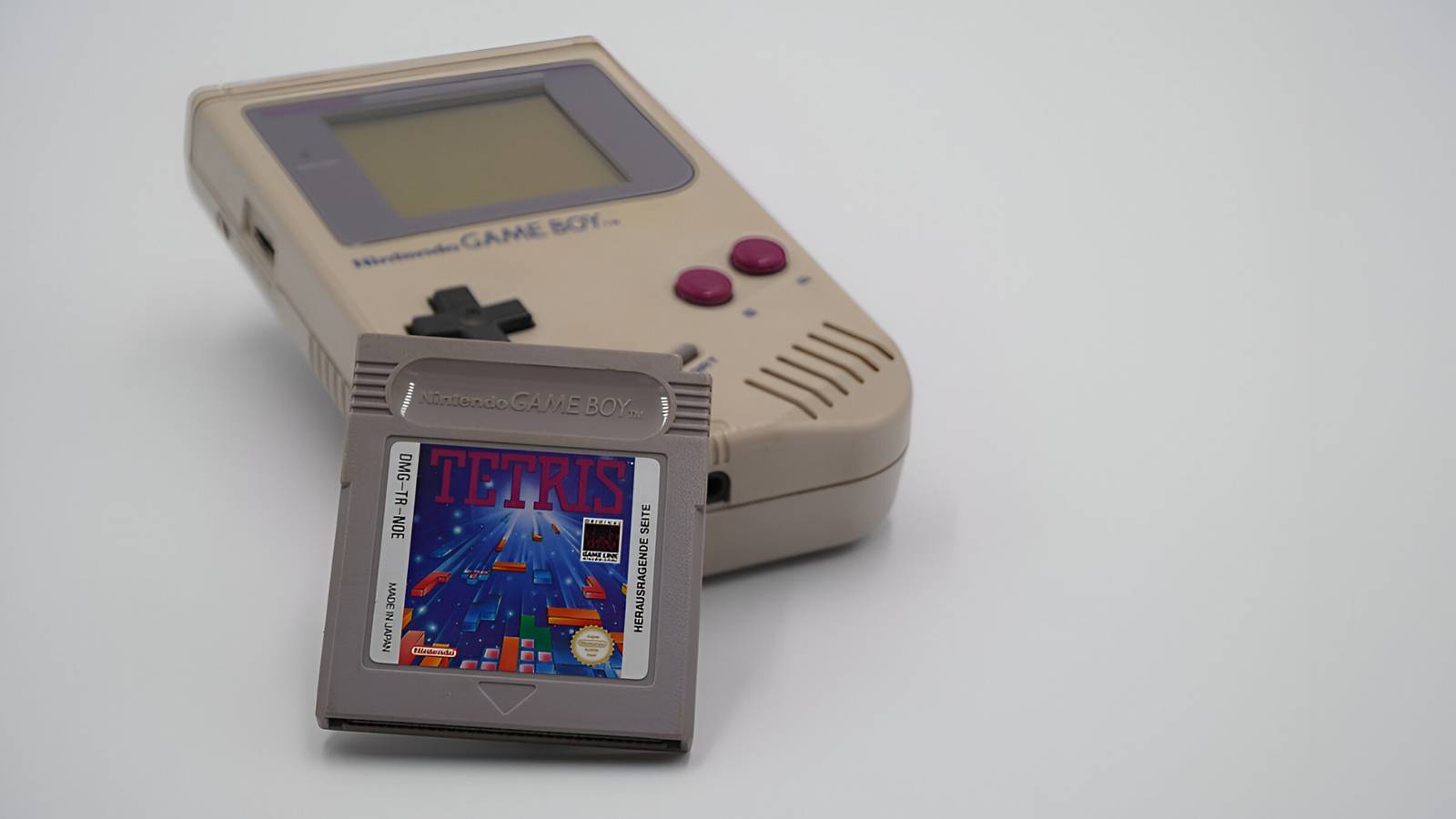
Published Aug 3, 2026, 2:08 PM EDT Simon is a Computer Science BSc graduate who has been writing about technology since 2014, and using Windows machines since 3.1. After working for an indie game studio and acting as the family's go-to technician for all computer issues, he found his passion for writing and decided to use his skill set to write about all things tech. Since beginning his writing career, he has written for many different publications such as WorldStart, Listverse, and MakeTechEasier. However, after finding his home at MakeUseOf in February 2019, he would eventually move on to its sister site, XDA, to bring the latest and greatest in Windows, Linux, and DIY electronics. Sign in to your XDA account Retro game emulation is a weird use case where what you see on a PC monitor isn't what people saw when they played back in the day. Fortunately, people have worked hard to capture the look and feel of the original hardware using software. For instance, someone has made an emulator that renders how Game Boy games looked on the original hardware, and I must say, they really nailed it. The Brick Boy is an online emulator that looks like the real deal Yes, they really looked like that Image Credit: Unsplash As spotted by Time Extension, this awesome project comes to us via @fugudaro on X. It's called the Brick Boy, and it runs entirely in your browser. It uses some clever tricks to make the games look like you're playing them on a real Game Boy; all you need to do is upload a ROM, and you're good to go. So, how did Fugudaro manage to make their games look like they're running off the original hardware? Well, they identified that a key part of how games looked on a Game Boy screen wasn't just because of the screen. As translated from their X post: "Why old handheld game console screens have that "certain feel." It wasn't the LCD, but the reflector sheet laid at the very back. An LCD that isn't backlit lets external light pass through the LCD, reflect off the back panel, pass through the LCD again, and reach the eyes. So the color in bright areas isn't the LCD's color, but the panel's own color itself. And the actual panel has a fine pattern like Japanese washi paper." To get the job done, they took a closer look at publicly available LCD modules and translated that into their emulator. The end result looks shockingly similar to how I remember my Game Boy games looking while playing them under the bedsheets at 2 am. Excellent work, Fugudaro. If you'd like to give the emulator a try, head over to the Brick Boy website and upload a ROM. If you don't have any games to upload, the website will play a Tetris-like title for you to try.
This beautiful browser-based Game Boy emulator perfectly replicates how games looked back then
Full Article
Original Source
Read the full article at Xda-developers →KhanList aggregates and links to publicly available news content. We do not host full articles from third-party sources. Always verify important information with original sources.