
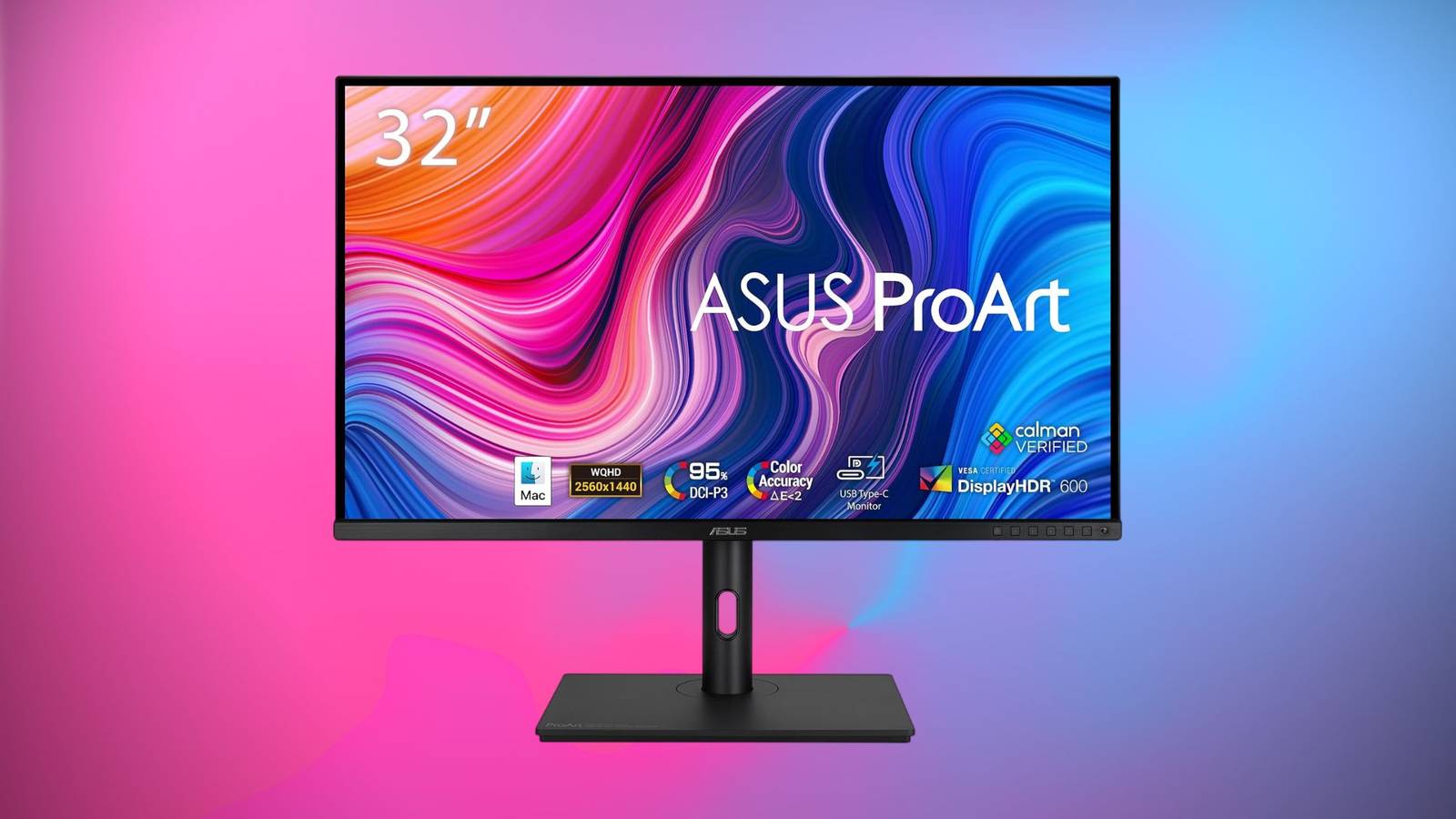
Published Aug 13, 2026, 3:20 PM EDT Timi has been writing about technology for over a decade, focusing on smartphones, computers, and anything that he finds interesting in the tech space. He started writing for XDA, covering all things mobile, but has transitioned to covering deals, with a mission to shed light on some of the best discounts around the internet on the greatest tech products. Sign in to your XDA account This Asus ProArt PA328CGV 32-inch 1440p monitor is built with professionals in mind. It's factory-calibrated with accurate colors and is ready to use out of the box. The $569 price tag is fair, but we like it even more with its current discount from Woot, which knocks 31% off, dropping it to $390. This is the lowest price we've seen for this monitor, so get it while it's still available. ASUS ProArt PA328CGV 32-inch Monitor $390 $569 Save $179 This ASUS ProArt monitor is extremely versatile, and it's relatively affordable for what you get. It's 32-inch Quad HD panel with 95% coverage of DCI-P3 and Delta E < 2, plus it supports DisplayHDR 600 and it has a 165Hz refresh rate, so you can use for work and gaming. The details really matter The Asus ProArt Display Professional Monitor comes in at 32 inches and has an IPS panel for excellent viewing angles. You also get a sharp image thanks to its 1440p resolution. In addition, the monitor features a 165Hz refresh rate, 95% DCI-P3, 100% sRGB/Rec. 709 and has a color accuracy of Delta E Calman Verified means that it's calibrated at the factory for true colors right out of the box. This is important if you're a professional that works with media like photography, videography, graphic designers, web developers, and more. Furthermore, the monitor also has VESA DisplayHDR 600 certification, along with support for AMD's FreeSync Premium Pro. In addition to HDMI and DisplayPorts for connectivity, the monitor also features USB-C with 90W Power Delivery. Power Delivery ensures that you'll be able to charge larger devices like laptops without any additional cables. Just plug in your laptop to the USB-C cable, and you'll an image output to monitor and also power. The monitor can be used for many different things, which is why Asus provides a special mode button that can provide "color-gamut adjustments." The monitor can sit on a traditional stand, or you can use the included C-clamp to help free up desk space. You'll also get the usual adjustments so you can tilt, swivel, and pivot the monitor to your liking. It's a versatile monitor that's at its cheapest price, making it one worth taking a look at. Just be quick, Woot tends to sell out.
This $390 ASUS ProArt monitor is factory-calibrated for professionals, but gamers love it too
Full Article
Original Source
Read the full article at Xda-developers →KhanList aggregates and links to publicly available news content. We do not host full articles from third-party sources. Always verify important information with original sources.