
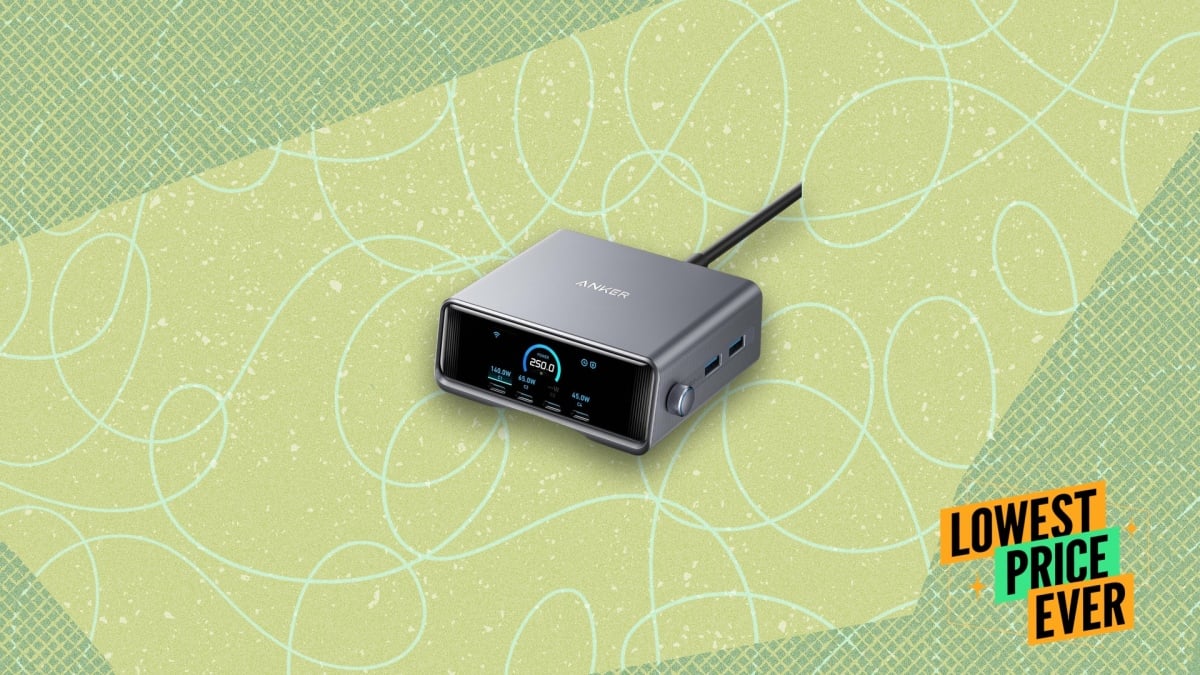
Pradershika Sharma Pradershika Sharma Freelance Writer ExperiencePradershika Sharma is a tech deals writer for Lifehacker. She has a Master’s degree in English Literature, a B.Ed., and a TESOL certification. She has been writing professionally since 2018, creating product reviews, affiliate articles, and search ads for global clients while working with Rubix Agency and Cognizant. Previously, she spent a year teaching English at the junior high level.An avid reader since childhood, Pradershika's idea of extreme sports is staying up to read “just one more chapter.” She lives in India. Read Full Bio August 25, 2026 Add as a preferred source on Google Add as a preferred source on Google We may earn a commission from links on this page. Deal pricing and availability subject to change after time of publication. Credit: Amazon/Lifehacker Table of Contents The Anker Prime 250W Desktop Charging Station is one of those products that makes more sense the more devices you own. If your desk usually has a laptop charger, a phone charger, a tablet charger, and a few USB cables scattered around, consolidating everything into a single charging hub can be genuinely useful—and right now, it is on sale for $94.99, down from its regular $149.99 price. This charging station has six ports in total, including four USB-C and two USB-A ports, with up to 250W of combined output. That's enough power to charge a laptop, phone, tablet, earbuds, and a few other accessories at the same time without much compromise. Anker has also added a small display that shows how much power each connected device is drawing. It's a feature you probably don't think you need until you can actually see whether your laptop is charging at full speed or your phone is getting priority. Speaking of which, the charger lets you control how power is distributed. If your phone is nearly dead and you're heading out soon, you can prioritize that device while still charging everything else. What do you think so far? There are additional modes for charging two laptops at once, handling low-power accessories, or automatically managing power allocation without any manual adjustments. Through the Anker app, you can monitor charging activity, schedule when the station turns on or off, adjust display settings, and even add a clock screensaver to the built-in screen. None of that is essential, but it does make the charger feel more integrated into a workspace rather than just sitting there as another accessory. Our Best Editor-Vetted Tech Deals Right Now Deals are selected by our commerce team Lifehacker has been a go-to source of tech help and life advice since 2005. Our mission is to offer reliable tech help and credible, practical, science-based life advice to help you live better. Our Mission Our Team Newsletter © 2001-2026 Ziff Davis, LLC., A ZIFF DAVIS COMPANY. ALL RIGHTS RESERVED. Lifehacker is a federally registered trademark of Ziff Davis and may not be used by third parties without explicit permission. The display of third-party trademarks and trade names on this site does not necessarily indicate any affiliation or the endorsement of Lifehacker. If you click an affiliate link and buy a product or service, we may be paid a fee by that merchant.
This 250W Anker Charging Station Is 37% Off Right Now
Full Article
Original Source
Read the full article at Lifehacker →KhanList aggregates and links to publicly available news content. We do not host full articles from third-party sources. Always verify important information with original sources.