
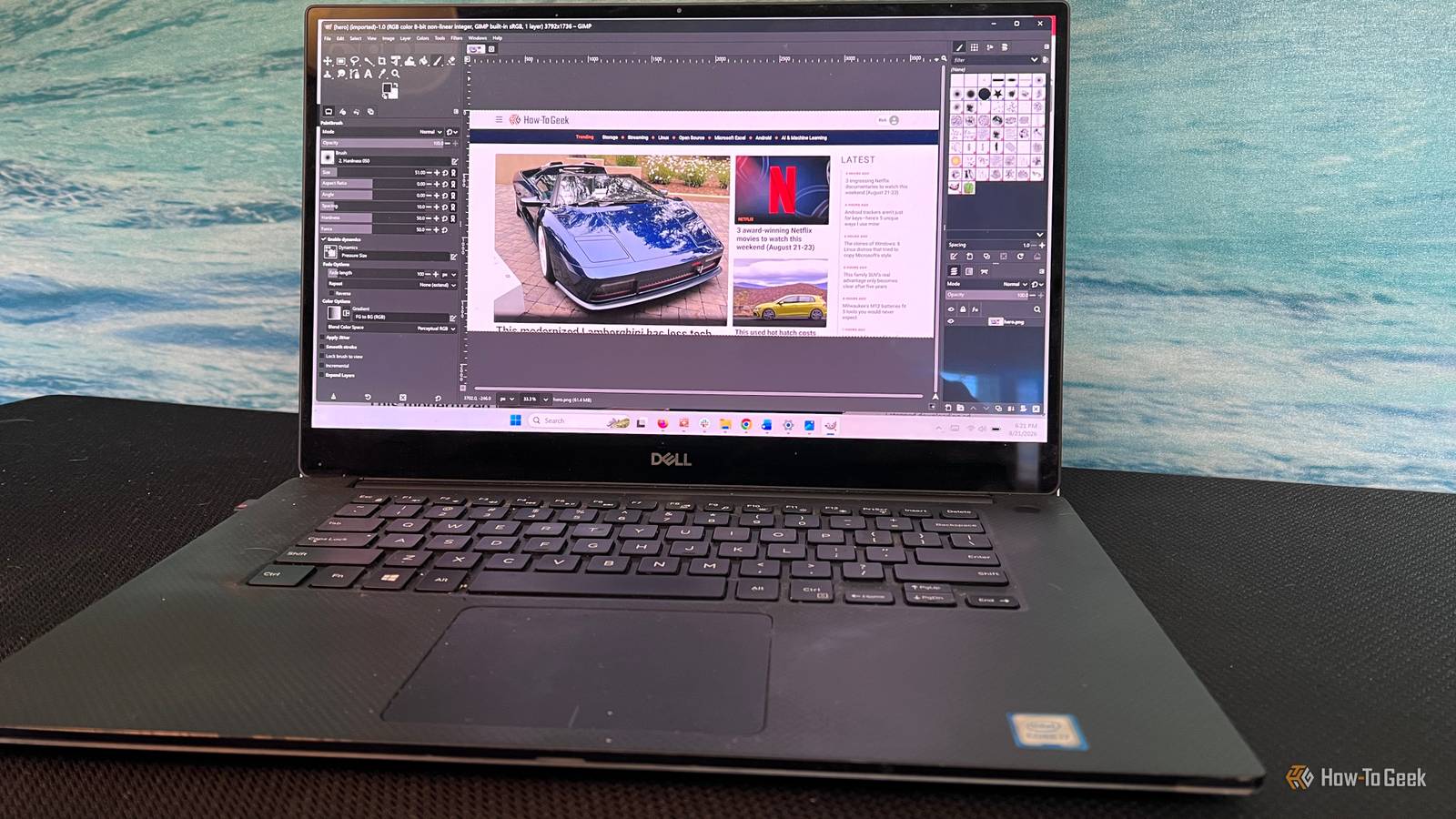
Published Sep 20, 2026, 5:30 PM EDT Sydney Butler is a technology writer with over 20 years of experience as a freelance PC technician and system builder and over a decade as a professional writer. He's worked for more than a decade in user education. On How-To Geek, he writes commerce content, guides, opinions, and specializes in editing hardware and cutting edge technology articles. Sydney started working as a freelance computer technician around the age of 13, before which he was in charge of running the computer center for his school. (He also ran LAN gaming tournaments when the teachers weren't looking!) His interests include VR, PC, Mac, gaming, 3D printing, consumer electronics, the web, and privacy. He holds a Master of Arts degree in Research Psychology with a minor in media and technology studies. His masters dissertation examined the potential for social media to spread misinformation. Outside of How-To Geek, he hosts the Online Tech Tips YouTube Channel, and writes for Online Tech Tips, Switching to Mac, and Helpdesk Geek. Sydney also writes for Expert Reviews UK. He also has bylines at 9to5Mac, 9to5Google, 9to5Toys, Tom's Hardware, MakeTechEasier, and Laptop Mag. Everything is a subscription now. All the apps seem to want you to sign up for an account. They want your name, email, and blood type. Even when there's no reason for it that benefits you as a user in any way. Why? It's all about money. Remember, "if you're not paying, you're the product." Well, now you can be the product even when you are paying. Your personal information is worth something, regardless of your status as a paying customer. Either way, I've had enough. Slowly, but surely, I'm trying to replace apps I've been using that rely on an online account with those that don't. That's harder than it sounds, but so far I've locked down a few. I replaced Microsoft 365 with LibreOffice It's quite liberating My main office apps are actually all in Google Drive, because of how much collaborative work I have to do with clients, and it's all but guaranteed they'll have a Google account. However, from time to time, I need to work with Office files offline, so I've been using the Microsoft 365 suite. It used to be that you bought your Office apps once, and then paid for an upgrade when the next major version landed, but for a long time the only way to get these apps was to get a paid subscription. I did this for quite a while because it was cheap, and the deal included some free OneDrive space. However, I stopped using OneDrive and realized that there's no reason to pay for Office when LibreOffice exists. I had actually started using LibreOffice back in my postgraduate days, but once I got a job, my employers all used Microsoft Office. Coming back to it after all these years really shows how far the suite has come. I only need it now to read and edit documents from time to time. So far, it's done perfectly without an account or any cloud service. I replaced Adobe Photoshop with GIMP It's time to de-Adobe ourselves Credit: GIMP My wife has worked as a professional video editor for years now, but unfortunately, the world economy and, I suspect, the rise of AI video tools have dried up that revenue stream. Which means we can no longer justify paying a monthly Adobe Creative Cloud subscription. I don't have to do heavy photo editing often, but when I did, I used our shared copy of Photoshop. Now I've gone back to another college-years favorite of mine: The GIMP. Again, coming back to it years later, the contributors have done a great job making it more user-friendly. I'm finding my feet again, but it's not nearly as unpolished as I remember most open-source apps being back then. Bye Clipchamp, hello Kdenlive We had a good thing After I upgraded to Windows 11 on release day, I discovered the Clipchamp app, which was perfect for editing screen captures and video game clips. I had already switched to a Mac as my daily driver for serious work, and so I used iMovie there. Clipchamp is nowhere near as sophisticated as iMovie, but I didn't need it to be. Then, one day, I tried opening Clipchamp, and it demanded that I log in. This mandatory Microsoft account requirement took effect on August 23, 2025. That's when I deleted it and switched to the open-source Kdenlive. It's a more full-featured video editor, but still simple enough for me to do the same basic edits I did with Clipchamp. Since Kdenlive also works on macOS, I also have the option of working on projects across all my computers. Take notes, Evernote. I use Joplin now As it is written This is a more recent thing I'm trying, since I've been getting along with Windows and Mac default notes apps. But my colleagues all use platforms like Obsidian and Notion, which made me realize that I probably need a better note-taking system. Thinking back to the days I had a real job, I was using Evernote, so I tried starting there again. But Evernote requires an account and login to use the desktop app. Also, the free version of the service is a little limited, which is why I'm experimenting with Joplin. It's early days, and I just want to use it on a computer with local note storage, but it does give you the option to sync to cloud services you already use, but sadly not Google Drive. However, you can just use the Google Drive desktop app. It's good to be a little less "online" all the time I have to emphasize that none of the apps I've stopped using are bad. In fact, in some cases they're more polished and functional. It's just that the constant account fatigue is worth a small downgrade in convenience. These apps don't strictly need an online account, or to gather information about me, but they do anyway. I've gone from being OK with that to wanting to become an online recluse. It's the same reason I've deleted my social media accounts, except for the necessary evil of LinkedIn, of course.
These Windows apps required an online account, so I switched to offline versions that respect my privacy
Full Article
Original Source
Read the full article at Howtogeek →KhanList aggregates and links to publicly available news content. We do not host full articles from third-party sources. Always verify important information with original sources.