
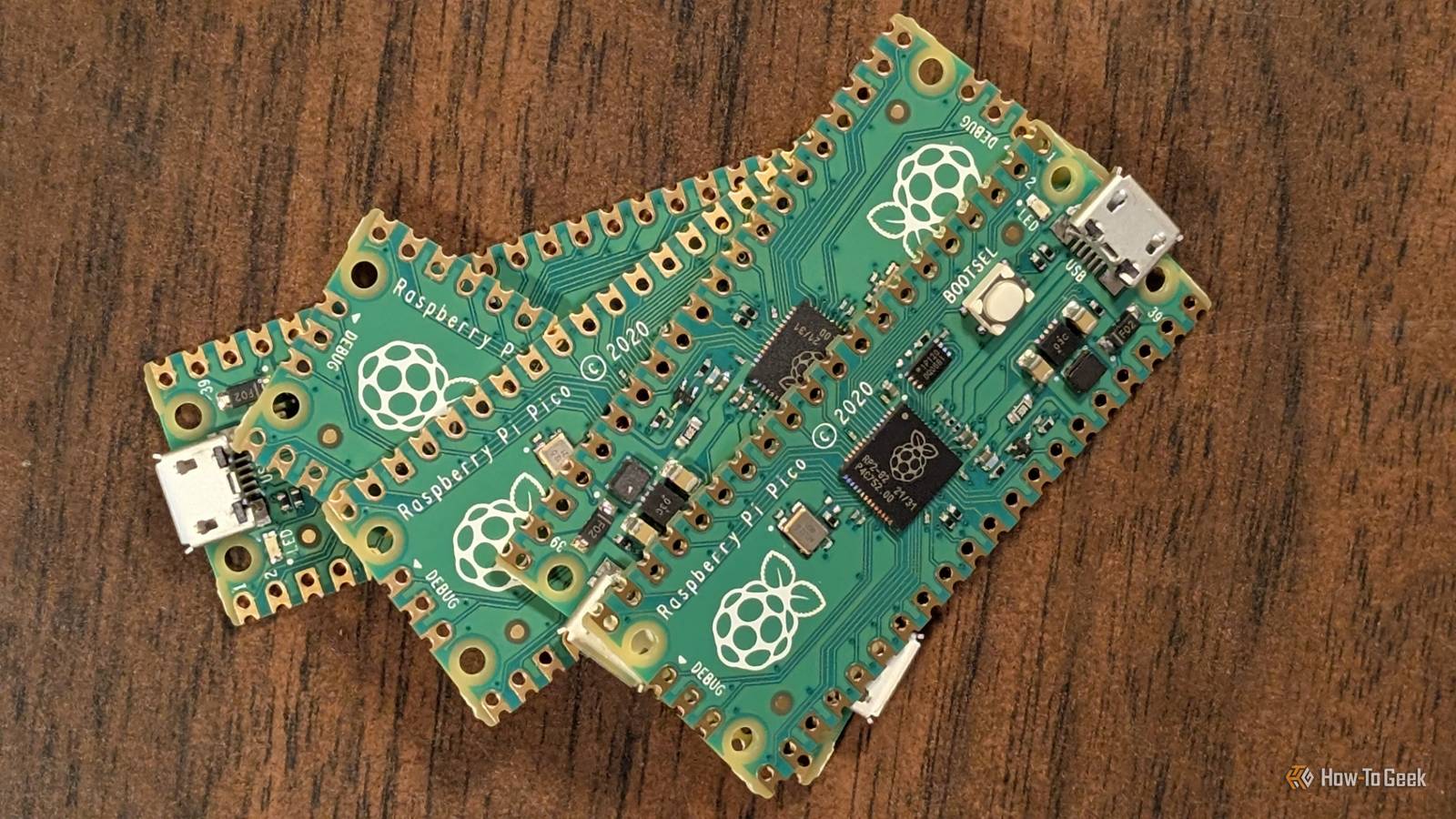
Published Aug 27, 2026, 9:00 AM EDT Patrick Campanale has been in the tech space for well over a decade, specializing in PC/gaming news and reviews, as well as maker-focused products to build small businesses. With a start in technology back in 2010 surrounding the Palm/webOS ecosystem, Patrick spent his formative years developing mobile applications as well as blogging for various publications, eventually leading to starting his own website in 2014. After running a technology blog for a few years, he stepped out of that role and into the world of high-end custom PC manufacturing and building, with a focus on YouTube video production and overclocking. Then, six years ago, Patrick joined the 9to5Toys team as an editor/writer/reviewer with over 14,000 articles being published there there, ranging from deals and roundups to in-depth reviews on the latest technology, video games, 3D printers, and more. In his free time, Patrick loves to create projects from wood using various robots and methods, including leveraging the technologies of CNCs and lasers. If Patrick isn't working on a computer or playing video games, he's likely in his 2-car garage workshop creating something unique. In addition to all this, Patrick is also a youth pastor at his local church where he feels God has called him to serve, and he loves every minute of it. Today's weekend Raspberry Pi projects will be coming from a bit of a different angle than normal. Instead of focusing on the traditional Raspberry Pi single-board computer, I'm going to show you three fun projects to do with a Pi Pico microcontroller. Wake up easier with a fun Pi Pico sunrise alarm clock It's a more natural way to wake up Credit: Raspberry Pi Our bodies were designed to wake up with natural sunlight, which is exactly why there are so many sunrise alarm clocks out there. You can buy some off-the-shelf systems for this, but it's also easy to just build one yourself. A sunrise alarm clock basically simulates the color temperature and gradual brightness increase of a natural sunrise. To build one, you really just need a Pi Pico 2 W and some red and warm-white LED strips to handle the project. There's an official Raspberry Pi blog project overview for a build like this, and I highly recommend checking that out. Basically, you'll need the Pi Pico W, a 1.3-inch OLED screen, some 12V LED strips, a step-down converter, and a transistor array. This type of project will require some soldering and coding, but once complete, you'll be able to have the Pico 2 W slowly raise the brightness and change the color temperature of the LED strips to simulate a sunrise, helping you wake up easier every morning. See how much filament you have left with a custom spool scale All you need to know is the weight of an empty spool and it does the rest I don't know about you, but I have so many half-used filament spools around my house from various 3D printing projects and I never know how much is actually left on a spool. There have been several times when I started a print thinking I had enough filament on the spool only to run out mid-print. Normally, this is fine because my 3D printers have filament runout sensors. But, if that was the only spool I had of that material, it could be disastrous. So, a custom-built filament scale is the best way to save the day. There are two ways to do this project: a standalone scale that you place a spool on and it calculates how much filament is left, and a spool holder that shows how much filament is remaining on the existing spool. Both projects utilize load cells to weigh the filament, and can be set up to show either the combined weight of the spool and filament, or just the filament if you know how much an empty spool weighs. You'll need an RP2040-based board, like the Pi Pico, for this project, alongside a load cell for the specific project, an HX711 analog-to-digital converter, some switches, a circuit board, and a few other odds and ends, like the 3D-printed parts, to finish the project. This type of project can definitely take up the entire weekend depending on how deep you go and what parts you need to 3D print, as it requires soldering and often custom designs. But, at the end of the day, you'll be able to just set a spool of filament down and know approximately how much is left on it, which could help you know whether a print could finish with your remaining filament or not. Something to keep in mind with 3D printing is that there are so many variables that can always be changed. For instance, if you only have 300g of filament left, but a sliced project shows it needs 350g, you might be able to trim some weight by cutting down on walls, infill, or top and bottom layers to make it fit within how much filament you have left—but you have to know how much filament that is first, which is where today's project comes in. Know who really won that slot car race with this lap timer It's a photo finish! Credit: Raspberry Pi Growing up, I used to play slot car racing with friends all the time. I'm a huge car nerd, and having a mini race track in the house was one of the best things. The problem is, it's not always clear who is the actual winner in a slot car race. With a Pi Pico and some ingenuity, you can set up a system that shows definitively who crosses the finish line first. This project mainly requires the Pi Pico and some infrared break-beam sensors. Simply install one sensor per lane and then wire it into the Pi Pico. You can utilize LEDs, a display, or anything else to show who won. You could even set up multiple sensors with a project like this to turn it into almost a drag-race-style setup. Have one beam at the beginning of the race, and another at the end of the race, so that way it times how long it takes the cars to get from one beam to the other. There are so many things you can do with these break-beam sensors and car races that the sky's the limit. So, take some time this weekend and build a fun slot car racing lap timer to see who actually wins. The Pi Pico can do so many things While many Raspberry Pi projects focus on the single-board computer version of the Pi, the Pico, a simple microcontroller, can do much more than you might think. That's why I wanted to highlight the Pico in today's roundup by showing three fun and unique projects that showcase its capabilities. So, if you're stuck thinking all Raspberry Pi projects need a full Linux distro, think again.
These Raspberry Pi Pico builds solve surprisingly relatable problems (August 28 - 30)
Full Article
Original Source
Read the full article at Howtogeek →KhanList aggregates and links to publicly available news content. We do not host full articles from third-party sources. Always verify important information with original sources.