
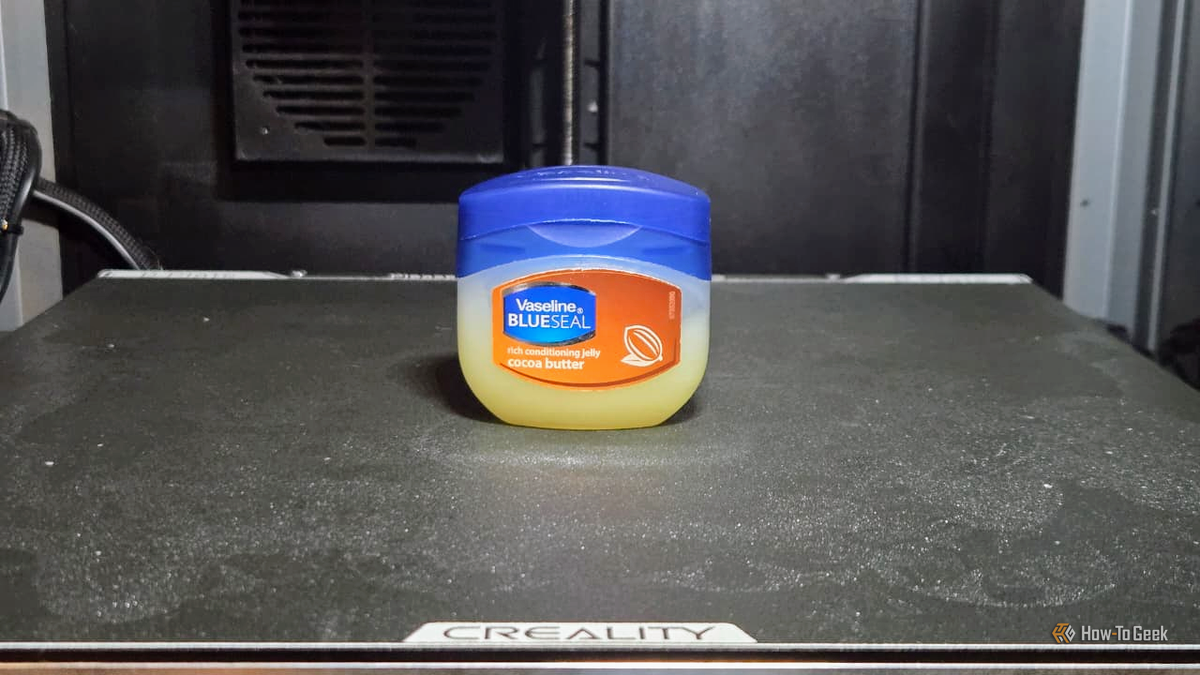
Published Aug 22, 2026, 2:00 PM EDT Sydney Butler is a technology writer with over 20 years of experience as a freelance PC technician and system builder and over a decade as a professional writer. He's worked for more than a decade in user education. On How-To Geek, he writes commerce content, guides, opinions, and specializes in editing hardware and cutting edge technology articles. Sydney started working as a freelance computer technician around the age of 13, before which he was in charge of running the computer center for his school. (He also ran LAN gaming tournaments when the teachers weren't looking!) His interests include VR, PC, Mac, gaming, 3D printing, consumer electronics, the web, and privacy. He holds a Master of Arts degree in Research Psychology with a minor in media and technology studies. His masters dissertation examined the potential for social media to spread misinformation. Outside of How-To Geek, he hosts the Online Tech Tips YouTube Channel, and writes for Online Tech Tips, Switching to Mac, and Helpdesk Geek. Sydney also writes for Expert Reviews UK. He also has bylines at 9to5Mac, 9to5Google, 9to5Toys, Tom's Hardware, MakeTechEasier, and Laptop Mag. Any machine with moving parts that touch needs some sort of lubrication to minimize the effects of friction if you don't want them grinding against each other. Apart from perhaps your car, there are probably few devices in a typical home with more moving parts than a 3D printer, so naturally you'll need to keep it lubricated if you want it to work correctly. But it is possible to make some mistakes in this process. While it's not something that happens overnight, if you lube your 3D printer the wrong way, it could end up seizing and suffering expensive damage. Always follow the lubrication guidelines from your 3D printer manufacturer above all. Only use lubricants approved by the manufacturer. The information below is generally applicable, but specific manufacturer advice will always come first. Using the wrong lubricant for the wrong component Like oil on, uh, more oil. Credit: Sydney Louw Butler / How-To Geek 3D printers have lots of moving parts, and many of them need lubricant, but there are different types of lubricant that perform differently. Some are meant to lubricate slow parts over a long period of time. Others are meant to lubricate high-speed parts, or parts that are subjected to higher temperatures. The lead screws, the long vertical screws that move the bed up and down, often use a thicker, longer-lasting grease. The rails that move the print head along the X and Y axes, on the other hand, are usually a thinner oil. However, on my Elegoo CoreXY Centauri printers, the manufacturer indicates the same lithium-based white grease on both the X/Y rails and the lead screws. So again, double check that you are using the correct lubricant for each part. Putting grease on parts that should stay dry Sometimes dry and grippy is what's needed Even worse than putting the wrong grade or type of lube on a part that needs lubrication is putting lube on a part that has to stay dry. For example, a metal pulley might be perfectly fine without lube, and in fact need a certain level of friction to prevent the belt from slipping. Likewise, some threaded components may need friction to work correctly and should not be lubed. Lubricant can also attract dust and dirt that can impede the movement of parts. If a component is not explicitly mentioned for lubrication in the printer's maintenance guide, then leave it alone. Applying way too much grease Just a drop or two will do Credit: Sydney-Louw-Butler There's a good chance that your printer came with a small tube of lubricant in the box for maintenance. The printer will usually be lubed out of the factory, so that should give you some idea of how much lube should be on there. In the case of thin oil, you're really only going to use a few drops, which you can spread thinly over the rails by manually moving the print head back and forth. If you have to use grease, as in the case of my Centauris, you should remove excess grease after lubing. You can always transfer that excess grease to the lead screws if your printer uses the same lube for both, assuming that the grease is clean. Leaving excess lubrication on your printer's parts can attract dust, hair, dirt, and other debris that can end up having the opposite effect, and gum, everything up. Lubricating dirty or contaminated components Give it a wipe first! Credit: Sydney Louw Butler / How-To Geek It's very important that you clear the old lubricant off before you apply new lube. That old lube is likely already full of gunk, which is why it's not working as well as it should. Use a lint-free cloth to remove the old lubricant. In some cases, manufacturers also indicate isopropyl alcohol to get stubborn dirt off the rails or screws. Then after you've cleaned off the old grease, you can apply the new stuff as indicated. If you see rough movement or hear unusual noises from your printer when those parts are in motion, that's a sign that your printer needs that lube cleaned off and replaced, even if your running times don't seem to warrant it. Personally, I've observed that my printers which aren't enclosed need lubrication sooner, given that dust, hair, and other stuff floating in the air settles on the rails and screw at a higher rate than if the printer was closed all the time. Forgetting to lubricate until something goes wrong The best practices for lubricating your 3D printer are pretty much the same for lubricating a car. You don't wait until the screeching is unbearable and blue smoke billows from everywhere. No, you have service intervals, and when those intervals come you replace the lubrication whether it looks like your printer needs it or not. The exact intervals differ depending on who you ask, and from one manufacturer to the next. Lubing your printer every 100–150 hours is a good rule of thumb, but as always, it's your manufacturer that is the authority. Those intervals are often also the right time to tighten all the bolts that work loose from vibration and check belt tensions if that applies to your printer. Oh, and never, ever use Vaseline as lubrication for a 3D printer.
These lubrication mistakes can seize your 3D printer
Full Article
Original Source
Read the full article at Howtogeek →KhanList aggregates and links to publicly available news content. We do not host full articles from third-party sources. Always verify important information with original sources.