
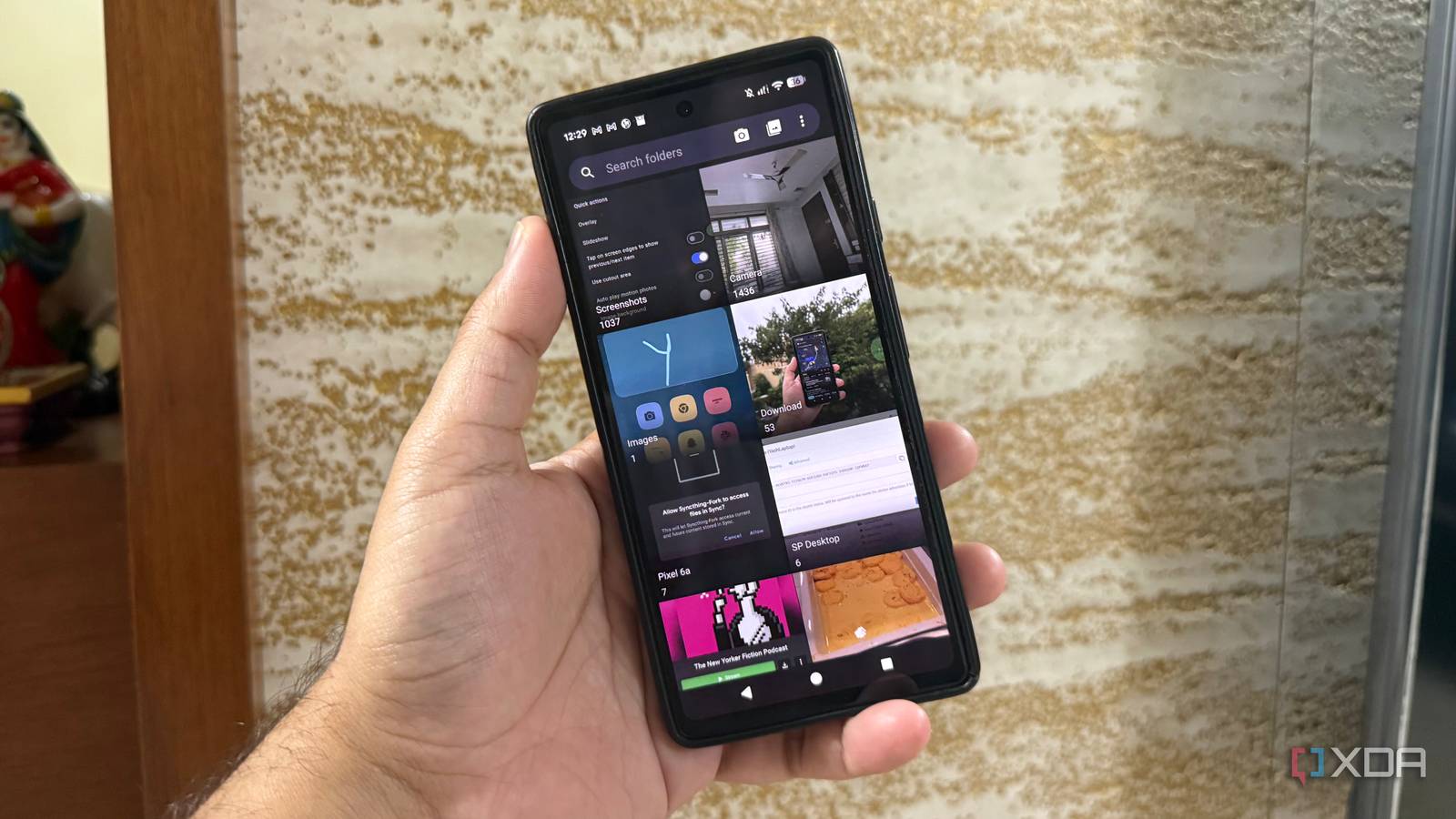
Published Nov 28, 2026, 10:30 AM EST Beginning his professional journey in the tech industry in 2018, Yash spent over three years as a Software Engineer. After that, he shifted his focus to empowering readers through informative and engaging content on his tech blog – DiGiTAL BiRYANi. He has also published tech articles for MakeTechEasier. He loves to explore new tech gadgets and platforms. When he is not writing, you’ll find him exploring food. He is known as Digital Chef Yash among his readers because of his love for Technology and Food. Google Photos has been my go-to app for years, but I started wondering if it was really the best way to manage every picture I take. Between cloud storage, privacy, and the growing number of photos on my Pixel, I wanted something more flexible. So, I tried a few alternatives, ranging from simple offline galleries to apps that let me run my own photo server. Some were better than I expected, and two have now become part of my regular workflow. Ente Photos My photos stay private, even in the cloud Privacy was one of the biggest reasons I started exploring alternatives, and Ente Photos addresses that concern without sacrificing convenience. The Android app automatically backs up photos and videos while keeping everything end-to-end encrypted. Unlike conventional cloud services, Ente uses zero-knowledge encryption, so the company cannot access my original photos. Beyond encrypted backups, Ente has a few useful tricks that make managing a growing photo library easier. Face recognition groups pictures of the same people, while Magic Search lets me find photos using everyday descriptions such as "beach sunset" or "birthday cake." Both features run on-device, so my pictures aren't sent to a server for AI analysis. They do require enabling machine learning and completing the initial indexing. The app also supports shared albums, memories, and access across Windows, macOS, Linux, and the web. It starts with 10GB of free storage, which is a reasonable way to try it before committing to a paid plan. Ente Photos Ente Photos is an open-source, end-to-end encrypted photo and video backup service designed as a privacy-focused alternative to cloud galleries like Google Photos and iCloud. Aves Gallery A gallery that understands more than just photos Aves Gallery is particularly interesting if your photo collection contains more than the usual JPEGs and videos. Alongside the usual timeline and folder browsing, Aves lets me explore photos through albums, tags, locations, and maps. The map view is useful for revisiting travel memories when I don't remember the exact date a picture was taken. Aves goes beyond simply displaying thumbnails and filenames. The app reads image and video metadata, making it easier to explore pictures by location, date, and other details. It also recognizes special media formats, including Motion Photos, panoramas, 360-degree videos, and GeoTIFF images. It also handles a surprisingly wide range of formats, from SVG and multi-page TIFF files to older AVI videos. It even integrates with Android's global search, app shortcuts, and media picker. For anyone with a large and varied photo collection, Aves provides more control over how different types of media are browsed and organized. Aves Gallery Aves Gallery is a local-first gallery that is reminiscent of gallery apps from the early days of Android. Fossify Gallery A simple gallery app that puts my photos back on my phone Sometimes, a photo gallery doesn't need cloud storage, AI search, or another account. Fossify Gallery keeps things refreshingly simple. Instead of trying to become another cloud photo platform, it focuses on making locally stored pictures easier to browse and manage. I installed it on my Pixel, and the first thing I noticed was how clean and straightforward the interface felt. Photos and videos are organized into albums, with plenty of customization options to adjust the appearance. It also has a few practical features that make it more useful than a basic gallery. Its built-in editor handles cropping, resizing, rotating, drawing, and applying filters without opening another app. The EXIF removal option is a useful touch, especially when sharing pictures that contain location or camera information. It supports several formats, including JPEG XL, RAW, GIF, and AVIF. There are no ads or mandatory online accounts, making it a refreshing choice for everyday photo browsing. Fossify Gallery Fossify Gallery is a free, open-source Android photo and video gallery app forked from Simple Gallery, offering local media browsing with no ads or internet permission required. Immich My own Google Photos, running on a server I control Running my own photo server sounded like extra work, but Immich made the idea surprisingly appealing. I installed it using Docker and connected its Android app to my server. Once configured, Immich handled photo and video uploads in the background, saving me from manually transferring files to my server. I could also choose which device albums to back up instead of uploading everything. Navigating Immich feels familiar, thanks to its chronological timeline, albums, favorites, and map view for browsing pictures by location. The real advantage becomes apparent when searching through a large library, thanks to its smart search and facial recognition. Searching for something like "dog on the beach" or finding pictures of a particular person makes a large library much easier to navigate. It even supports Android Motion Photos, which is a useful addition for Pixel users. There's also a Free Up Space option to remove backed-up files from the phone successfully. Immich OS iOS, Android, web Key highlights Self-hosted iOS compatible Yes Android compatible Yes Immich is a self-hosted photo and video backup solution. I found my perfect photo management combination After trying all four alternatives, Immich and Fossify Gallery are the ones that fit my workflow best. Immich gives me a complete photo library that I can manage on my own server, while Fossify is my go-to for quickly browsing pictures stored on my Pixel. I don't have to rely on one app for everything anymore. The two serve different purposes, and that's what makes them work so well together. Ente and Aves are worth exploring too, but Immich and Fossify are the combination I see myself using regularly.
These Google Photos alternatives made me rethink how I manage photos on my Pixel device
Full Article
Original Source
Read the full article at Xda-developers →KhanList aggregates and links to publicly available news content. We do not host full articles from third-party sources. Always verify important information with original sources.