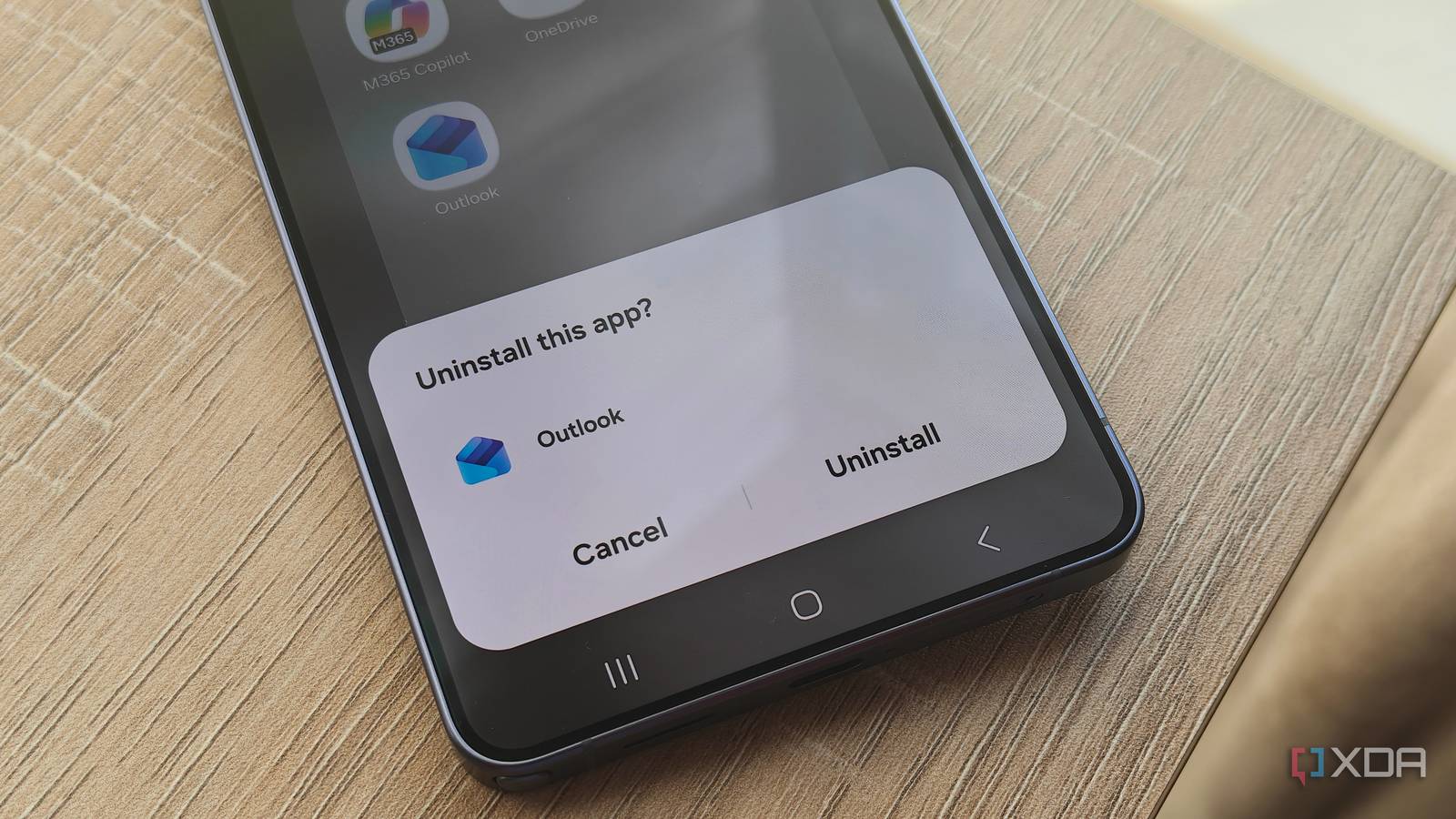
Published Jul 24, 2026, 8:30 AM EDT Megan is a Software Writer at XDA Developers who has been writing about consumer technology since 2016. With a postgraduate degree in New Media journalism, she has always been passionate about diving deep into topics and writing about them in a way that makes them easier to understand for everyday consumers. She runs her own blog called Tech Valkyrie and has contributed to Tom's Guide and Android Authority. She also worked at MakeUseOf as a Lead Editor. In her spare time she plays video games and geeks out about the latest tech. Android is a great platform for finding a variety of apps that suit your needs, with tons of flexibility and freedom. However, not all apps are created equal, and some of the software that comes pre-installed on your device is just bloatware. While pre-installed apps can save the hassle of downloading software from scratch, they're not all that useful when they include apps that you don't use or actively avoid. Since I review phones as part of my job, I set up new devices fairly regularly. And whenever it comes to a new Android phone, I make sure to uninstall or disable these apps whenever they're pre-installed on my device. Chrome Brave is my default browser instead While Chrome is the go-to browser for most people on Android, I stopped using the app on my smartphone a year ago. Instead, I replaced it with Brave thanks to its privacy-focused features and ability to force dark mode on websites without using a flag. However, whenever I set up a new Android device, Chrome is pre-installed. Technically, you can't fully uninstall it, but you can disable it so that it stops showing up in your app drawer and list of apps. I also make sure that Brave is one of the first apps I install so that I can immediately replace my device's default browser. I also set Google Discover and my social media apps to open links in Brave. Ever since disabling Chrome, I haven't missed the app on my devices. I initially didn't remove it when I first stopped using it, as it was one of the quickest ways to access Google Password Manager. But since switching over to Proton Pass, this was no longer a concern, and Chrome made it onto my app hit list. Microsoft Office apps I no longer use Microsoft apps for documents Depending on the exact brand you're using, you may find that Microsoft apps like Word and Excel are pre-installed on your device. More recently, I've also noticed Copilot, OneDrive, and Outlook thrown in. But I stopped relying on Microsoft apps a long time ago. Even when I did have a Microsoft 365 subscription, I didn't really use the company's mobile apps since editing documents on a smartphone can be a pain. I don't even use an alternative like Google Docs anymore, since my preferred note-taking app, Notesnook, lets me create notes offline and use a rich text editor. So the few times I am writing up a document on my phone (like on a plane), I tend to use Notesnook instead. When it comes to AI assistants, I prefer to use Claude and Gemini. The cloud functionality of Microsoft Word and Excel was actually what initially put me off using the apps — I just wanted something to open and edit documents on my device when needed. Now I simply use my phone's built-in document manager to open spreadsheets and text documents that I just want to view quickly. When I want to create a document with syncing, I just use Notesnook since I can use it offline and sync it later without needing to mark a note as one that needs to be available offline. Needless to say, when I see those bundled Microsoft apps on a new device, I make sure to uninstall them. The only one I really allow to stick around is LinkedIn. Pre-installed games They often install even when deselected Budget and mid-range devices tend to come with more bloatware than their premium counterparts, with many including pre-installed games. I've also found that even if you deselect these games when setting up your apps, they install anyway, and you have to remove them manually. Don't get me wrong, I'm a fan of mobile games. But I prefer to choose which ones I want to play rather than having them installed on my device without my permission. So whenever I see a game I didn't install after setting up a new device, I make sure to remove it. I'll do this even if it's a variant of a game I do play — like Solitaire — because I'm picky about the exact features and gameplay I want in an app. Since I don't want these games using up precious storage on my device, or sending me notifications, I remove them as soon as I can. YouTube Music The free version is awful YouTube Music is often included in the pre-installed Google apps on Android devices, but I don't use the service at all. Rather, my preferred music streaming service is Spotify. I tried out the free version of YouTube Music last year while I took a break from my Spotify subscription, and realized that I really didn't like the service's approach to free streaming. The app doesn't allow you to turn your screen off or switch to another app while playing music on your phone, which is a major drawback for battery life and multitasking. Since I also don't have a YouTube Premium subscription, I don't get any benefit from having the app on my device. So if it's there when I set up a new smartphone, I make sure to remove it. Booking.com I prefer doing the booking myself Booking.com is one of those apps that is so out of my wheelhouse that it always stands out to me when it appears on a new smartphone. I've never used the service, and I don't really travel much, but also don't plan to anytime soon. However, it is often bundled into the pre-installed software on new devices. On those rare occasions that I do book a trip, I use multiple platforms to search for accommodation and flights to see the best prices available, rather than relying on a centralized platform. It takes a bit more effort, but it prevents price increases based on in-app browsing history and can avoid commission fees, resulting in better prices overall. Make sure you're checking the bloatware on your device Even though bloatware isn't going to ruin your device, it takes up precious storage at a time when smartphones increasingly don't come with microSD slots. While images take up around 7.5GB on my daily driver, apps take up a whopping 70GB. As a result, I want to make sure that every app is one I actually use, rather than the extra bloat that my manufacturer decided to install.
These are the first 5 apps I remove from any new Android phone, no matter the brand
Full Article
Original Source
Read the full article at Xda-developers →KhanList aggregates and links to publicly available news content. We do not host full articles from third-party sources. Always verify important information with original sources.