
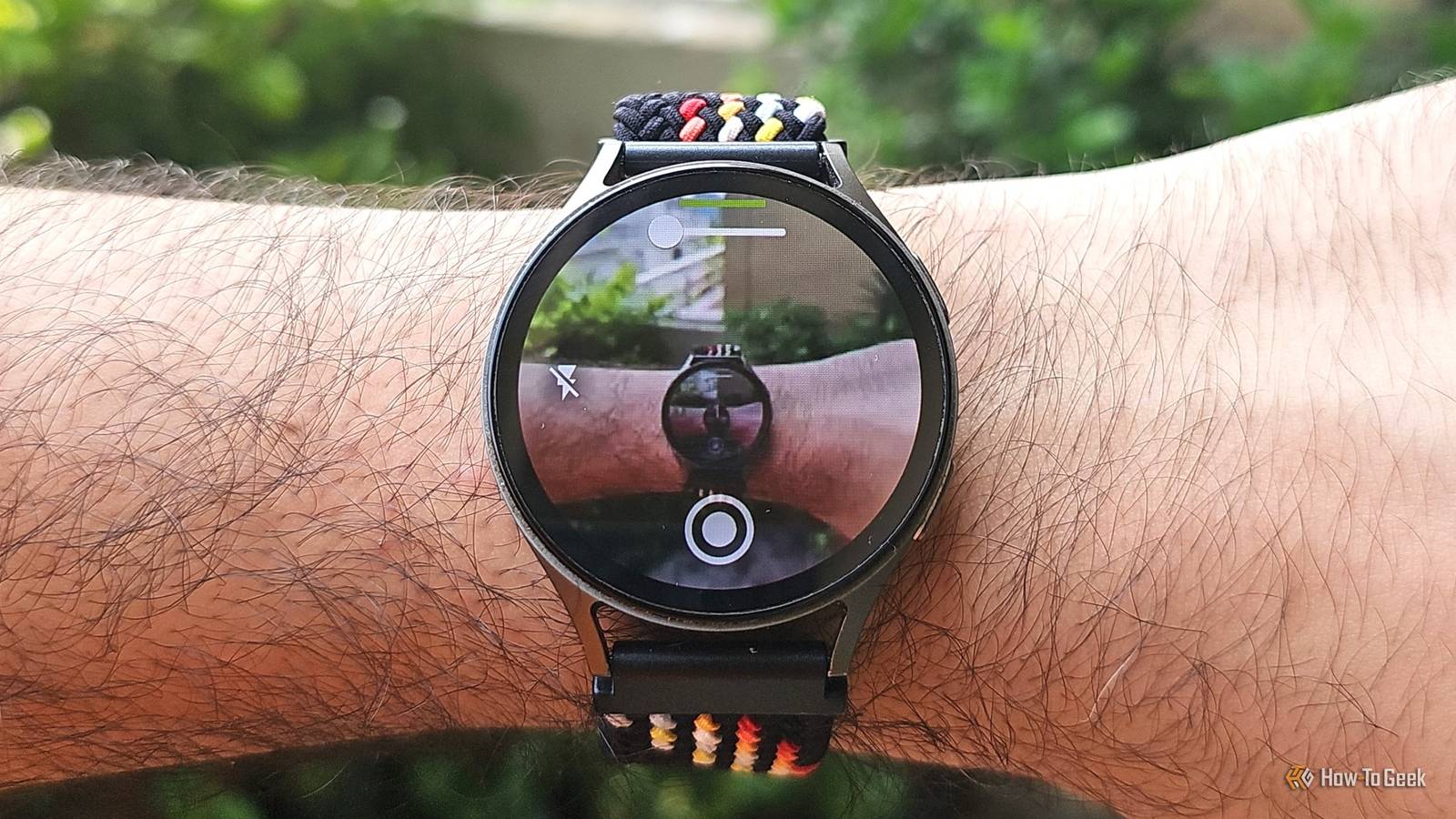
Published Sep 28, 2026, 3:00 PM EDT Bilawal is a software engineer with a deep love for tech and gaming. He is always emulating games on his Android phones, testing out new controllers, or installing SteamOS on everything. He knows his way around Windows, Xbox, and PlayStation as well as Unreal Engine. No bribe can make him eat a pineapple pizza, ever! Samsung Galaxy Watches are pretty capable devices with good hardware. With Wear OS, they also have solid software support. Google Play Store access makes customization and functionality virtually limitless. Samsung has done a good job giving users plenty of solid apps by default, but if you are like me, you won’t settle for the default offerings. If you want to tinker and add new functions to your Galaxy Watch, you’re in the right place. I have the coolest selection of apps that will drastically change how you can utilize the compute power you paid for. I have the Galaxy Watch 7 because I don’t like the recent Galaxy Watch designs. The Classic 8 also has a smaller screen compared to the last Classic offering. All of these apps work smoothly on the Watch 7. AnyTile Tile it your way If you love functional customization that's not just for show, you’ll love what AnyTile offers. Instead of launching apps like a normal icon, AnyTile lets you create shortcuts to specific links, intents, and activities. I have a shortcut that automatically turns on the lights when I get home. The possibilities are practically endless: from sending automated emails to jumping to a frequently used action, you can do it in seconds. Want to create a new email on the phone? There’s a tile you can make for that. The app is compatible with Wear OS 3 and above and works not just on Galaxy Watches but also on Google, OnePlus, and Xiaomi watches. AnyTile was originally called Wear Activity Manager, so naturally its original DNA is still there. If you want to go deep into an app’s functionality, you can do so easily here. Samsung has done an above-average job of offering tile customization with their watch faces, including launching certain actions with one click. However, AnyTile gives granular control over functions, making it an ideal choice for those who love to tinker and automate. Camera Control for Wear OS It’s a bit controlling Yes, the Galaxy Watch already has a default Camera Controller app, but it offers only basic controls. The default app, however, is compatible only with Samsung devices, and that too, from the Galaxy S9 and upwards. So, if you want more control over the camera from your wrist, I recommend trying out Camera Control for Wear OS. The paid app is compatible with older devices and devices made by other manufacturers as well. I tested it on a Google Pixel, and it worked just as well as it did on my Galaxy S23 Ultra. The app makes photo and video recording easy, even for non-Galaxy phone owners. Travelers can make interesting time-lapses with the app; just put the phone somewhere secure and shoot. I use the app to take bird photos near the feeder; birds don’t get spooked by a giant human this way. The app offers zoom, quality, and resolution control. You can turn on the flash and change settings right from the watch. However, like any other third-party app, you’ll need a companion app on the phone to use the watch version. AutoWear The definitive taskmaster Speaking of automation, if you are a fan, you probably are already knee-deep in Tasker. If so, AutoWear is the perfect app for your Galaxy Watch. The app turns the watch into an automation endpoint for Tasker. You can also use shortcuts to change settings, launch apps, and retrieve information with a single tap. AutoWear can let you use your phone better and faster. Press a button on the watch; the app sends a command to Tasker, and Tasker performs the task. Even complicated tasks can be automated this way, making mundane repeating tasks a breeze. You won’t have to turn the phone screen on to get stuff done. I’ve set the watch to start playing music on the phone when it detects I have earphones on and I’m running in the morning. A complicated task, but once set up, it works flawlessly. The downside? This isn't plug-and-play; it takes some getting used to. However, if you invest the time, you’ll struggle to go back to the basic Galaxy Watch. Power users are already using tools like Tasker; AutoWear just brings it to your wrist. WearMouse I like to move it Samsung Galaxy phones come with an excellent docking system. Sure, you can cast DeX to a compatible display and use your phone's screen as a trackpad, but what if you want the phone docked near the TV? You’ll have a hard time controlling the device, especially when browsing the internet. WearMouse turns your Galaxy Watch into a trackpad. The best part? This app isn’t locked to just the Galaxy ecosystem. You can install it on your Galaxy Watch and use it to control a Google Pixel; it also supports Windows and macOS. I liked how you can move your hand around and use your Galaxy Watch as a gyroscopic mouse with the app; unfortunately, you still have to use your other hand to click. You can also use it as a traditional trackpad with two fingers. The app also lets you bring up a virtual keyboard for the connected device, but it is a bit hard to use. Samsung is doing well Samsung has nailed the base apps and features on the Galaxy Watch. I don't think any of the default apps are missing major features; however, if you are a power user, you’ll definitely crave a few more options. That’s why I’ve included some of the most powerful apps that you can easily spend hours tinkering with. After all, that’s the best part of setting up new apps.
These 4 apps transform your Galaxy Watch into something Samsung didn't design
Full Article
Original Source
Read the full article at Howtogeek →KhanList aggregates and links to publicly available news content. We do not host full articles from third-party sources. Always verify important information with original sources.