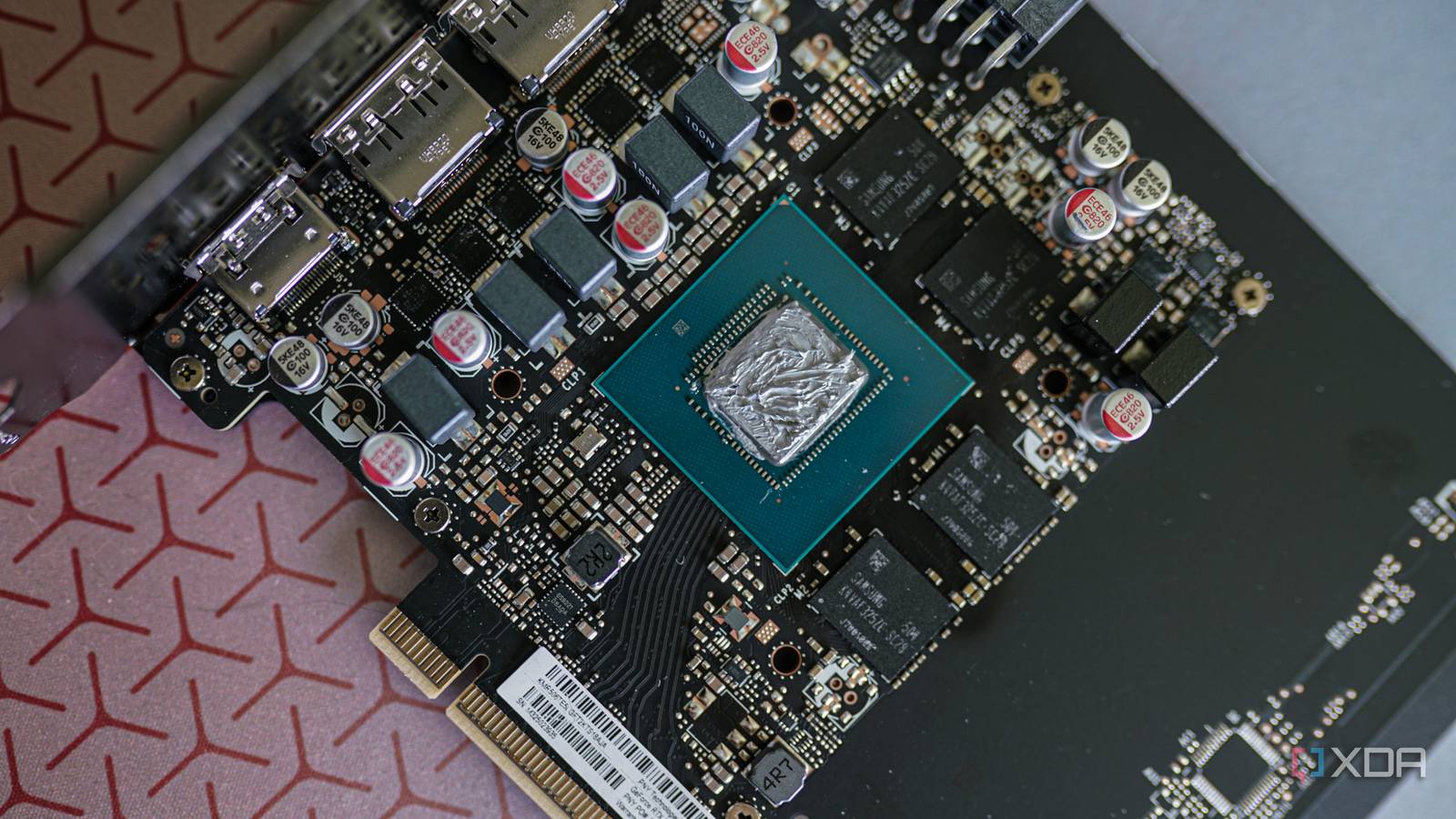
Published Jul 22, 2026, 5:30 PM EDT His love of PCs and their components was born out of trying to squeeze every ounce of performance out of the family computer. Tinkering with his own build at age 10 turned into building PCs for friends and family, fostering a passion that would ultimately take shape as a career path. Besides being the first call for tech support for those close to him, Ty is a computer science student, with his focus being cloud computing and networking. He also competed in semi-pro Counter-Strike for 8 years, making him intimately familiar with everything to do with peripherals. For about a year and a half, anyone running a GeForce RTX 50 graphics card was flying half-blind on temperatures. The card was quietly tracking its own hottest point, the hotspot or junction reading, but Nvidia had walled that number off from the monitoring tools everyone uses, leaving owners with only the gentler averaged GPU temperature. This summer, a wave of third-party utilities cracked the reading back open, and what surfaced ranges from perfectly ordinary to genuinely alarming. The sensor, it turns out, was never gone. It was hidden, and the story of why is more revealing than the numbers themselves. The sensor that Nvidia was hiding from consumers It was never removed, just obfuscated When the RTX 50 series arrived, reviewers and enthusiasts quickly noticed the hotspot reading had vanished from the usual monitoring tools. GPU-Z first returned a nonsensical 255°C, then dropped the field entirely while keeping it intact for RTX 40 cards. GPU-Z's developer, W1zzard, confirmed that Nvidia had pulled hotspot data from the public NVAPI interface that third-party software relies on. What became clear later is how thoroughly the block was applied. The reading disappeared not only from the public API but from the private, NDA-protected interfaces available to partner developers, which is why official partner software such as MSI Afterburner still cannot show it. None of this touched the hardware, though, because the sensor stayed on the die, active and measuring the whole time, and the proof of that was in Nvidia's internal diagnostic suite, MODS. It could read it throughout, and register-level investigation by Igor's Lab has since confirmed that an internal hotspot value still lives on Blackwell chips, with access restricted at the driver level rather than absent. It's the one reading that captures a cooling problem with the 50-series And Nvidia clearly knew it The averaged GPU temperature that Windows shows is reassuring precisely because it smooths everything out. The hotspot number is the one that exposes a localized failure: a cooler seated slightly off, a dry or badly spread layer of thermal paste, an aging thermal interface. The case that put this in the spotlight makes the stakes plain. A Gigabyte RTX 5070 Ti sent in for overheating read a calm 67 to 68 C in Windows, yet Nvidia's MODS tool showed its hotspot climbing past 100 C and hitting the 107 C thermal limit five times in a single test run, forcing the card to drop clocks, as documented via a diagnosis by Brazilian repair specialists Paulo Gomes and Sidnelson. The culprit was poor cooler contact and dried-out paste, and re-pasting brought the hotspot down and restored performance. One Colorful RTX 5080 owner measured a hotspot near 100°C and took it up with the vendor, and at least one board partner has begun steering customers toward after-sales inspection, according to VideoCardz. This uncomfortable subtext underneath all of this, is, of course, the fact that Nvidia hiding the value and making it exclusive to their MODS tool hides information from the consumer, and that information could be crucial in potentially helping them troubleshoot a poorly designed or assembled card. The value being reported by some software still isn't the true hotspot It's a little more complicated than that The tools that brought the hotspot back, HWMonitor first, then HWiNFO, AIDA64, a community plugin routed through Afterburner, and Igor's Lab's own estimator, do not fully agree with one another. HWiNFO's developers found two candidate sensors and cannot yet confirm which corresponds to the GPU hotspot and which might track the power stage. None of these readings are officially sanctioned or calibrated; they come from reverse-engineered register access Nvidia never documented. As Igor's Lab has stressed, the hard part is not grabbing a number but knowing how to interpret and convert it, because there are several internal entries and no public specification for which one counts. None of that explains why Nvidia chose to hide it If the RTX 50-series is warm, so be it Competing GPUs have exposed junction temperatures openly for years without incident. Nvidia could publish the hotspot through its documented interfaces, attach a note about filtering and sensible thresholds, and the entire controversy would evaporate. Instead, they obfuscated the value and made it impossible to read. Discussions about hotspot temps on forums have persisted through every major GPU launch, with countless threads asking "is this value okay", and the answer largely being a yes. The vacuum that a missing sensor reading causes is just going to drive more questions from enthusiasts about if their cards are running cool enough, not less. You can access some version of your hotspot temps now As it stands, the hotspot reading is broadly accessible again, even if the numbers still need consensus and the sensor's exact identity is unsettled. Genuine defects are turning up on a minority of cards, most owners will find nothing to worry about, and the sensible approach is simple: watch the reading under sustained load, and treat a hotspot creeping toward the throttle point as a reason to inspect cooling rather than a reason to panic.
There's one sensor on your RTX GPU that Nvidia doesn't want you to see, and the reason for it is a big mystery
Full Article
Original Source
Read the full article at Xda-developers →KhanList aggregates and links to publicly available news content. We do not host full articles from third-party sources. Always verify important information with original sources.